Mermaid Chart extension for GitHub Copilot
The Mermaid Chart extension provides advanced and powerful diagramming and visualization to GitHub Copilot Chat.
About
Ask @mermaid-chart to visualize parts of your code base. Then, continue to iterate using the Mermaid Chart editor. You can also use the Mermaid Chart extension for general questions about Mermaid, or to modify existing Mermaid diagrams.
Available in the GitHub Marketplace.
Installing the extension
-
Install the extension from the GitHub Marketplace. If you have a Copilot Business/Enterprise subscription, you may need to have an admin of your organization install the app.
For more information, see Using extensions to integrate external tools with Copilot Chat.
-
After installation, you will be asked to authorize the app.
Using the extension
Inside the Copilot window, start your prompts with @mermaid-chart.
Then, try the following example prompts:
General Mermaid queries:
- What diagram types do you support?
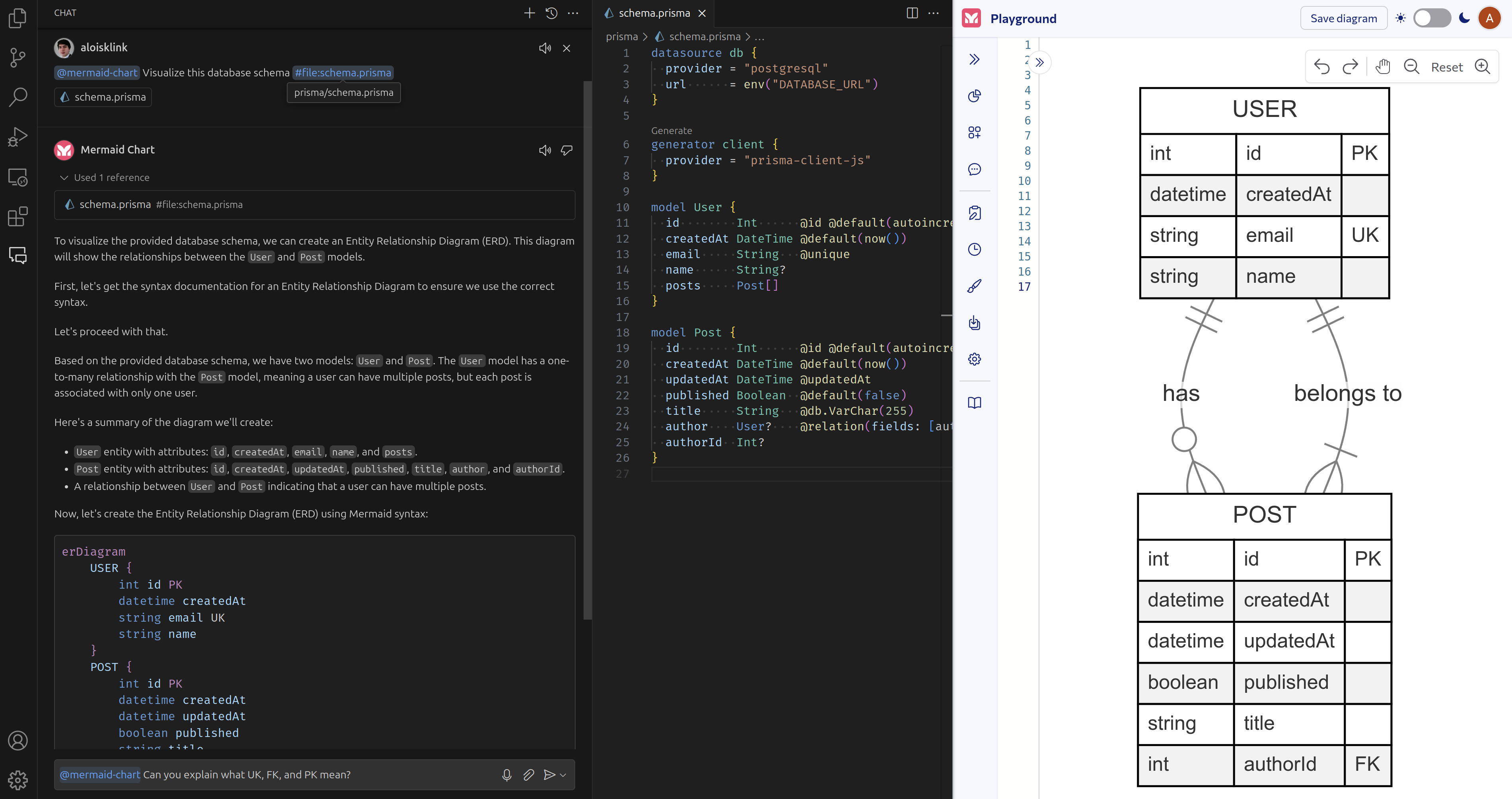
- Can you explain what
UK,FK, andPKmean in ER diagrams? - How can I change the theme of a diagram?
- What’s the syntax for a diamond node in a flowchart?
- How can I use US-style MM/DD/YYYY dates in a Gantt chart?
Generating diagrams, e.g. (using VS Code’s chat context):
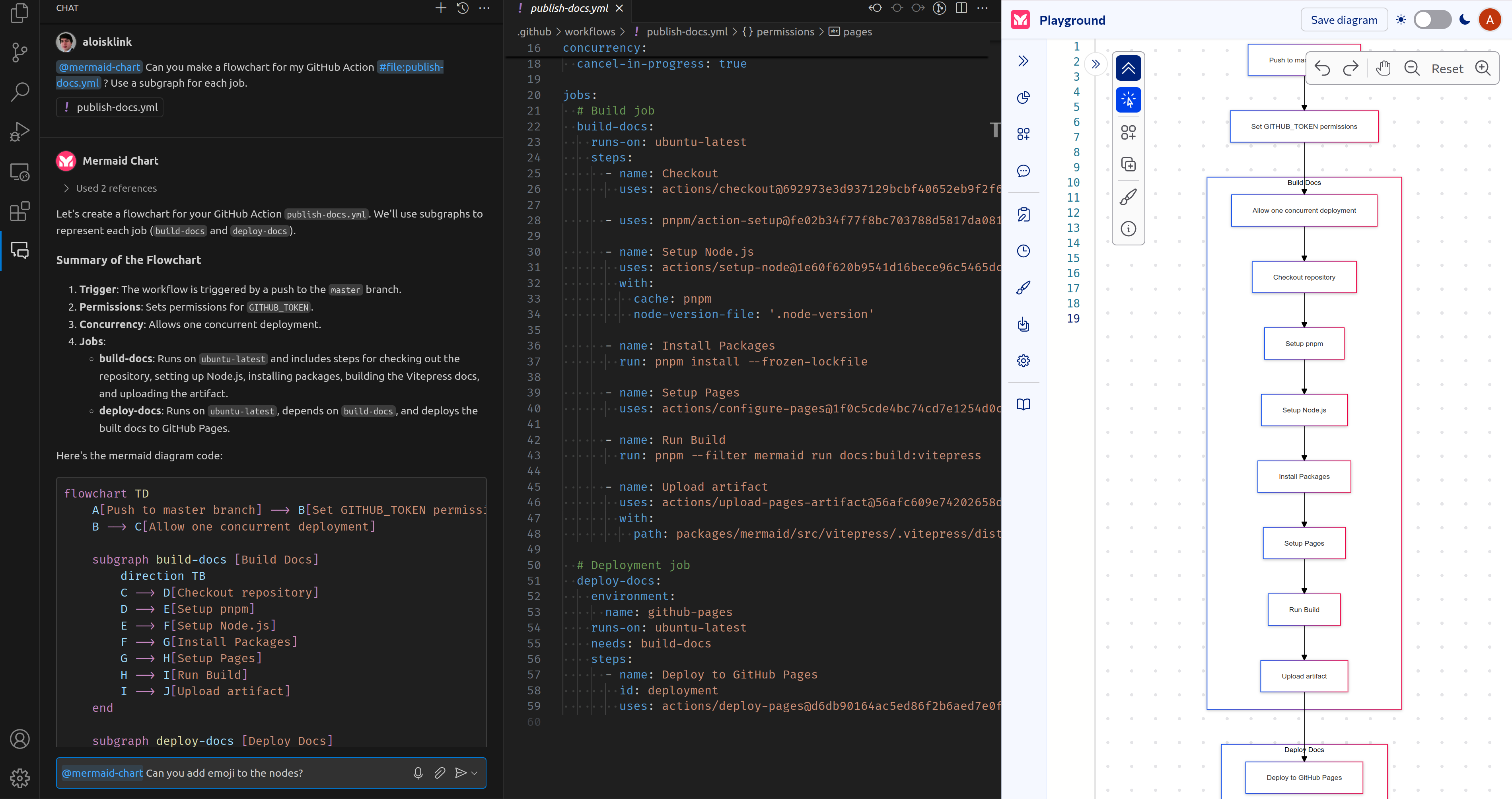
- Can you make a flowchart for my GitHub Action #file?
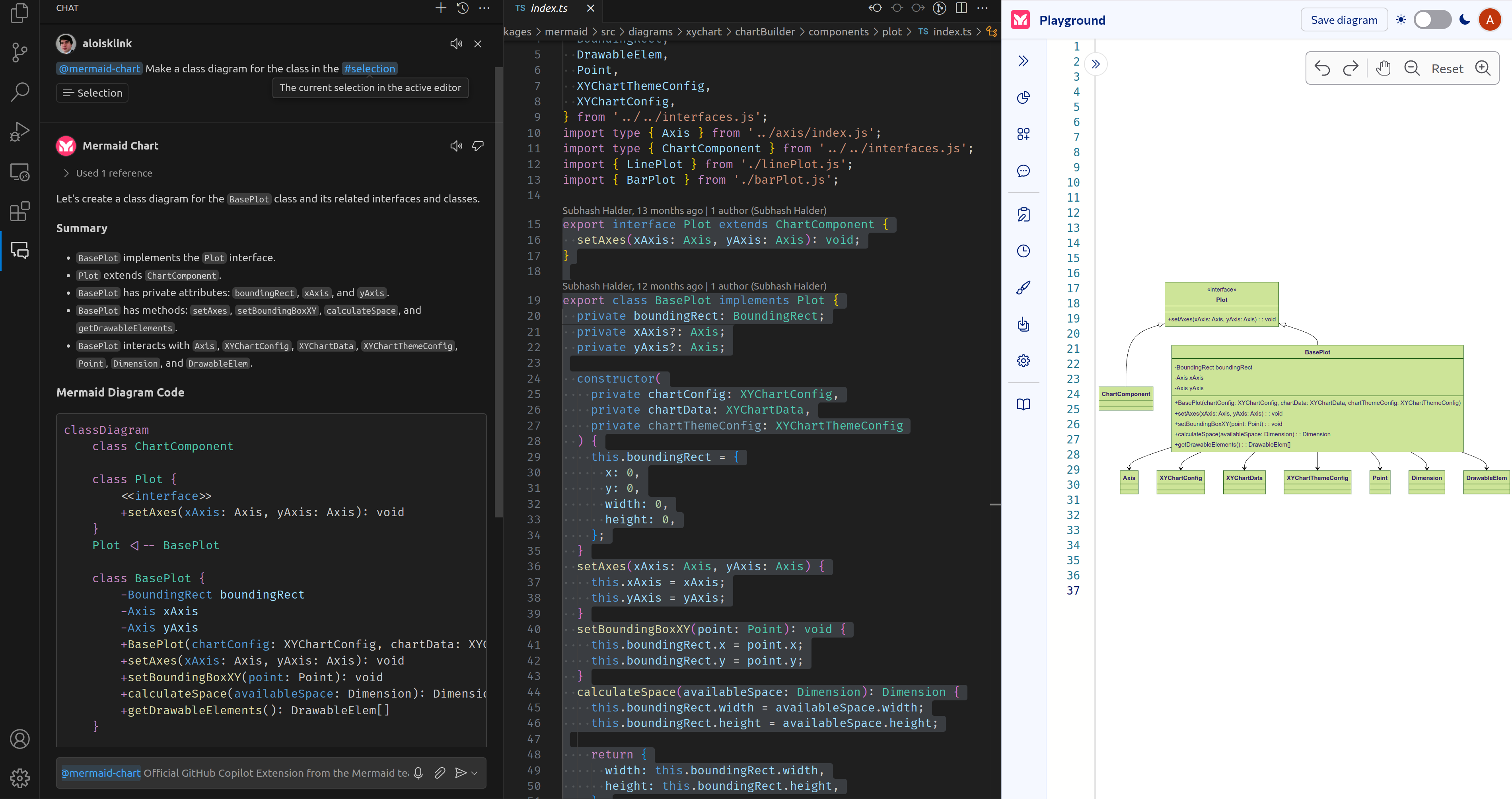
- Make an class diagram for the class in the #selection.
- Visualize this database schema from an SQL #file.
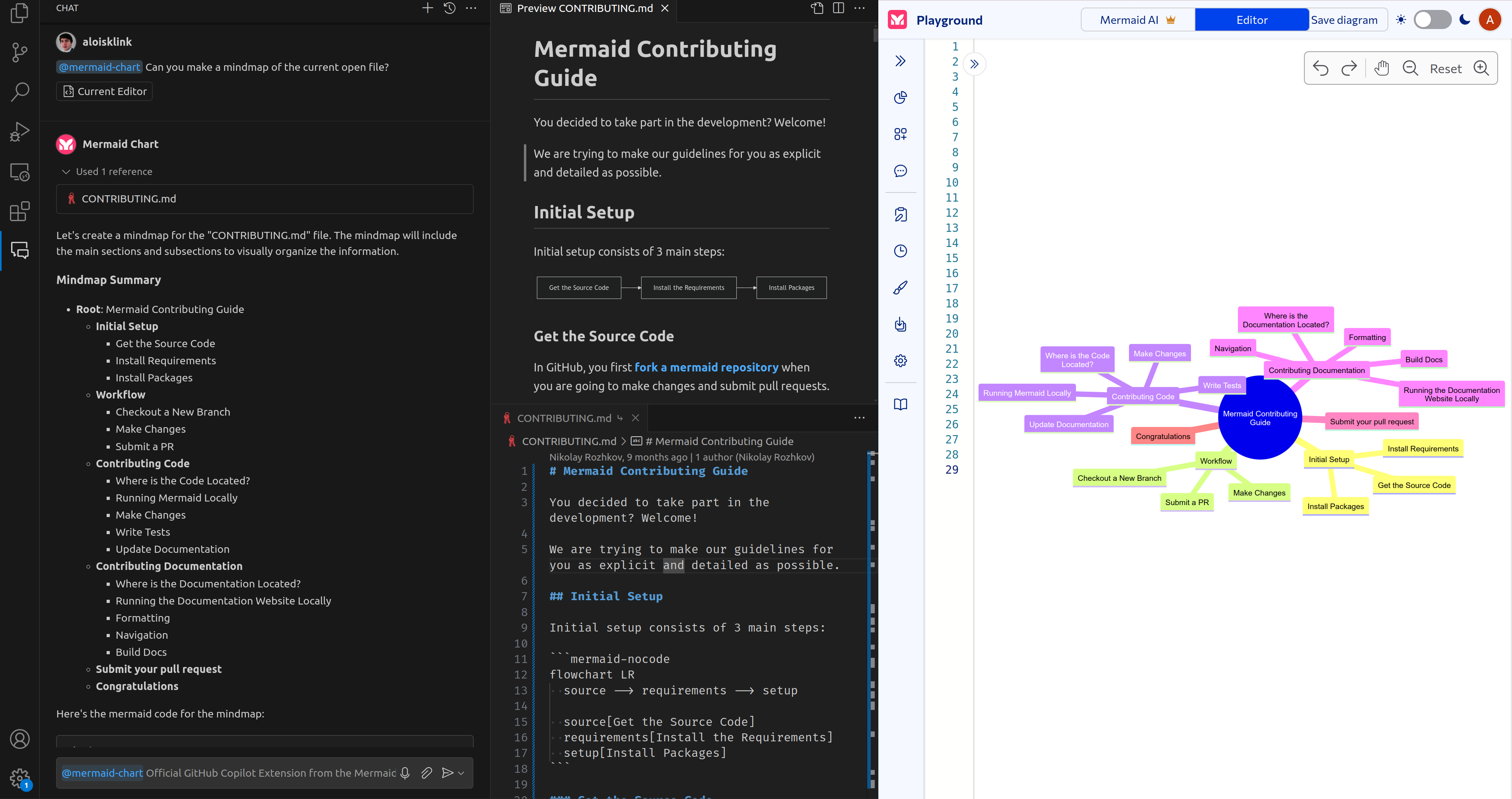
- Can you make me a mindmap of the current open file?
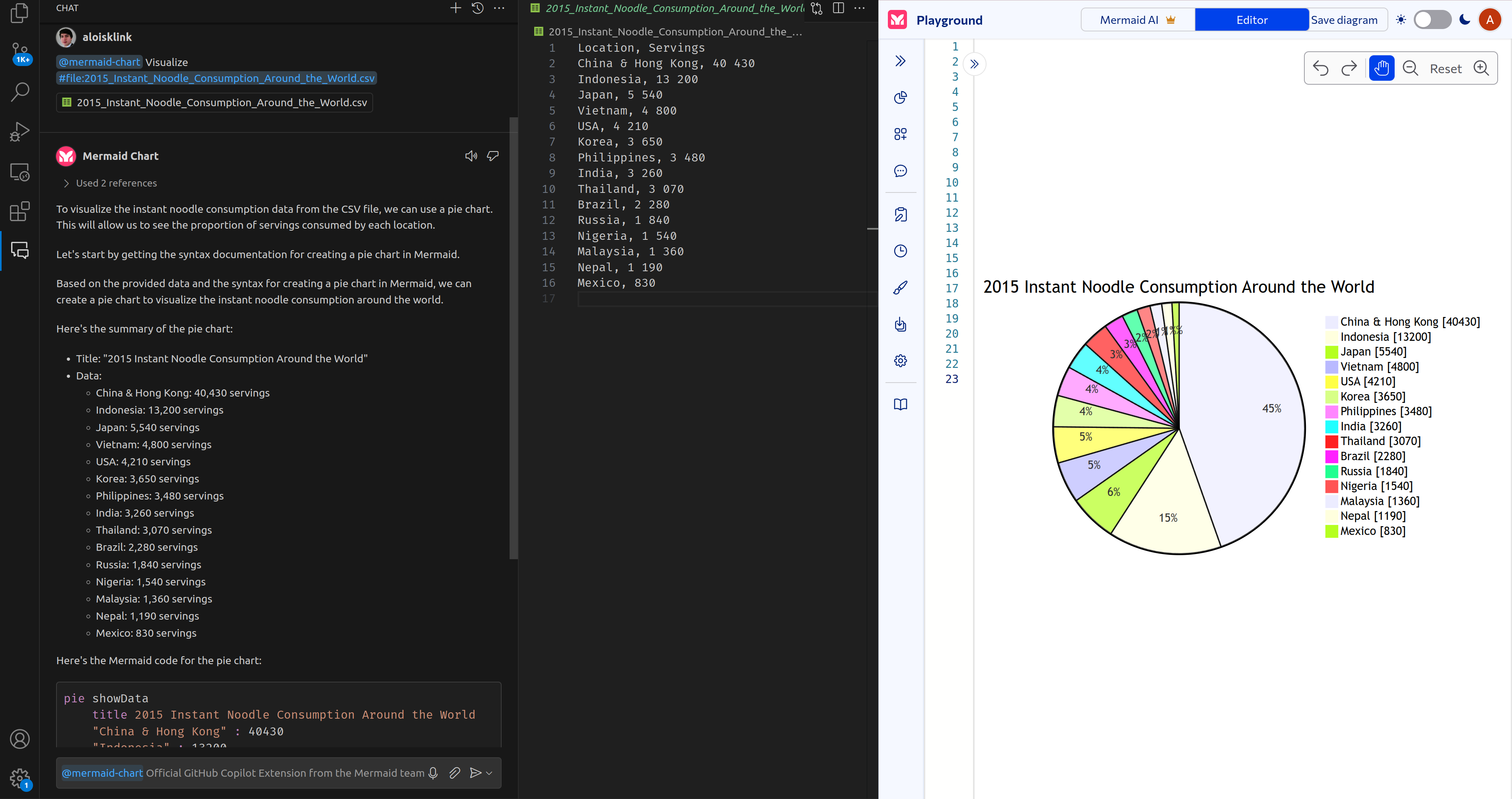
- Create a pie chart from this
.csv#file.
Screenshots