Stay in your ecosystem
Mermaid plugins brings diagrams into the tools you already use, so you can think, code, and collaborate without breaking focus.
VS Code
Create and preview diagrams directly in your editor. Learn more
JetBrains IDE Extension
Render and edit diagrams in IntelliJ, WebStorm, PyCharm, and more.
Cursor
Render and refine diagrams directly in your AI-powered editor.
Windsurf
Create and edit diagrams effortlessly as you code.
Claude Code
Generate, check, and improve diagrams with natural language.
Google Antigravity
Bring Mermaid diagrams directly into your agentic coding workflow.
ChatGPT (MermaidChart GPT)
(MermaidChart GPT)
Create diagrams with natural language prompts inside ChatGPT.
Confluence
Insert live diagrams into documentation pages.
Jira
Add diagrams to issues and tickets for clearer collaboration.
Google Docs Add-On
Drop diagrams into your docs and keep them up to date.
Microsoft Word Add-On
Bring clear diagrams into your specs and proposals.
PowerPoint
Add diagrams to slides without breaking formatting or switching apps.
Diagram where you already work
Keep coding. We’ll meet you in your tools.
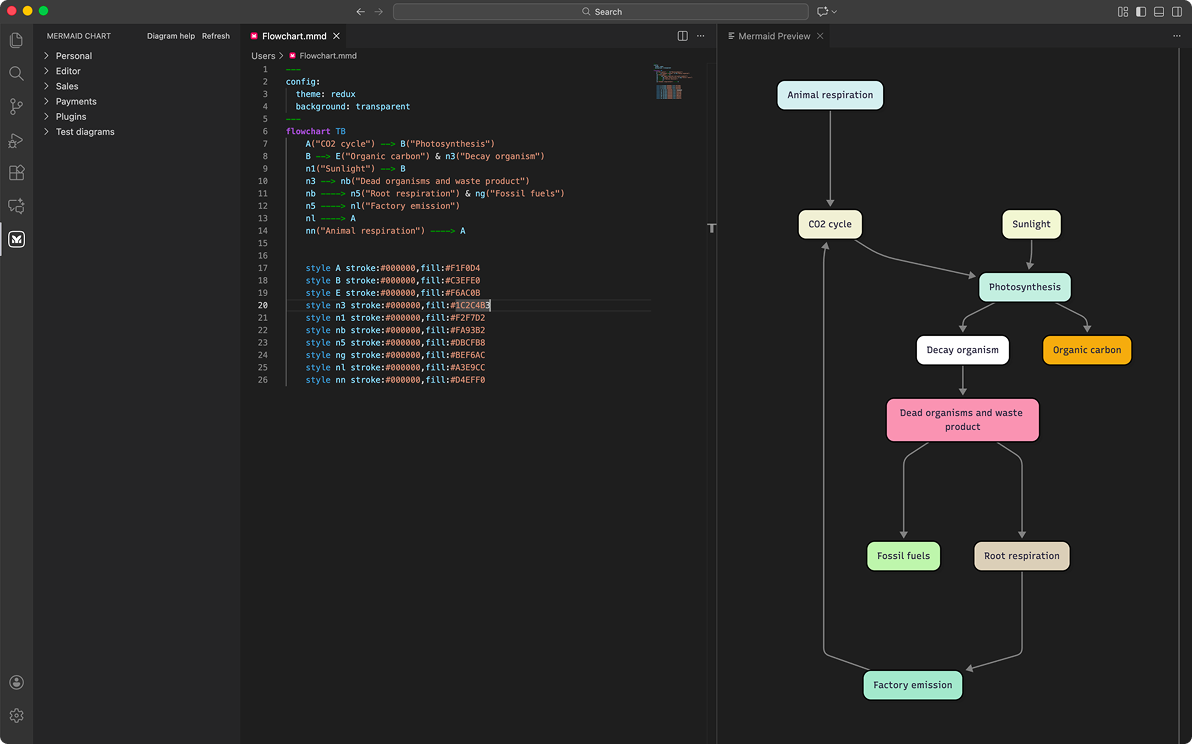
VS Code
Keep building without breaking focus.
Build your diagrams without leaving VS Code. With live previews, syntax highlighting, and AI guidance, you can create flowcharts, ER diagrams, Gantt charts, and more directly from your .mmd files.
Use it to:
Keep code and visuals side by side as you work
Edit Mermaid diagrams inside Markdown files
Generate architecture, ER, or Docker diagrams from code with GitHub Copilot
Export PNG/SVG files and share with your team
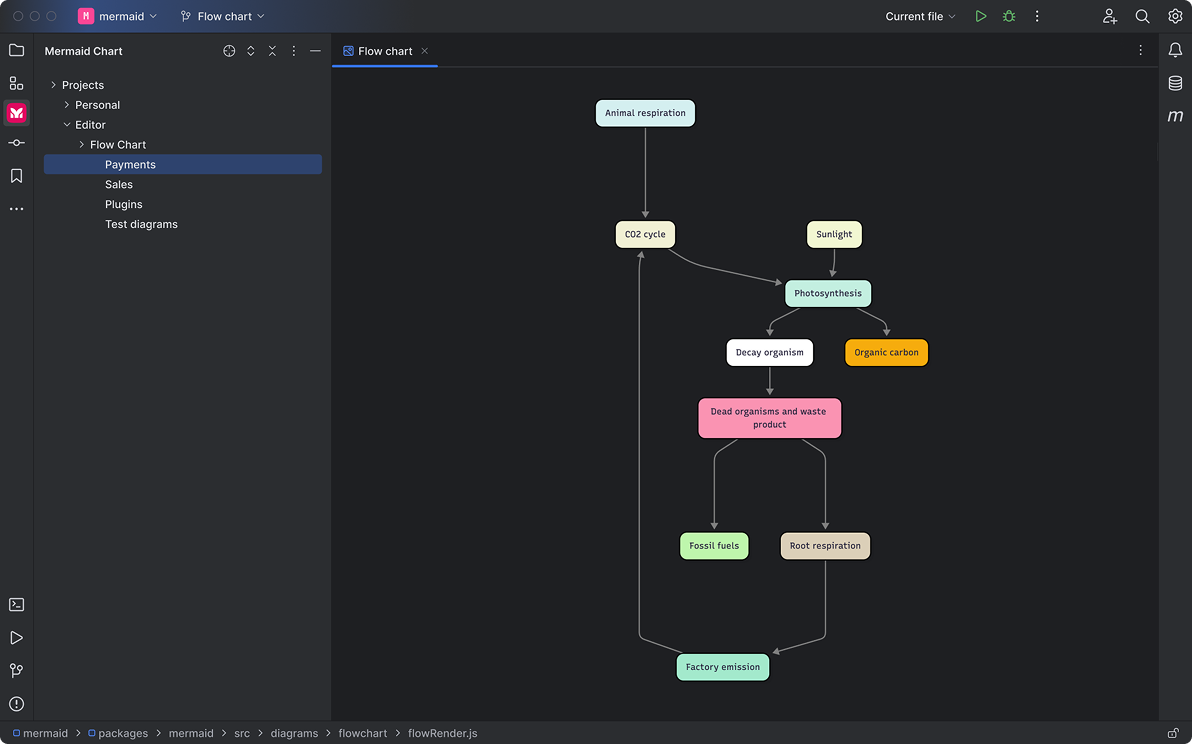
JetBrains IDE Extension
See the system while you code.
Bring Mermaid into your JetBrains IDE to create diagrams without leaving your development environment.
Use it to:
Document architecture directly in your project
Link and manage diagrams from Mermaid’s side panel
Keep diagrams synced as your code evolves
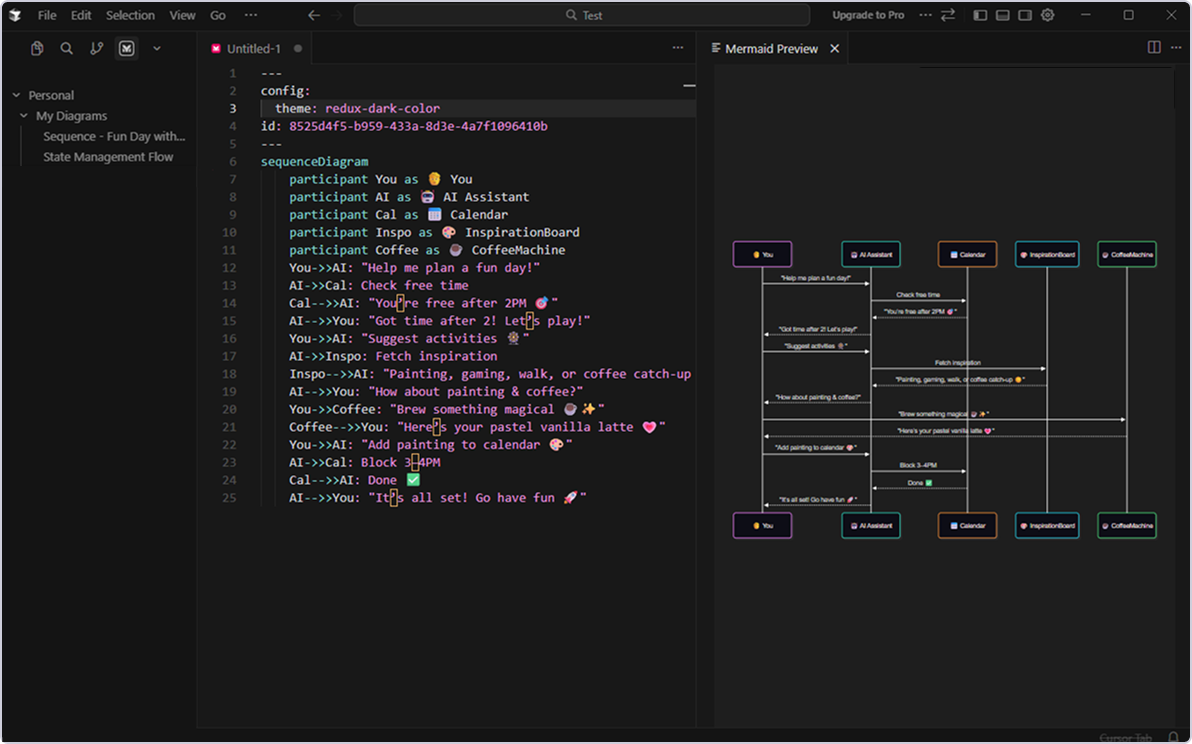
Cursor
Build diagrams directly in your AI-powered editor.
Create and refine Mermaid diagrams inside Cursor with live previews, syntax support, and seamless AI-assisted updates as you code.
Use it to:
Keep architecture and code context side by side
Generate diagrams from natural language or code blocks
Edit Mermaid inside Markdown or standalone files
Export PNG/SVG and share with your team
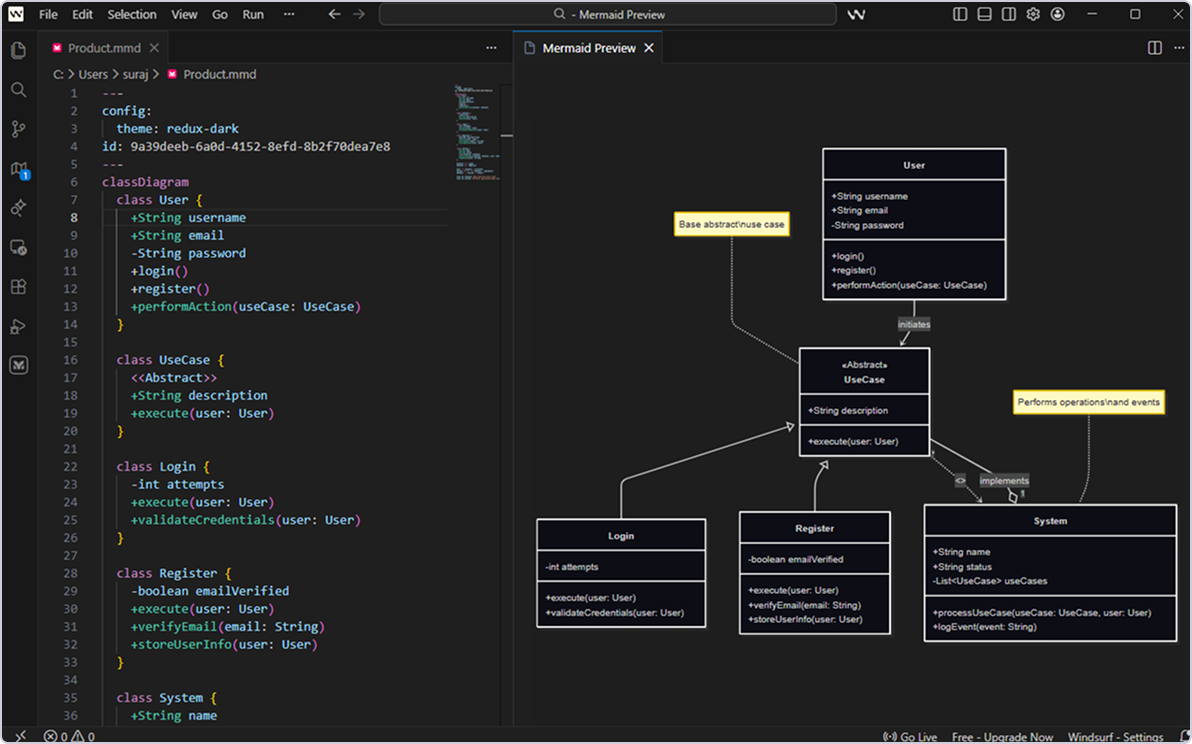
Windsurf
Visualize your ideas as you code.
Create, preview, and update Mermaid diagrams without leaving Windsurf. Perfect for fast iteration, documentation, and paired AI development.
Use it to:
Add flowcharts, ER diagrams, and more inline
Preview diagrams instantly as you edit
Keep your planning and coding in one place
Export visuals for docs, reviews, and handoffs
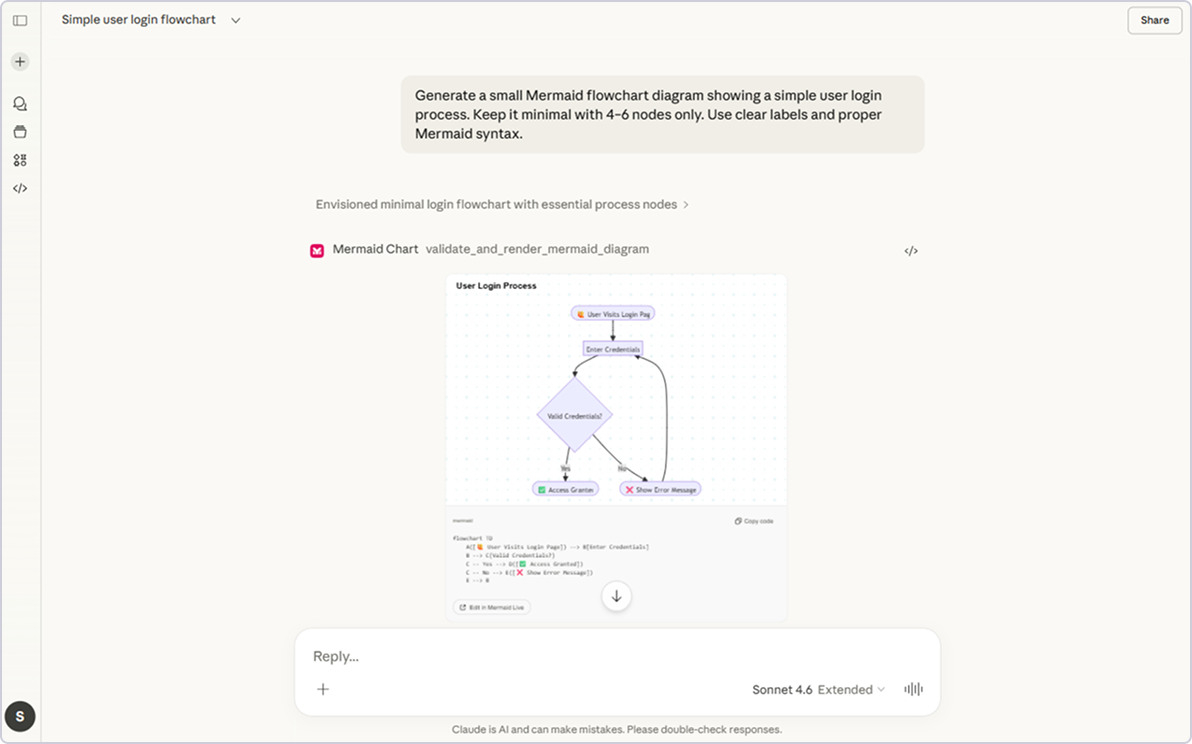
Claude Code
Generate and improve diagrams with natural language.
Claude helps you create, validate, and refine Mermaid diagrams using simple prompts. It fixes syntax, renders PNGs, and generates shareable links — no manual editing required.
Use it to:
Turn any description into a ready-to-share diagram
Check syntax, catch errors, and auto-fix issues
Improve clarity, layout, and style automatically
Render high-quality PNGs and get instant share links
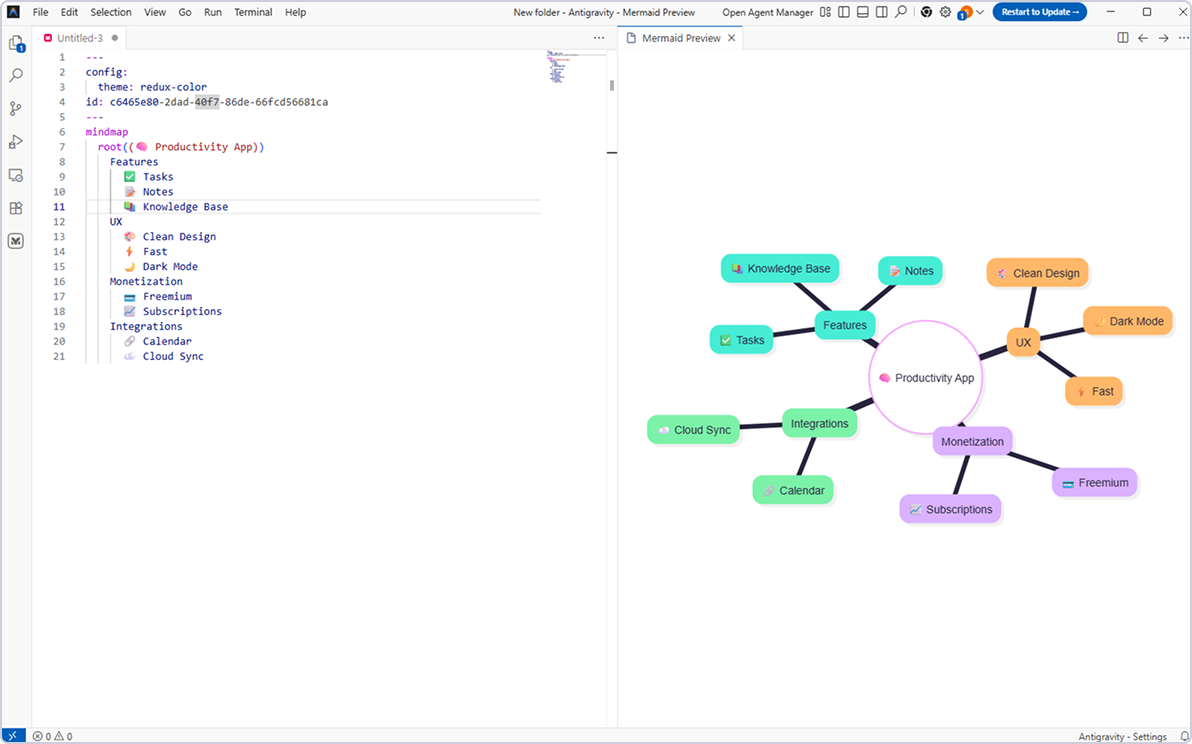
Google Antigravity
Keep building with AI-powered clarity.
With live previews, syntax highlighting, and AI support, you can generate, refine, and maintain diagrams alongside your code.
Use it to:
Create architecture, flowchart, ER, and sequence diagrams as you build
Keep AI-generated code and diagrams in sync
Edit Mermaid diagrams inline with live preview
Export PNG/SVG and share instantly with your team
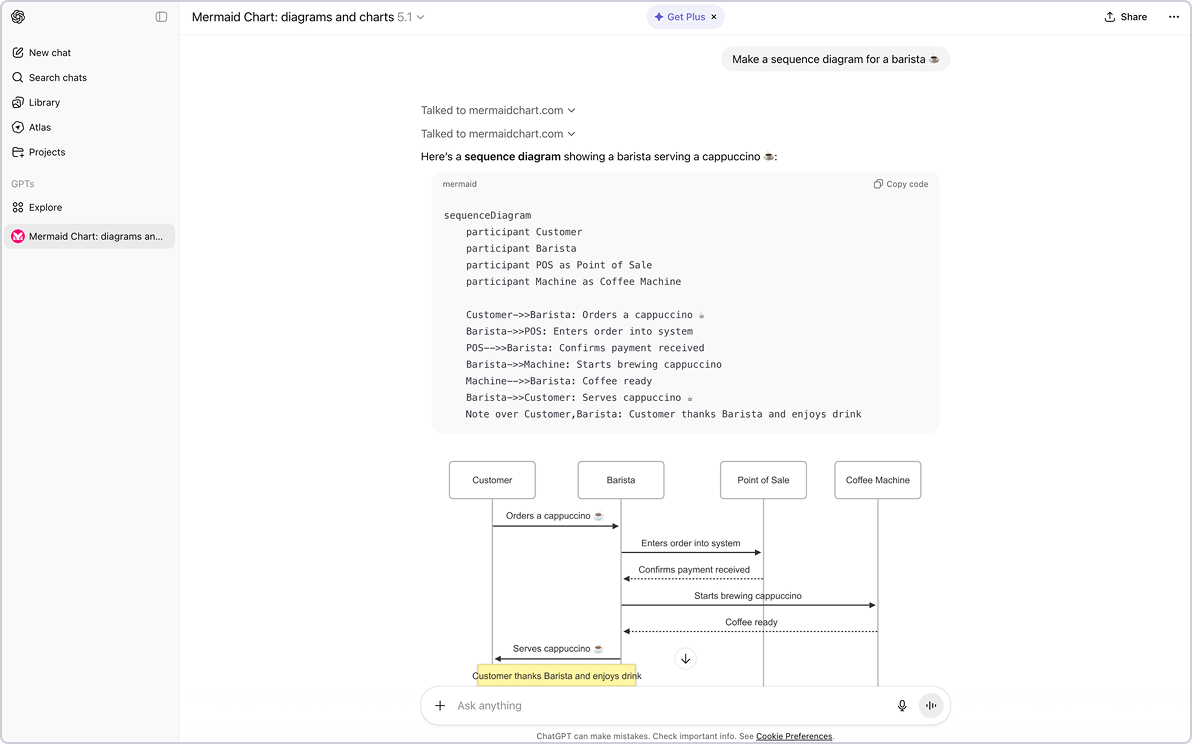
ChatGPT
(MermaidChart GPT)
Explain your idea, get a visual back.
Tell ChatGPT what you need and get an editable diagram instantly.
Use it to:
Brainstorm system designs in natural language
Convert text or code snippets into diagrams
Share visuals instantly during meetings or discussions
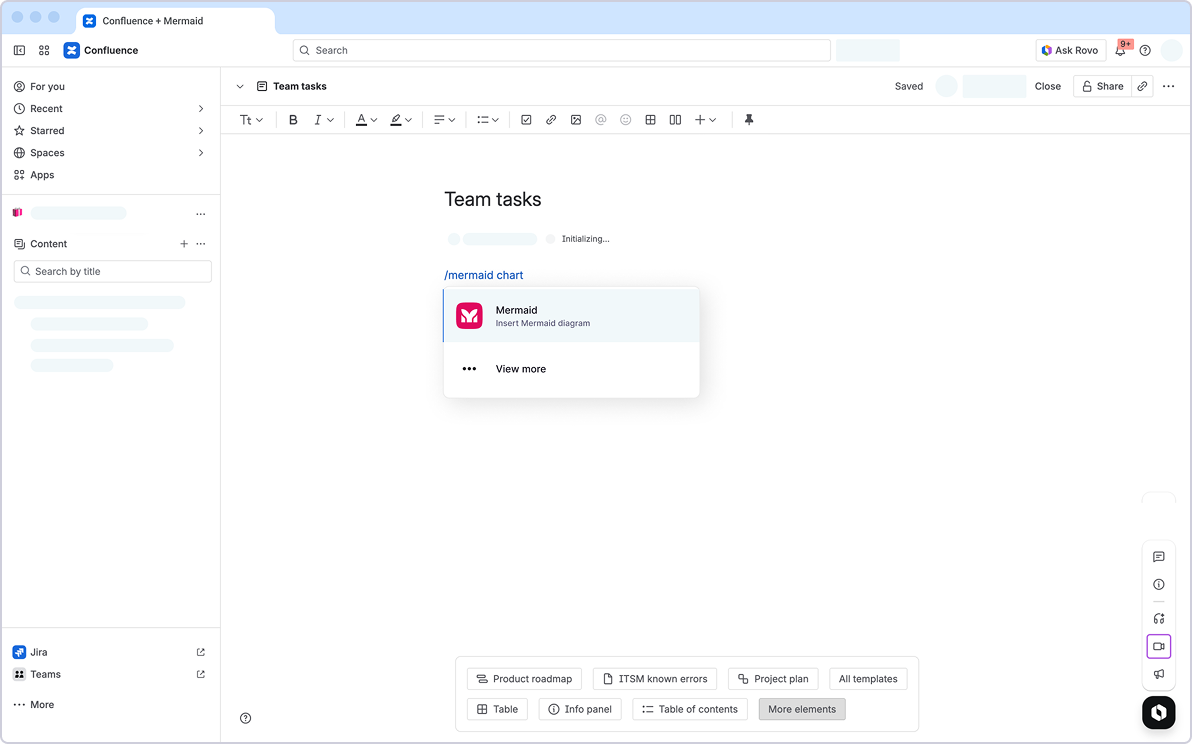
Confluence
Make your documentation more visual.
Create and edit diagrams right on your Confluence pages. Collaborate in real time with your stakeholders and generate visuals with AI.
Use it to:
Keep documentation and diagrams in one place
Add sequence diagrams, flowcharts, or ER diagrams to your specs
Collaborate with teammates without switching tools
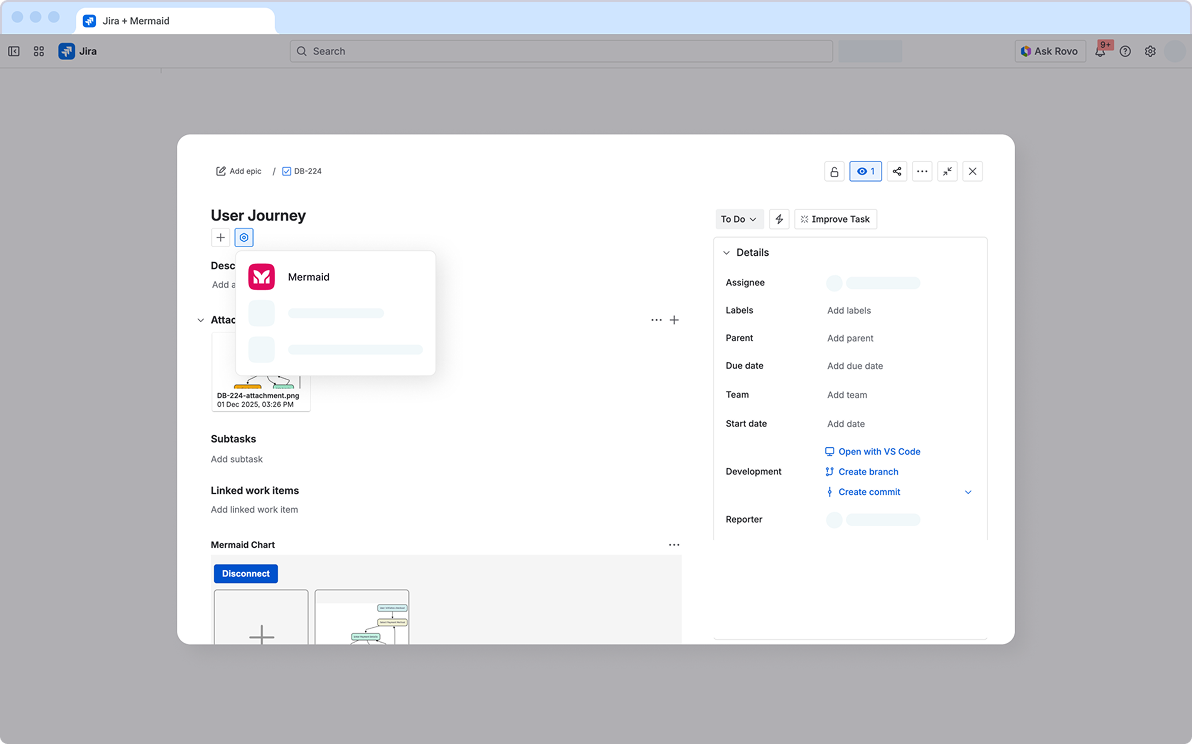
Jira
Turn tickets into clear stories.
Ideal for enterprises: visualize issues and workflows without leaving Jira. Add or edit diagrams in your tickets to keep your team aligned.
Use it to:
Clarify requirements and expectations with flowcharts and user journeys
Map dependencies between tasks and teams
Accelerate reviews with diagrams inside issues
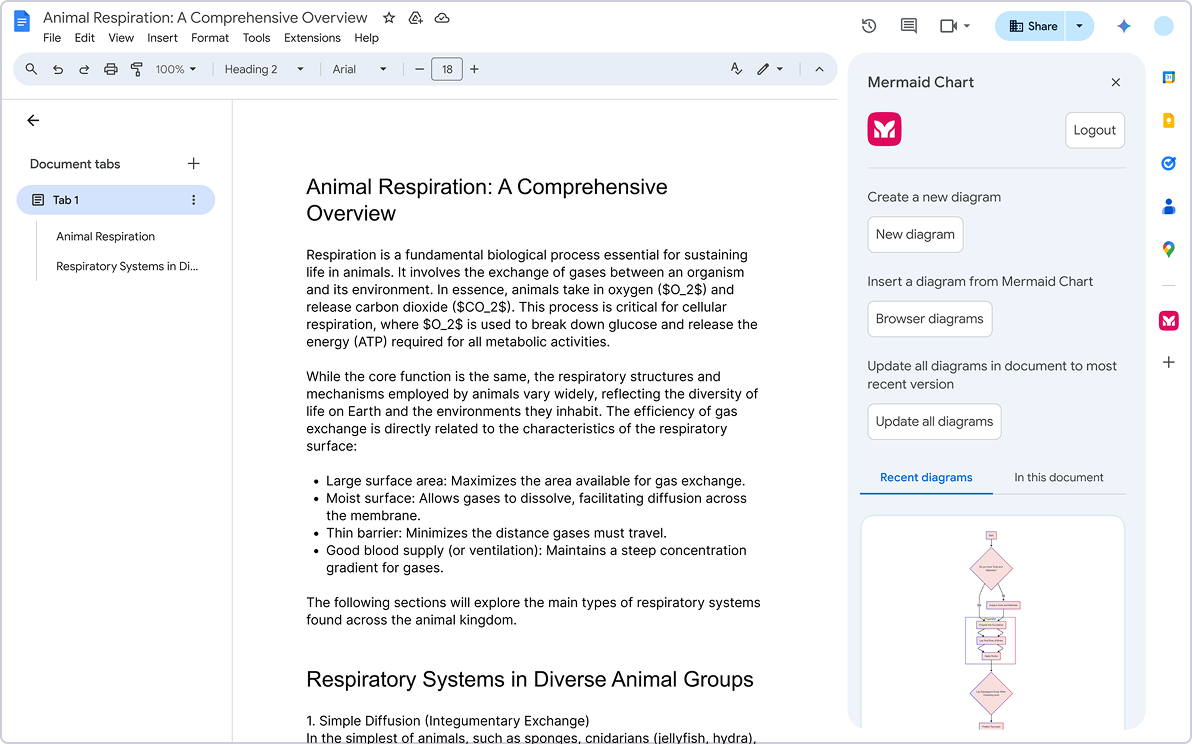
Google Docs Add-On
Bring clarity to specs and proposals.
Insert and update diagrams inside Google Docs.
Use it to:
Keep specs and docs visually clear
Add flowcharts, timelines, or ER diagrams with a click
Update diagrams without leaving your document
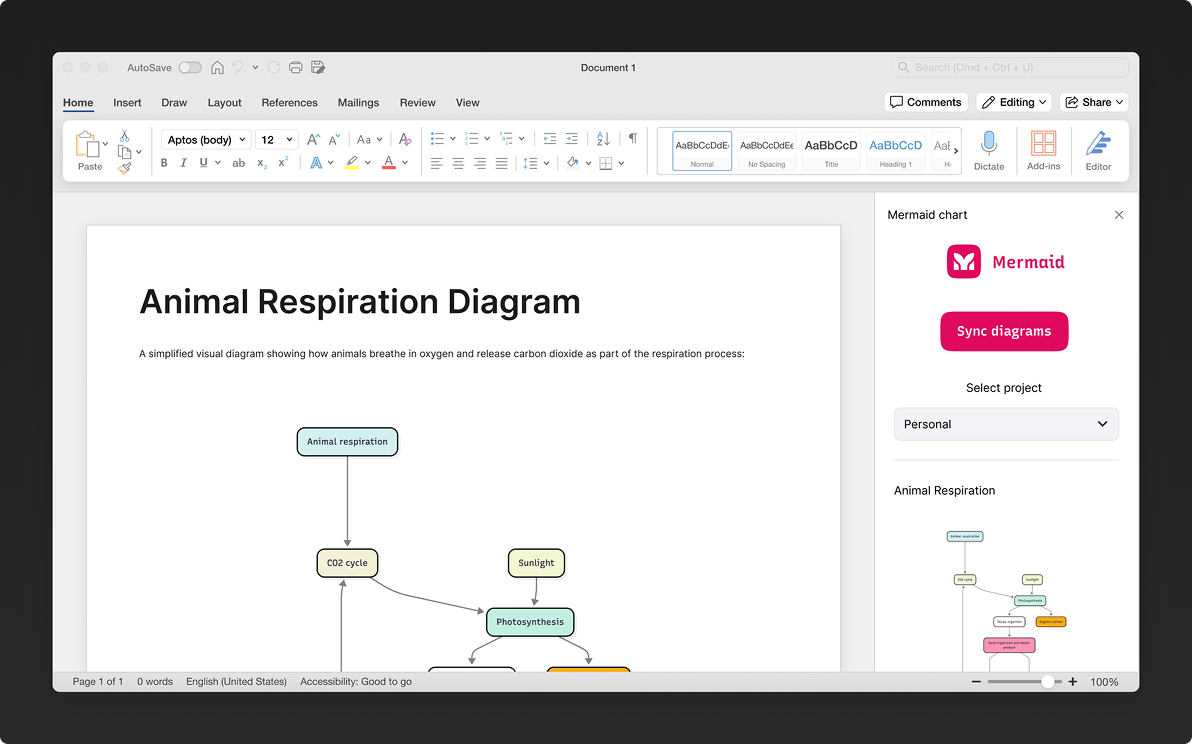
Microsoft Word Add-On
Add structure to technical docs.
Build diagrams into proposals, specs, and documentation.
Use it to:
Add clear visuals to technical documents
Keep diagrams editable
Ensure all teams are working from the same version
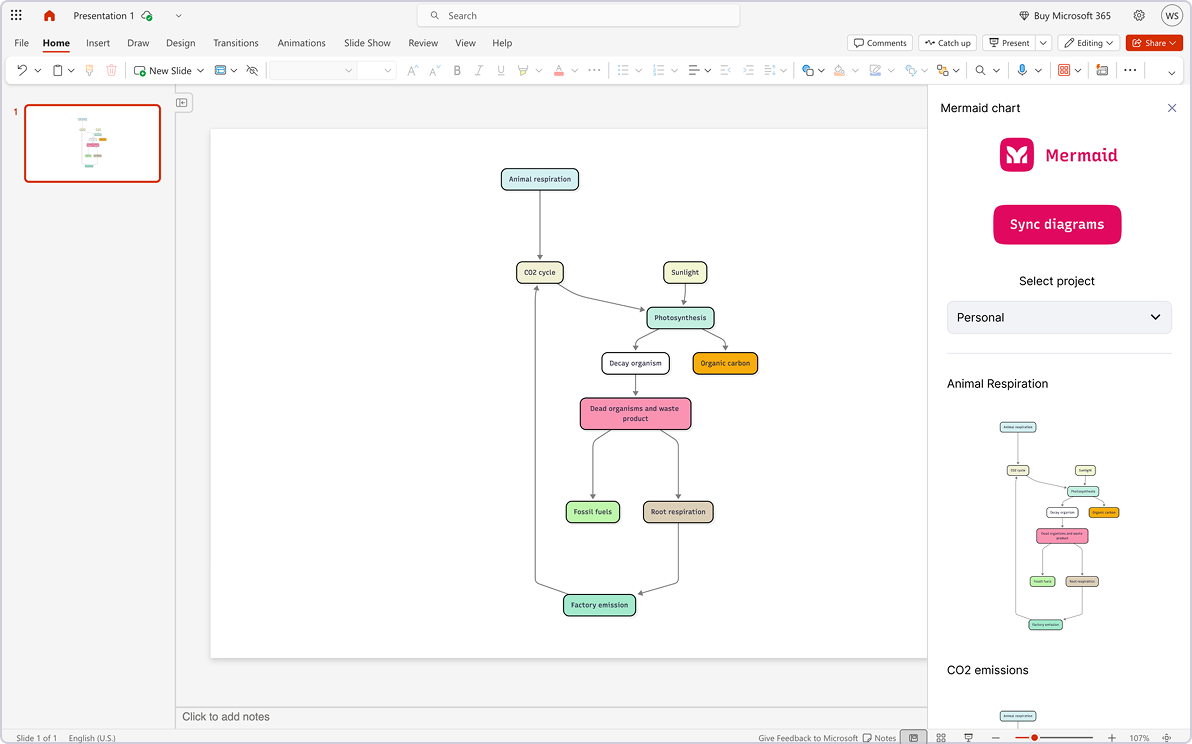
PowerPoint
Present confidently with live diagrams.
Create and edit diagrams directly in your slides.
Use it to:
Visualize architecture, workflows, org charts and more in presentations
Update slides last-minute with live, editable diagrams
Keep presentations synced with your source (PowerPoint slides automatically update when your Mermaid visuals change)
Less time syncing, more time building
One shared canvas for mapping ideas, collaborating live, and keeping teams on the same page, literally.
FAQ
Have questions about plugins? These should help.