Quick comparison guide
Mermaid vs. Draw.io
Upgrade from manual, file-based diagrams to a modern, integrated workflow. Write diagrams in code, keep them in Git, and render them instantly without manual layout.


vs.

Why move beyond Draw.io?
Faster docs, fewer files
Draw.io is great for one-off diagrams, but it creates a manual, file-based workflow that slows teams down. Every change requires a new export, every review requires a new upload, and every update requires a new layout. Mermaid keeps diagrams in your codebase, so they stay version controlled, auto-layout, and instantly shareable. That means faster documentation, fewer file conflicts, and a developer-friendly workflow that keeps your team moving.
Diagrams in Git
Auto-layout
Live preview
AI-assisted diagrams
Markdown-style syntax
Embeddable diagrams
Version-controlled history
Compare
Mermaid
Draw.io
Usage Limits
Number of diagrams
Unlimited*
Unlimited
Diagram size
Unlimited†
Not specified
AI credits
15/month
BYO API key
Collaboration & users
View & comment
Co-editing & external sharing
Viewer seats
Unlimited
Unlimited
User consolidation
-
Security & support
SSO
-
Customer success manager (CSM)
-
Custom contract & invoicing
-
Secure diagram ownership (IP)
-
Pricing
Free tier
Teams
-
Enterprise plan
-
Per-seat pricing
-
* Basic tier may have limits on the number of diagrams.
† Basic tier has a diagram size limit of 75 lines.
Start today
Made for teams like yours — trusted by over 5M people and over 200k companies
Built for developer workflows
Write diagrams, not files
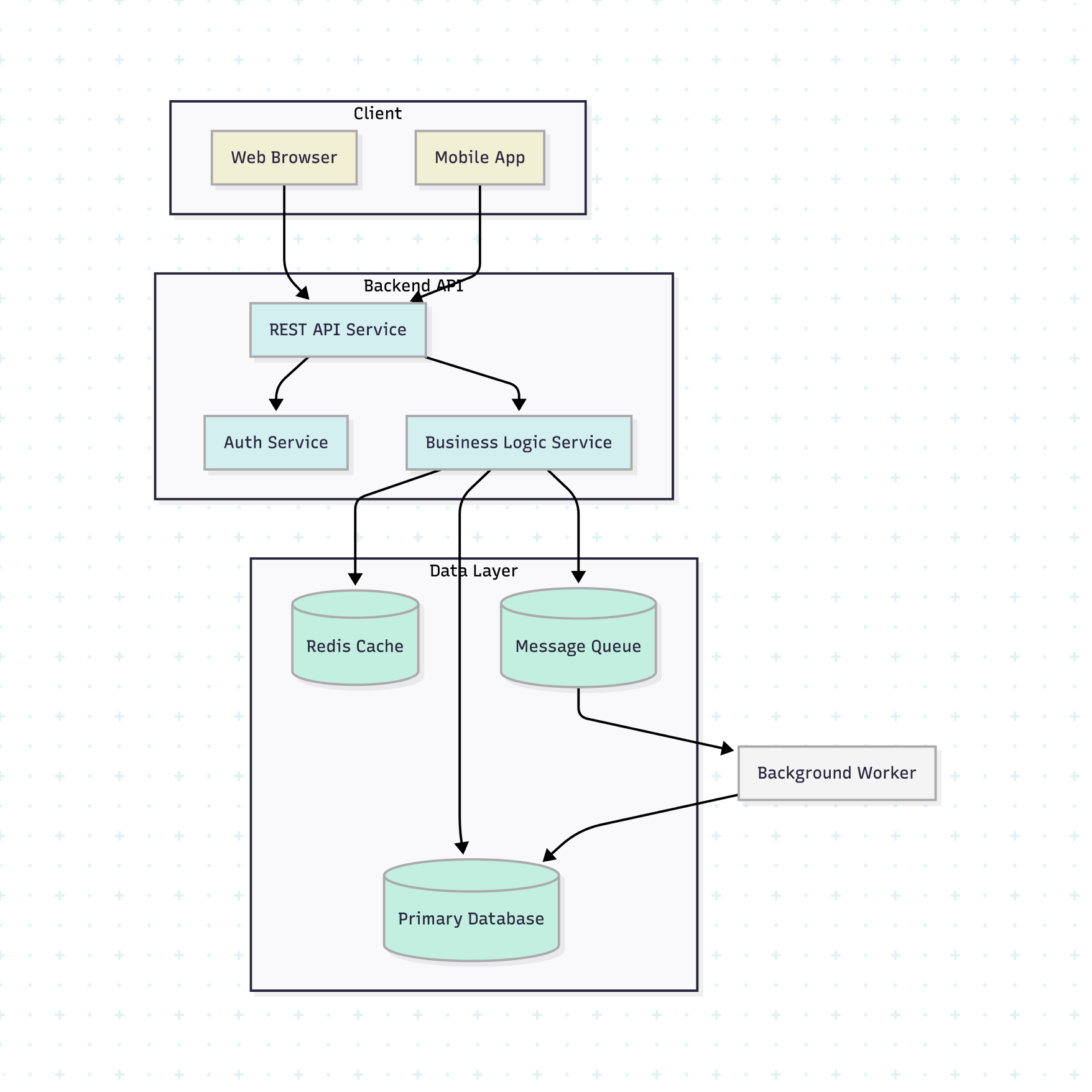
Keep diagrams in your codebase so they update with your code, render instantly, and stay version controlled without manual exports.
Collaborate without file conflicts
Share diagrams as Markdown, review changes in PRs, and keep everyone aligned without switching between tools.
Keep diagrams in sync with code
Update diagrams in the same commit as your code so documentation stays accurate, consistent, and instantly visible.
Built for developer workflows
Write diagrams, not files
Keep diagrams in your codebase so they update with your code, render instantly, and stay version controlled without manual exports.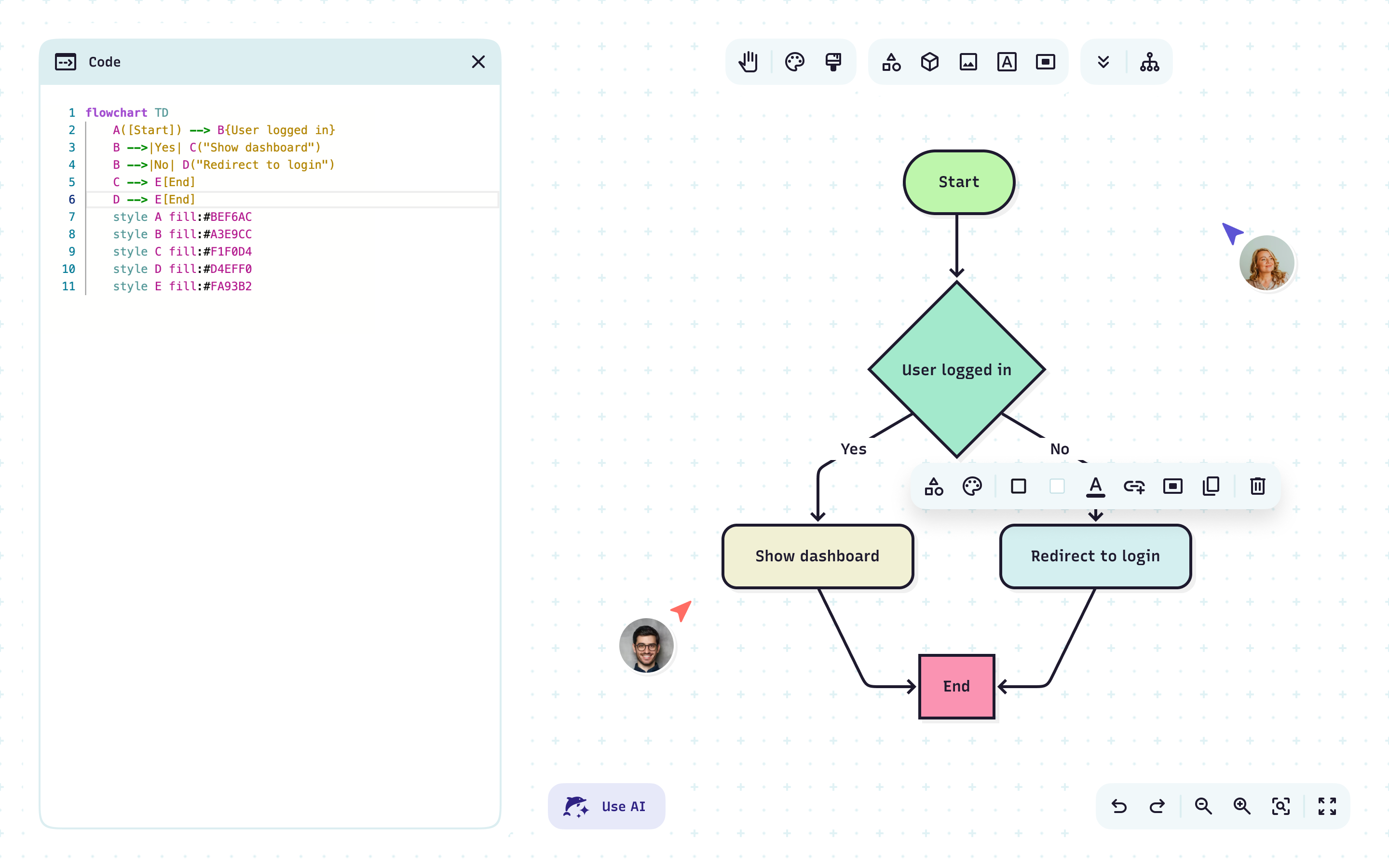
Collaborate without file conflicts
Share diagrams as Markdown, review changes in PRs, and keep everyone aligned without switching between tools.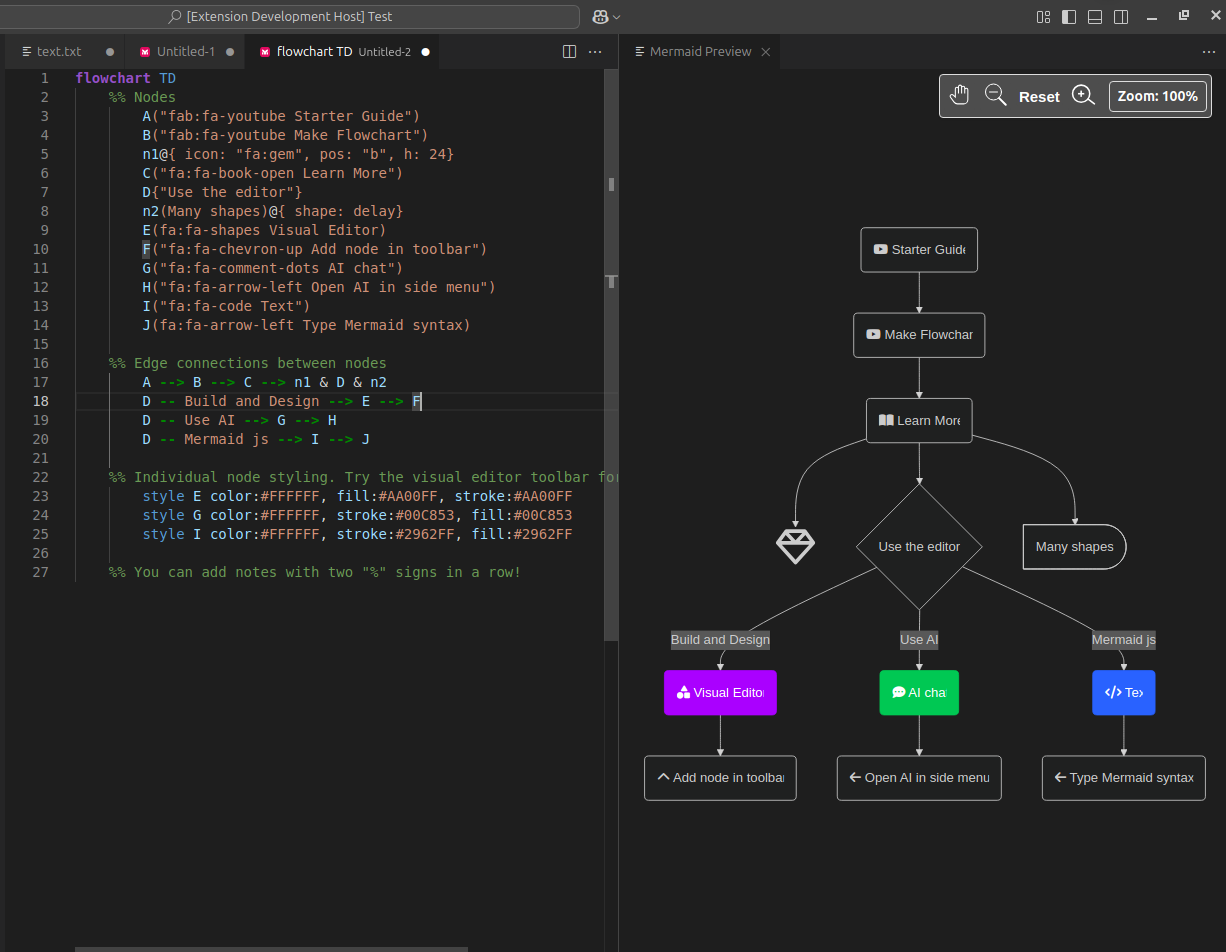
Keep diagrams in sync with code
Update diagrams in the same commit as your code so documentation stays accurate, consistent, and instantly visible.Stay in your ecosystem
Mermaid plugins brings diagrams into the tools you already use, so you can think, code, and collaborate without breaking focus.
Create and preview diagrams directly in your editor.
Render and edit diagrams in IntelliJ, WebStorm, PyCharm, and more.
Generate, check, and improve diagrams with natural language.
Create diagrams with natural language prompts inside ChatGPT.
Insert live diagrams into documentation pages.
Add diagrams to issues and tickets for clearer collaboration.
Drop diagrams into your docs and keep them up to date.
Bring clear diagrams into your specs and proposals.
Mermaid vs. Draw.io
Replace manual exports, drag-and-drop, and file conflicts with a faster, more developer-friendly documentation workflow.
Mermaid vs. Draw.io FAQ
Have questions about upgrading from Draw.io? These should help.