Understand
Look inside the black box.
Every step, every tool, every decision is on the workflow, and the workflow is what runs. No second version hidden in a prompt somewhere.
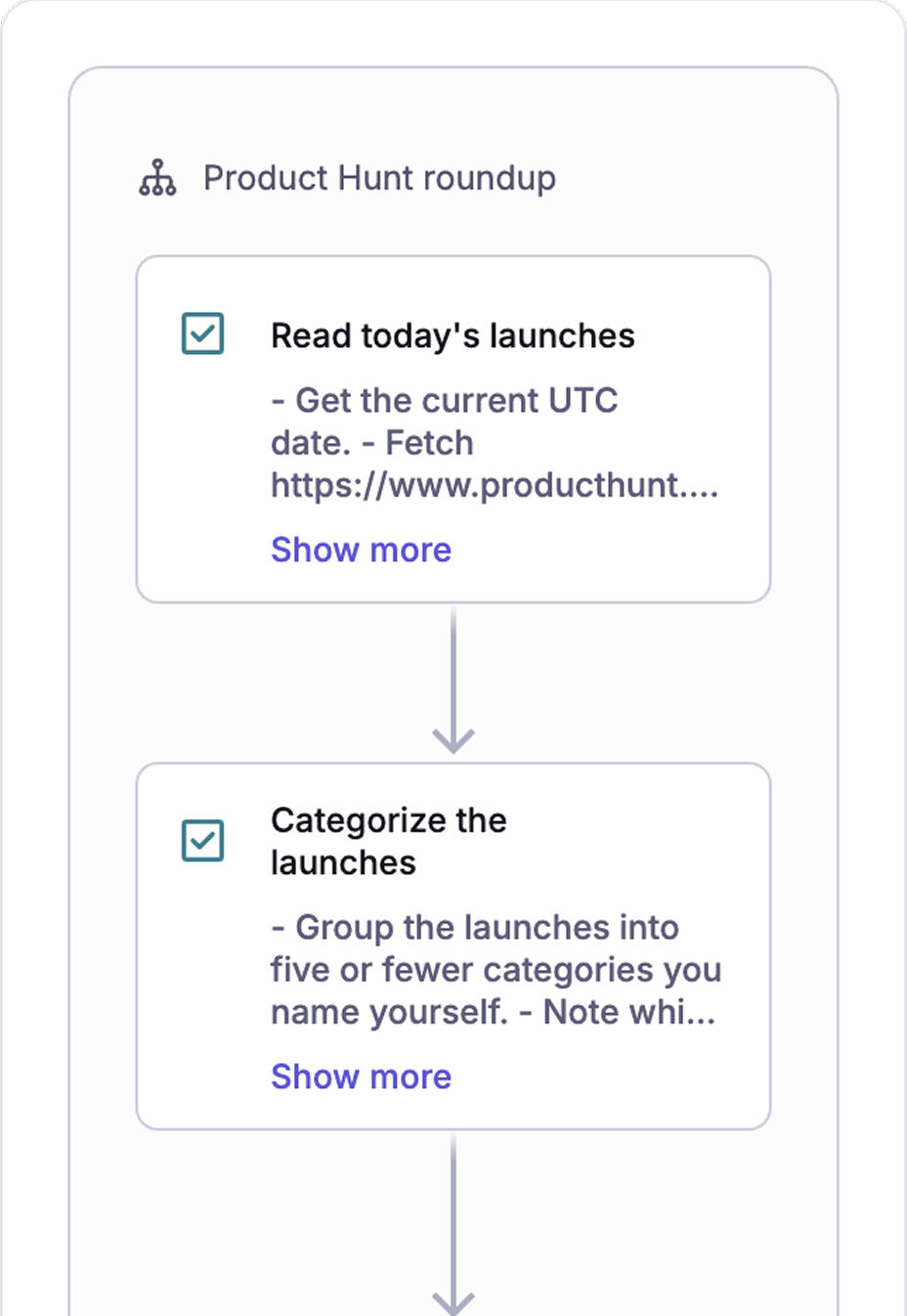
Mermaid Flow
Triage every issue? Done. Recap the week? Scheduled.
Today that work lives in a chat window or a prompt file. What goes in, what comes out, and nothing in between. The same prompt drifts a little each run, nobody can say why, and every teammate keeps their own copy.
Mermaid Flow is for the work that happens more than once. Pick the work, connect your tools in one click, and build it once. Same steps, same order, every run, whoever presses run, and everyone can see how.
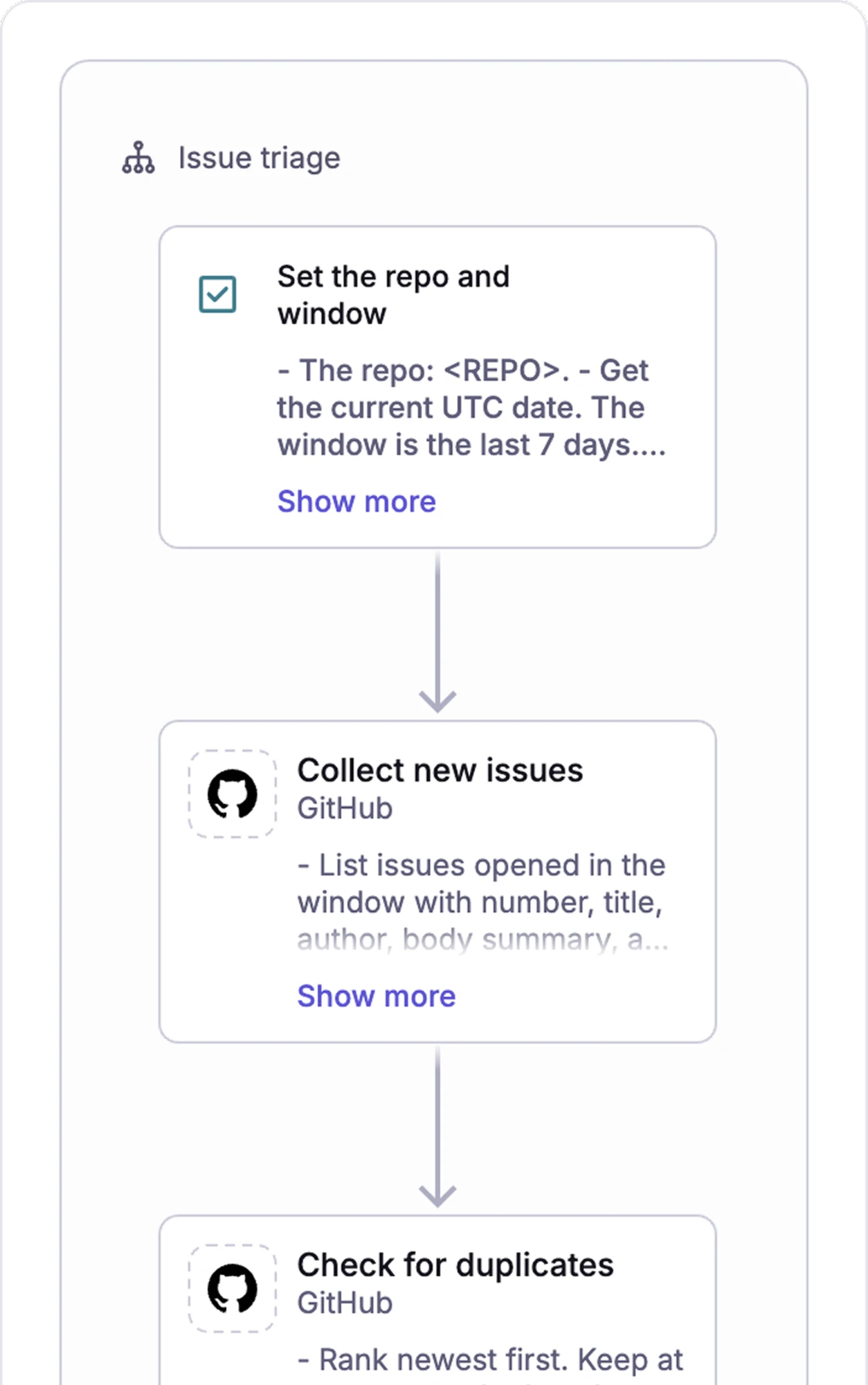
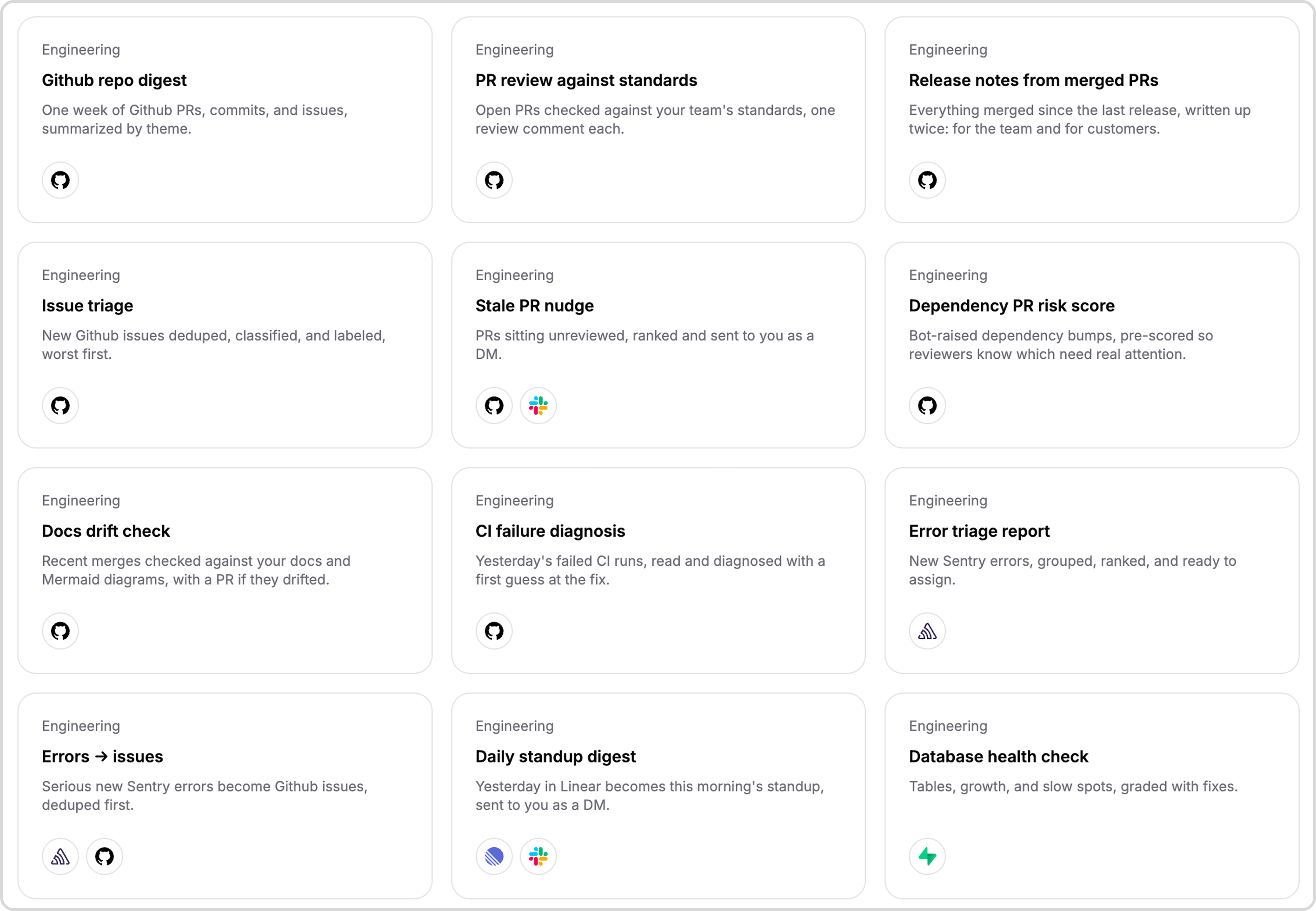
Open one, tell our agent what's different about yours, and run it. 39 templates in the gallery.
New issues labeled, deduped, and assigned before anyone has to look.
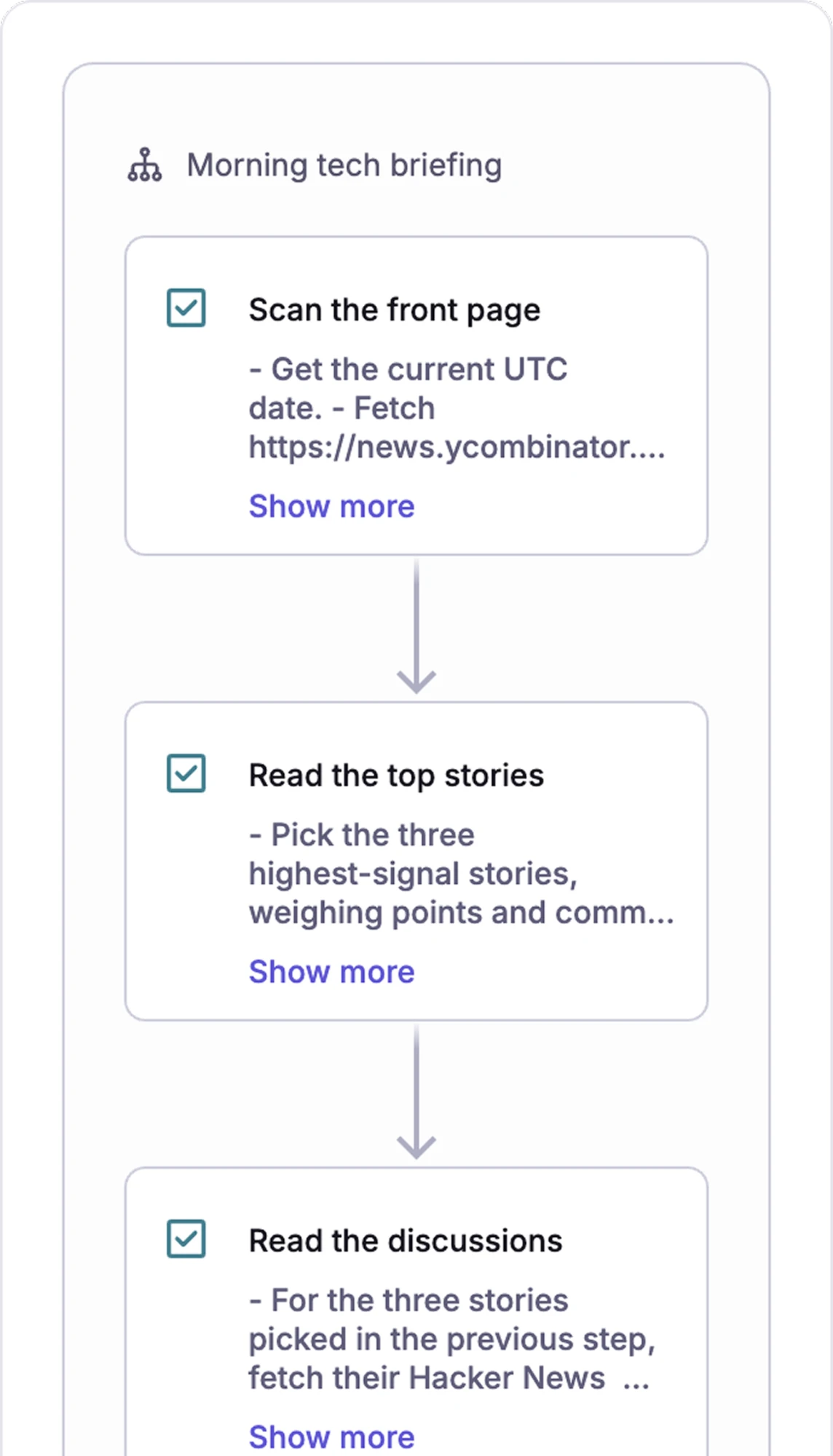
The news and discussions that matter, in a two-minute read. No setup, no connectors.
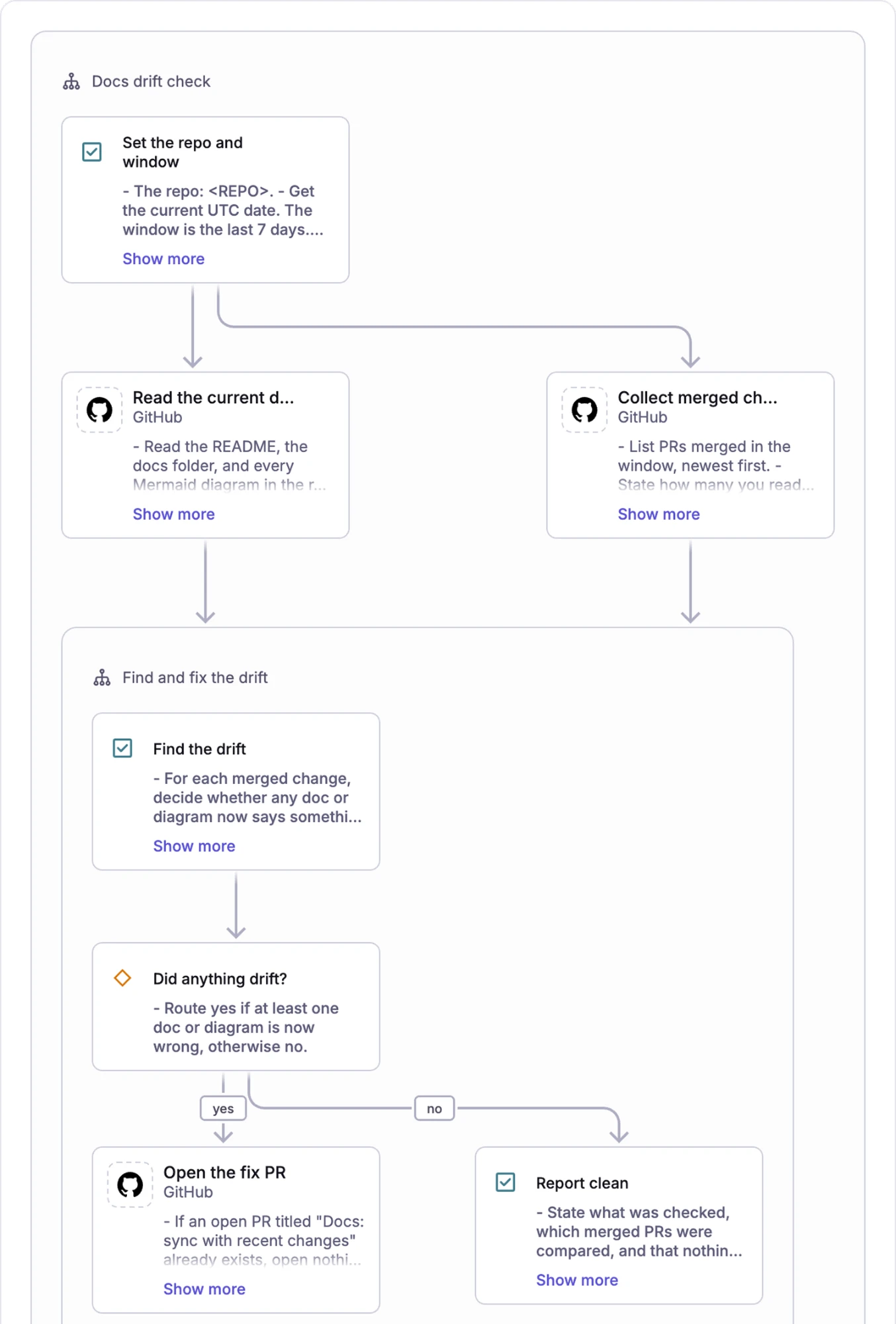
Code changes, the docs get checked, and the PR to fix them opens itself.
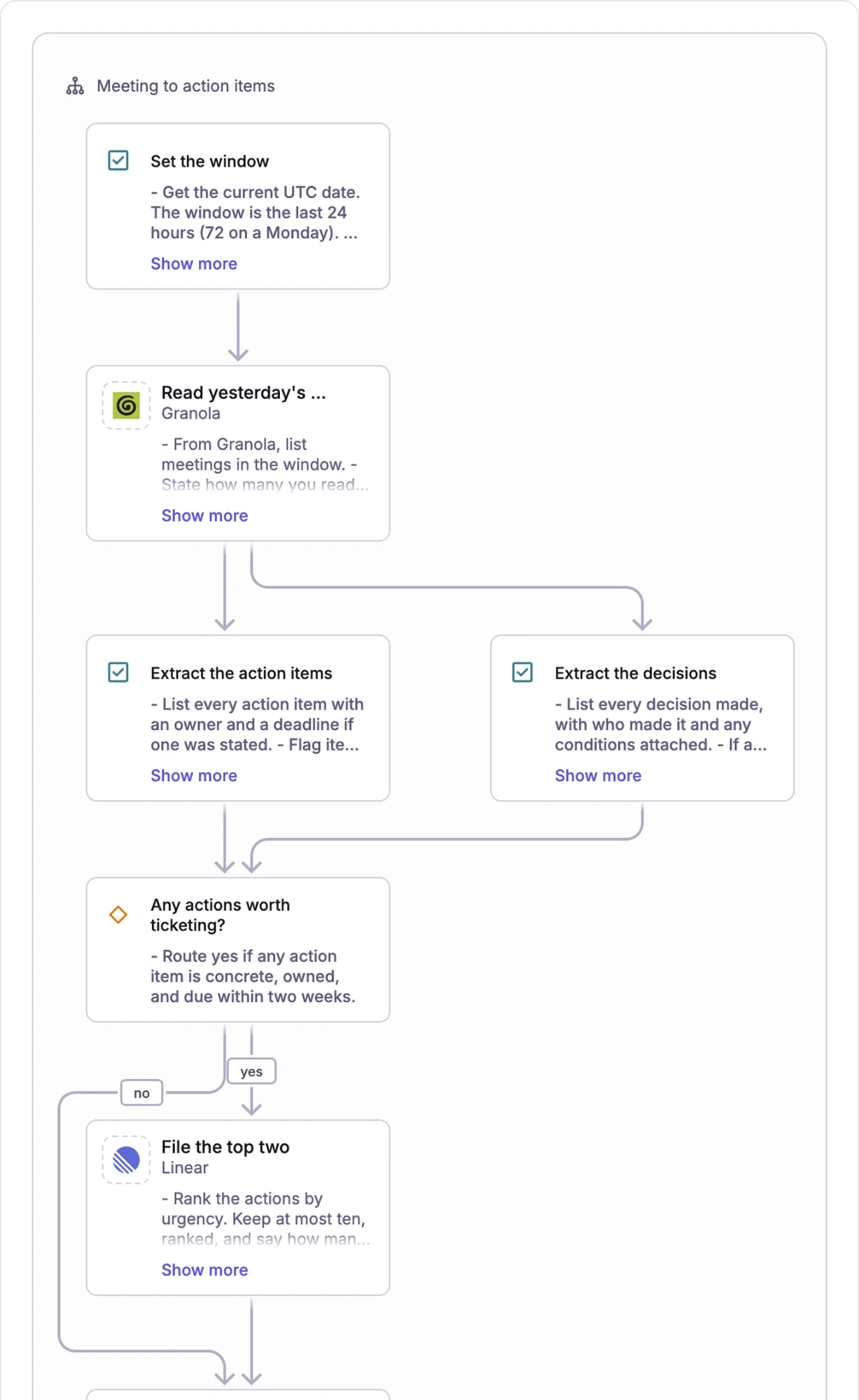
Release notes and a weekly digest, built from what actually merged.
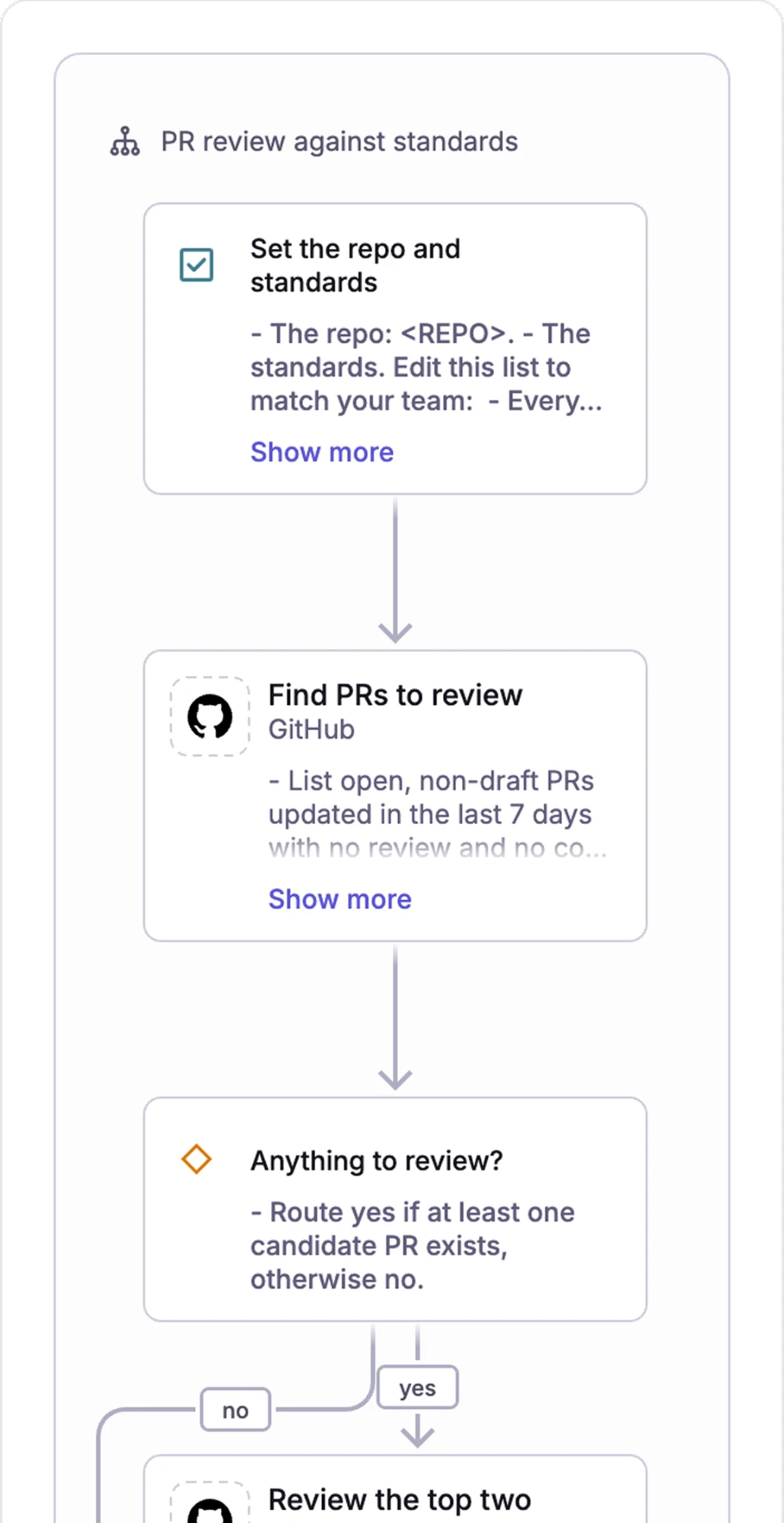
Your team's conventions on every pull request, with a summary you can act on.
Start from work you already do. Open a template, tell our agent what's different about yours, and you have a workflow. Or bring a doc, a flowchart, or a skill file you already have.
No blank page
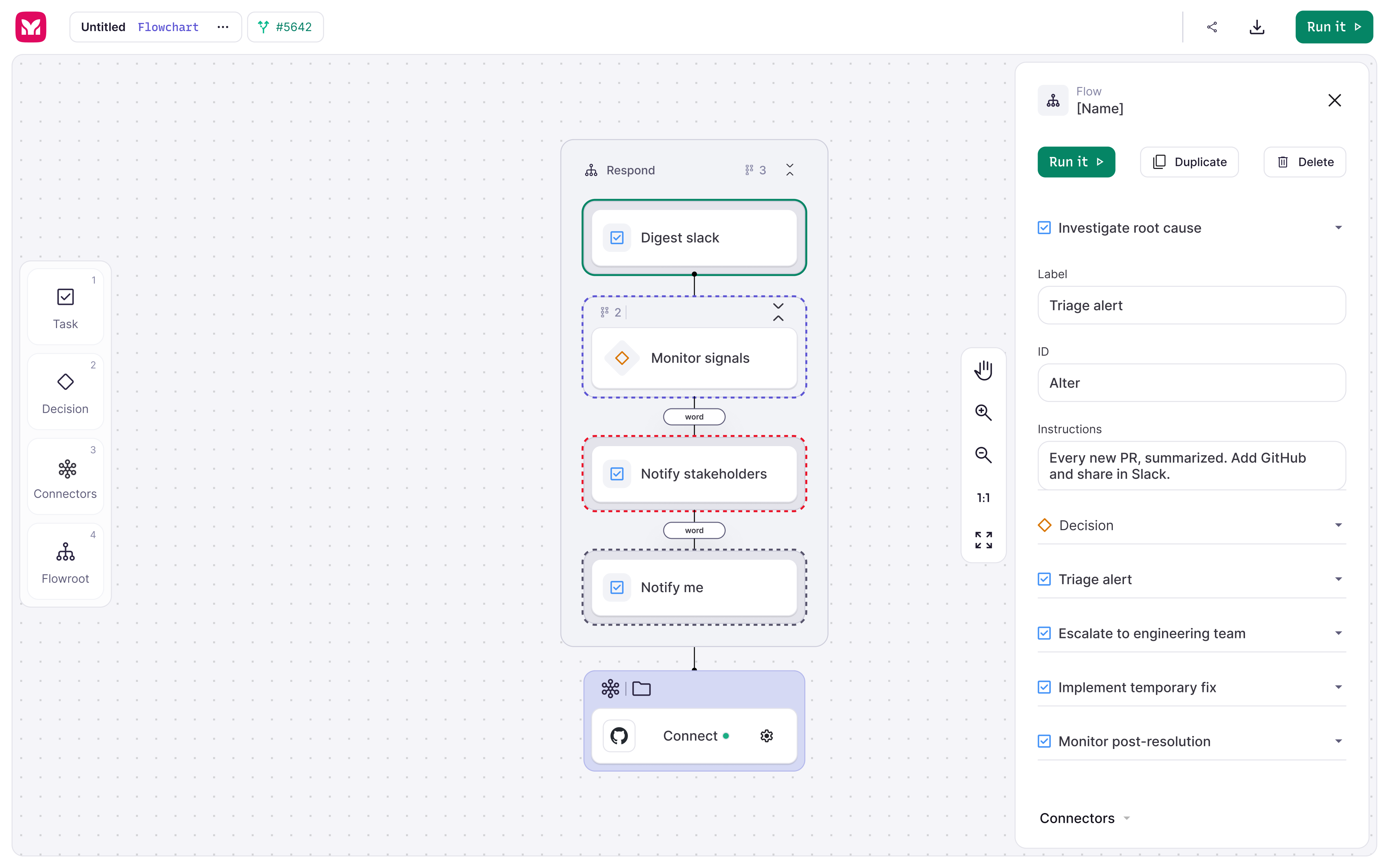
Every step laid out where you can read it
Edit it like a diagram, not like code
What you see is what runs.
One click to the tools the work lives in. GitHub, Slack, Notion, Linear, Jira, Google Drive. Everything goes over MCP, so there's nothing to configure.
Sign in once, use it across every workflow
Any public MCP server you can sign in to
No API keys to paste, no glue code
Your workflow talks to the same tools your team does.
Watch the first run. Schedule the rest. Hit run and watch your agent work, step by step. Put it on a schedule and it's automated.
Same steps, same order, every run
Runs whether you're watching or not
Every run kept
Come back tomorrow and see exactly what it did.
Start from work you already do. Open a template, tell our agent what's different about yours, and you have a workflow. Or bring a doc, a flowchart, or a skill file you already have.
No blank page
Every step laid out where you can read it
Edit it like a diagram, not like code
What you see is what runs.
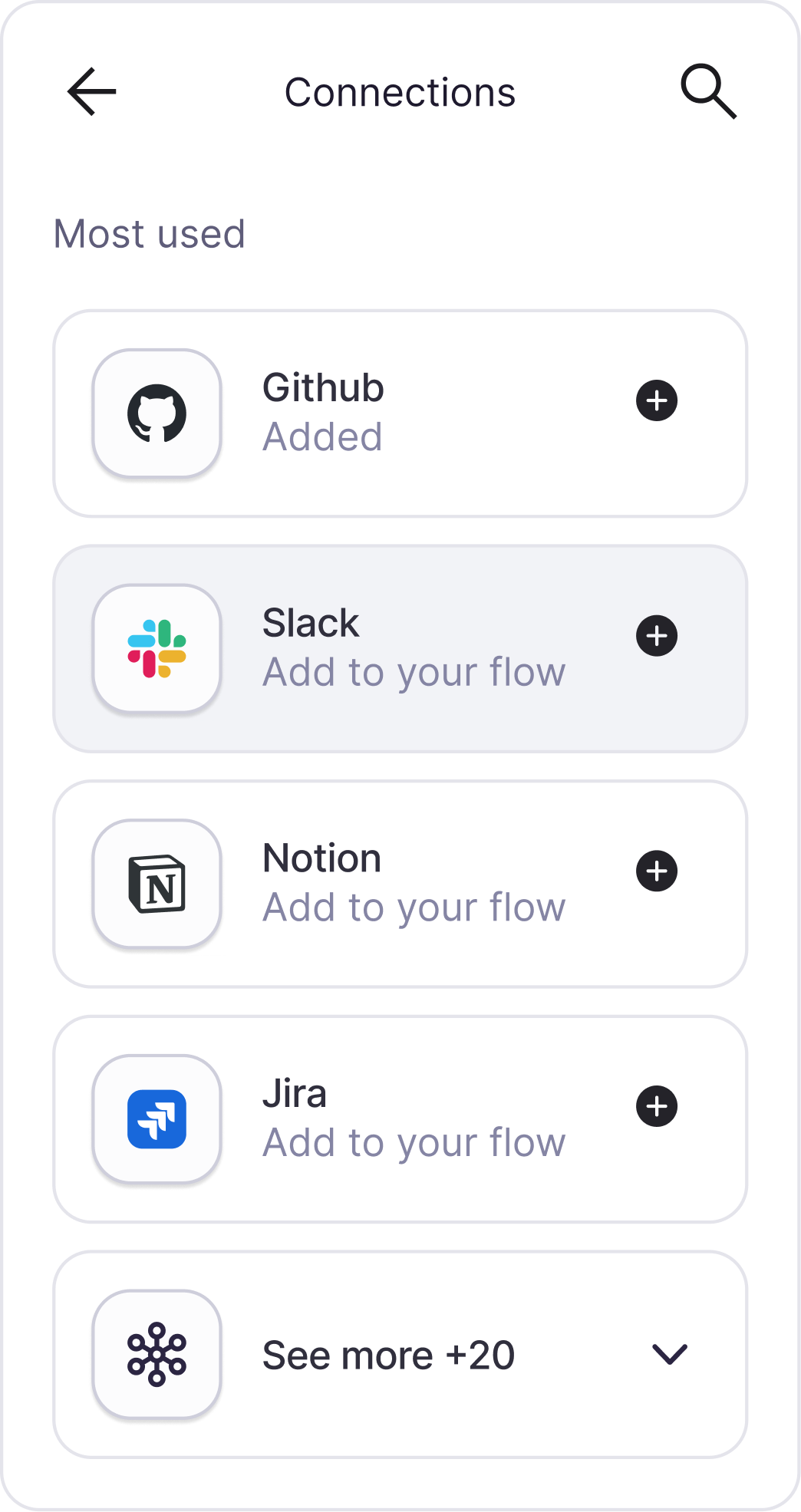
One click to the tools the work lives in. GitHub, Slack, Notion, Linear, Jira, Google Drive. Everything goes over MCP, so there's nothing to configure.
Sign in once, use it across every workflow
Any public MCP server you can sign in to
No API keys to paste, no glue code
Your workflow talks to the same tools your team does.
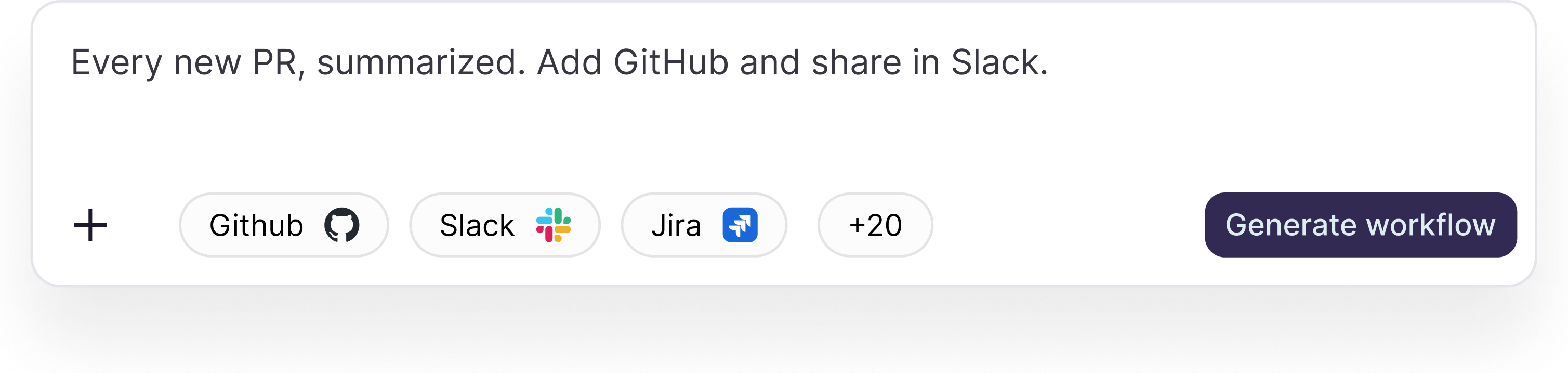
Watch the first run. Schedule the rest. Hit run and watch your agent work, step by step. Put it on a schedule and it's automated.
Same steps, same order, every run
Runs whether you're watching or not
Every run kept
Come back tomorrow and see exactly what it did.
Every step, every tool, every decision is on the workflow, and the workflow is what runs. No second version hidden in a prompt somewhere.
Same path every time. The AI thinks inside a step; the workflow decides what happens next. Run it a hundred times, get a hundred of the same thing.
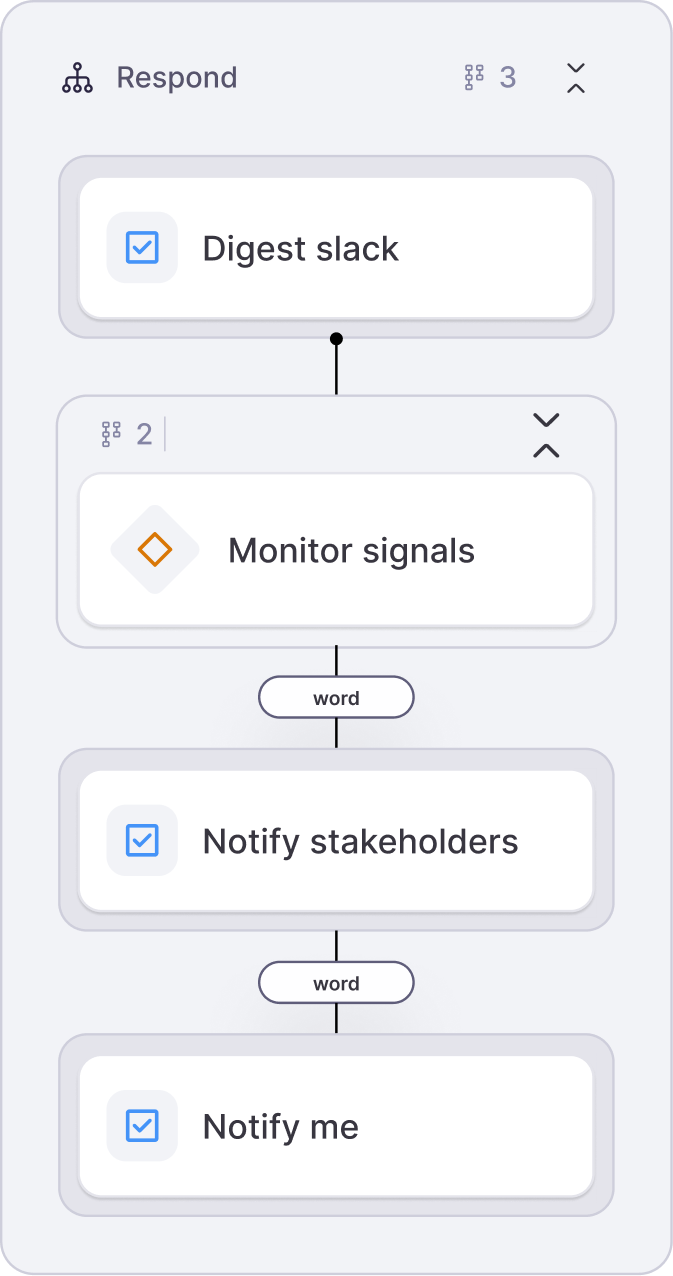
The tools that build these today assume you live in a terminal and a wall of markdown. Here, building one feels like working with a diagram, not writing code. Same power, none of the intimidation.
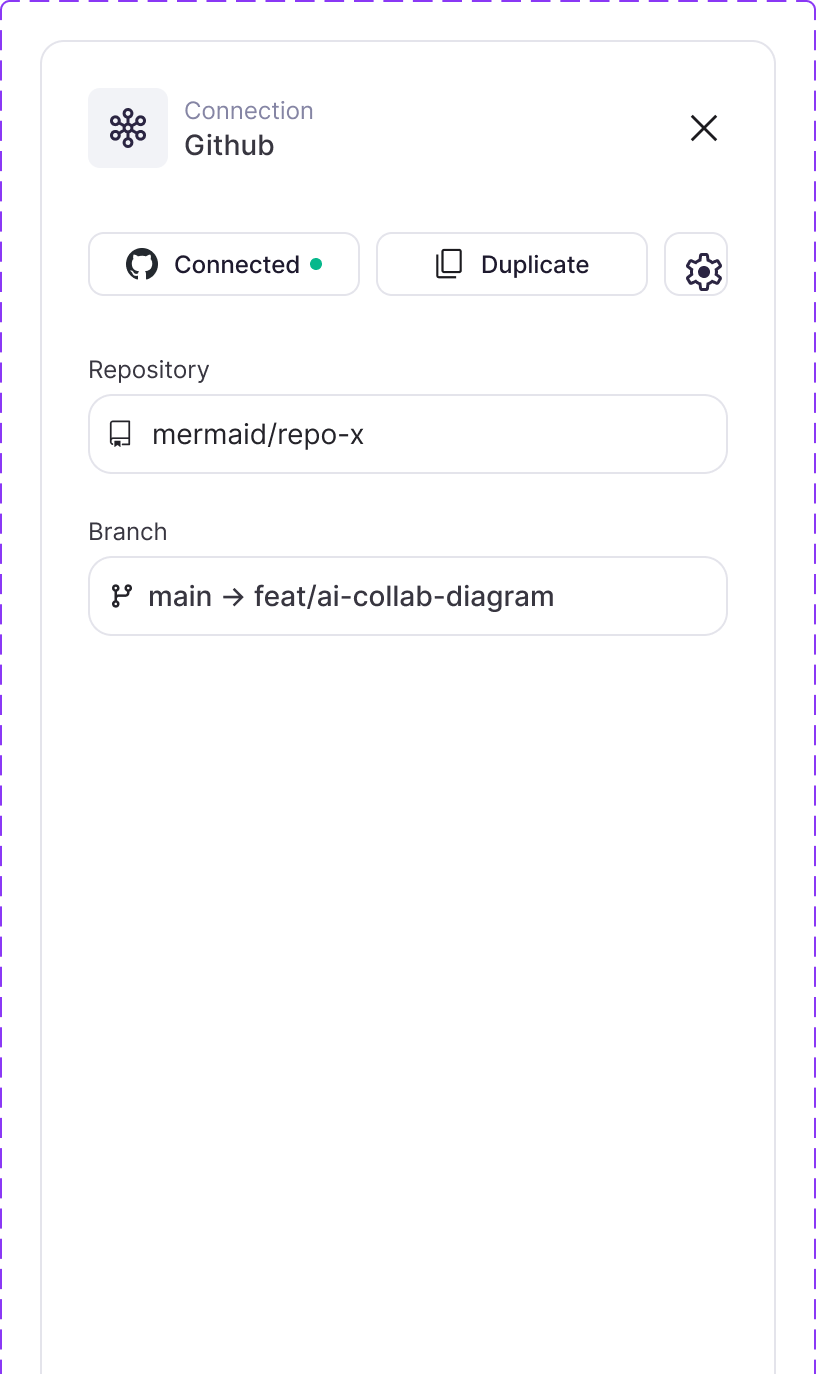
Open any run and see what went into each step and what came out. When something breaks, you know which step.
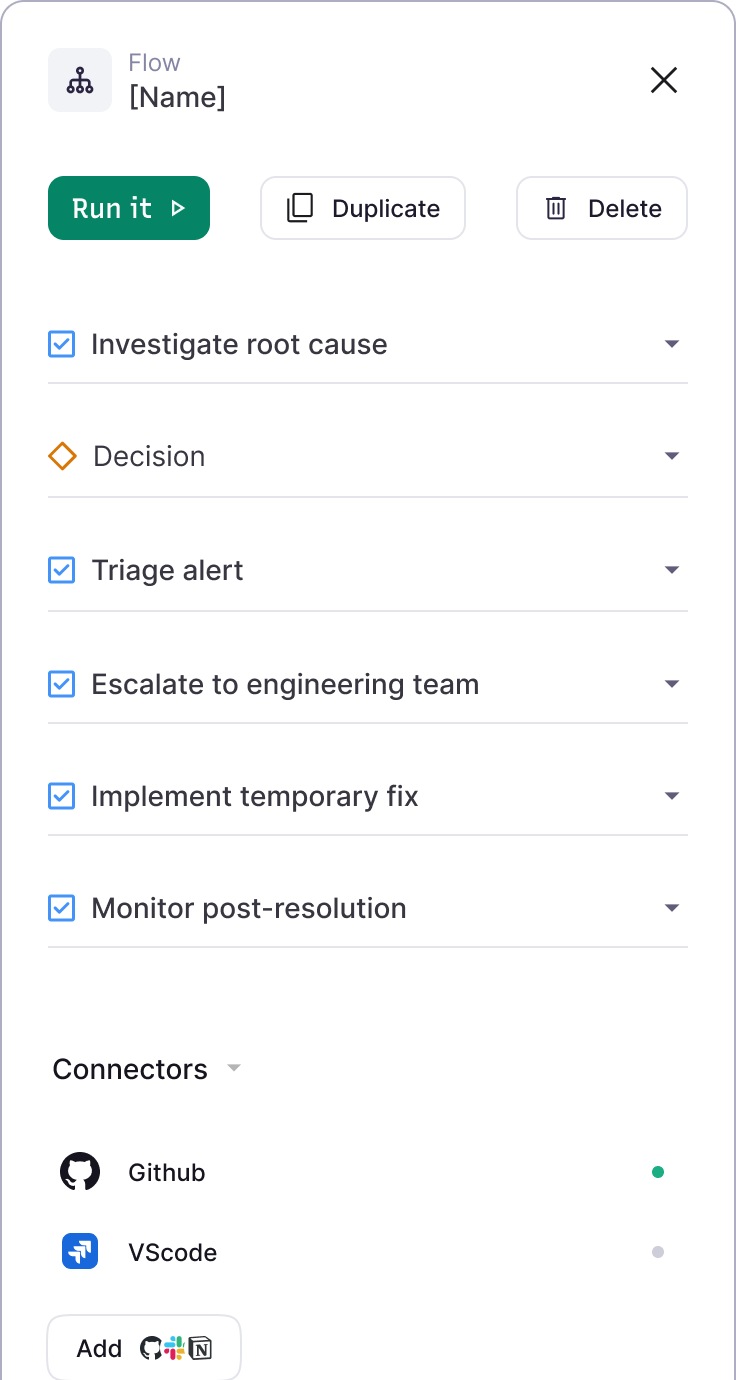
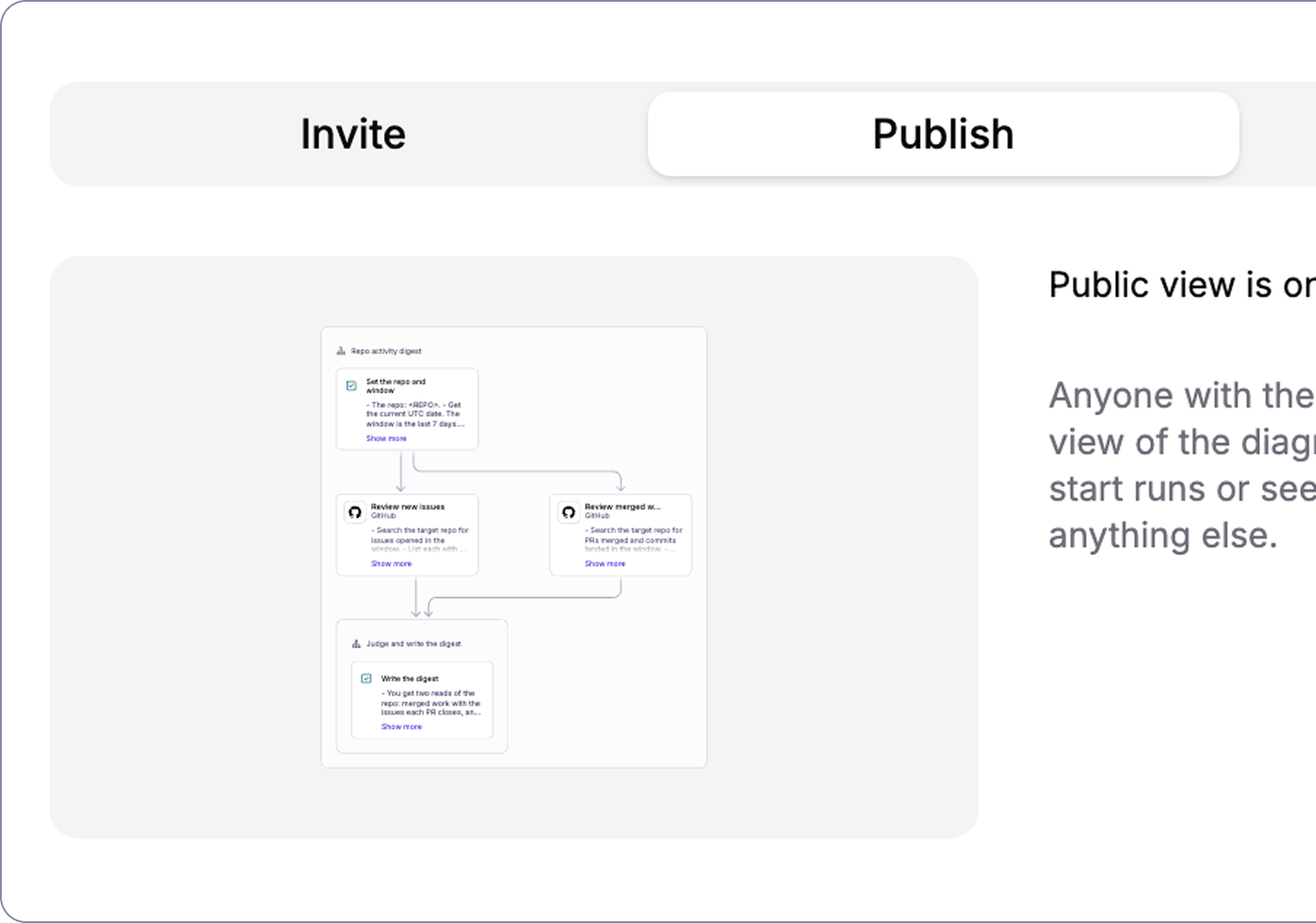
Send the link and your teammate runs what you run: same steps, same tools, same instructions. Change it once and everyone's on the new version.
One click to any public MCP server you can sign in to. GitHub, Slack, Notion, Linear, Jira, Google Drive, Gmail, Sentry, Postgres, and more as services open up.
Scheduled
Daily, weekly, or the first Monday of the month. It runs without you remembering to.
From your tools
Your workflows are reachable over MCP. Run them, edit them, open them from the agent or editor you already work in.
Triggered
Coming soonA new issue, a merged PR, a webhook. Something happens, the workflow starts.
Already have a Mermaid account? Runs come bundled with every plan. A run is one workflow, start to finish. Failed runs are free.
Free
For seeing one of your own workflows run
15 workflow runs per month
$10 per user / month
Billed annually
For individuals running their own workflows
15 workflow runs per user, per month
Full run history
$20 per user / month
Billed annually
For advanced users and teams running AI workflows
500 shared workflow runs per month
Your choice of model
Custom
Billed annually
For organizations that need scale and control
Custom run allowance
Custom contract & invoicing
Dedicated Customer Success Manager
Start with one of ours, or bring your own.
Have questions about Mermaid Flow? These should help.