Mermaid for
Consultants and Product Operations Managers
See the operation. Tell the story.
Turn processes, org structures, and recommendations into clear diagrams that align teams and drive decisions.
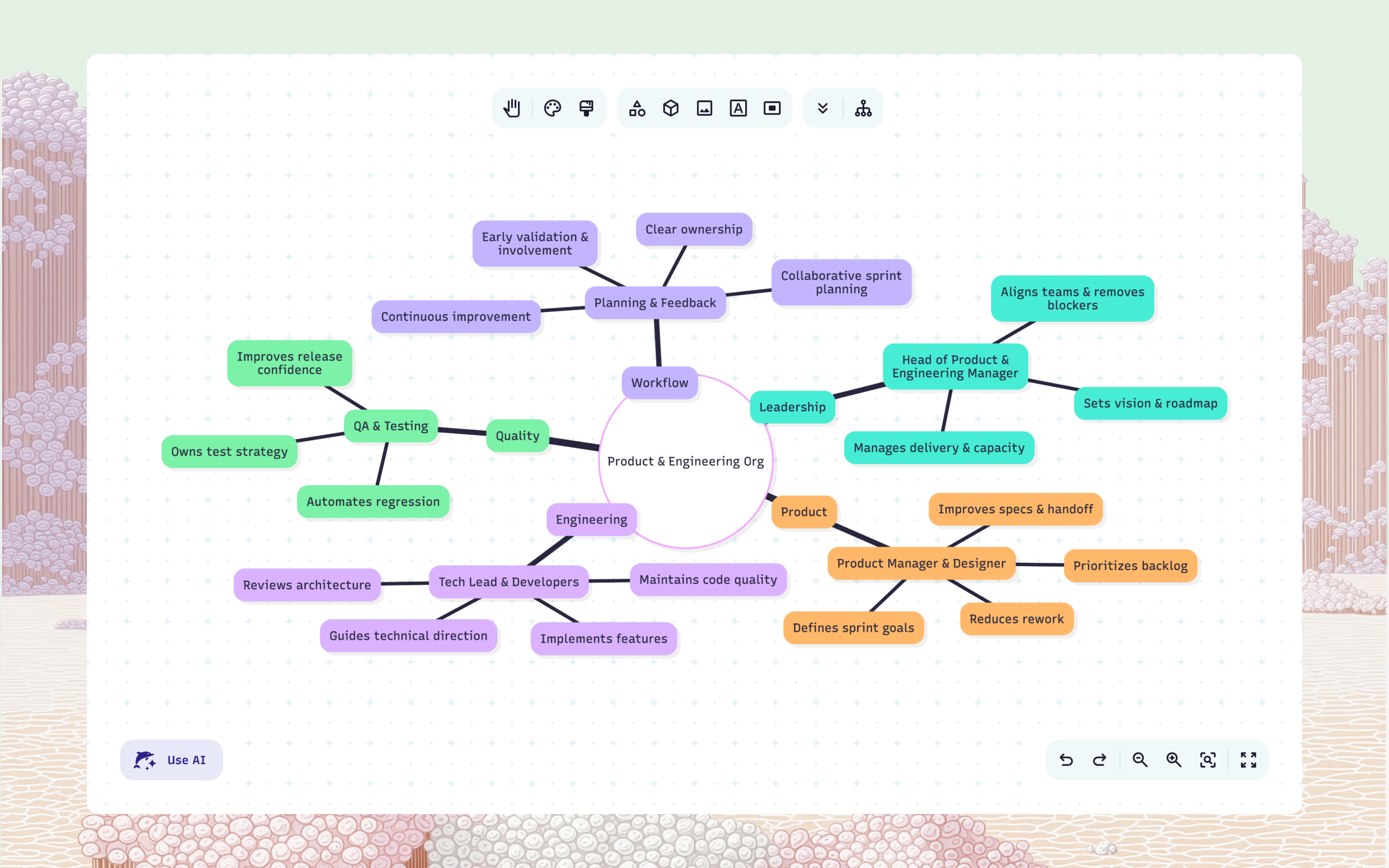
Map a workflow in seconds
Skip the slides and whiteboards. Instantly diagram processes, handoffs, and dependencies — then share them before the meeting ends.
Turn prompts into client-ready visuals
Paste your notes, strategies, or process documentation and generate polished diagrams you can edit and share the same day.
Meet teams where they are
Embed diagrams directly into project tools that your clients and stakeholders already use – Confluence, Notion, Slack, and more.
Collaborate with anyone, from anywhere
Host live workshops or collect asynchronous diagram feedback from clients and internal teams across time zones.
Turn docs into do-ables
Attach visuals directly to reports, wikis, and playbooks so operations stay transparent, repeatable, and easy to hand off.
Protect client data with confidence
Secure sensitive information, client information, and internal processes with SSO and enterprise-grade controls.
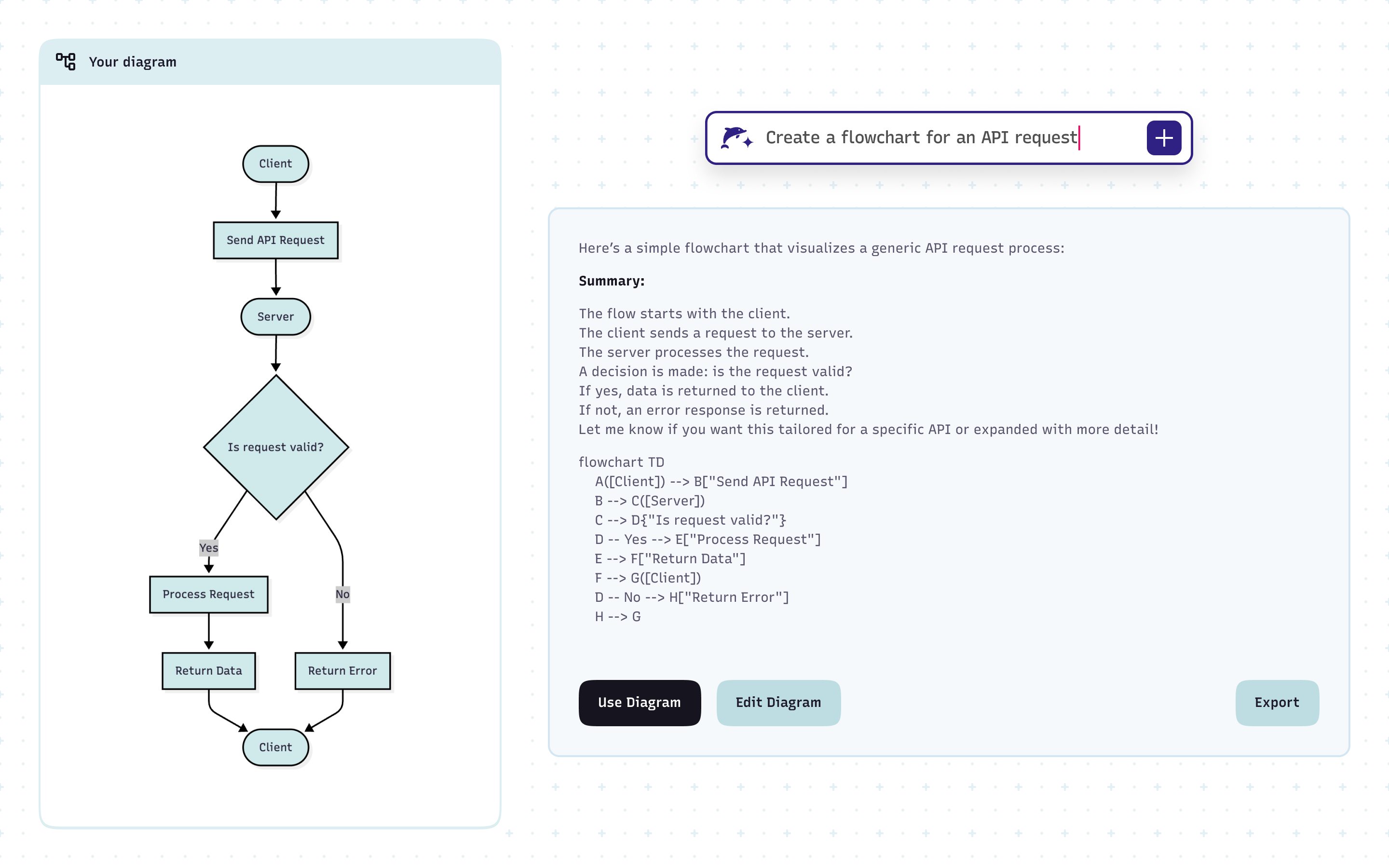
Map a workflow in seconds
Skip the slides and whiteboards. Instantly diagram processes, handoffs, and dependencies — then share them before the meeting ends.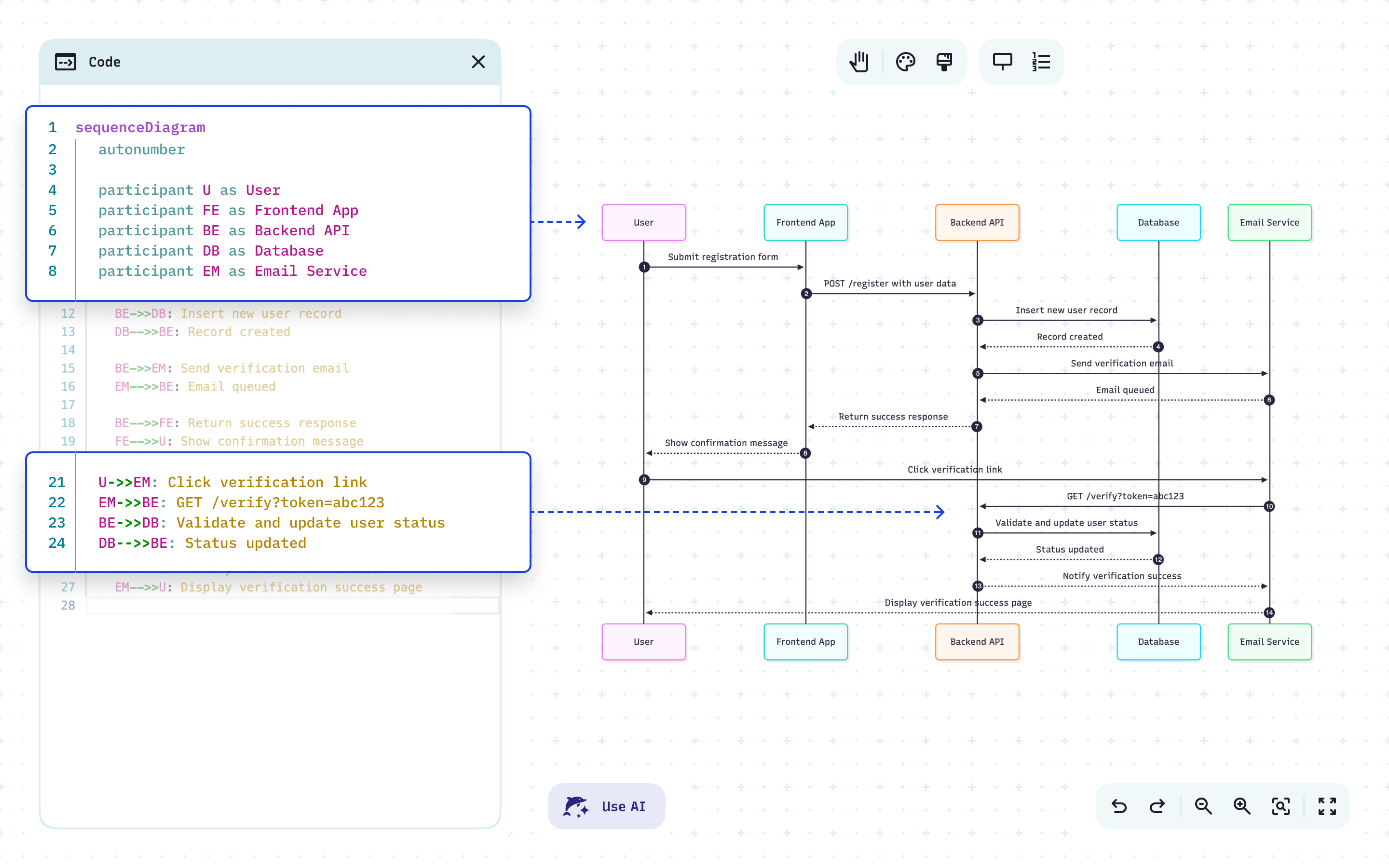
Turn prompts into client-ready visuals
Paste your notes, strategies, or process documentation and generate polished diagrams you can edit and share the same day.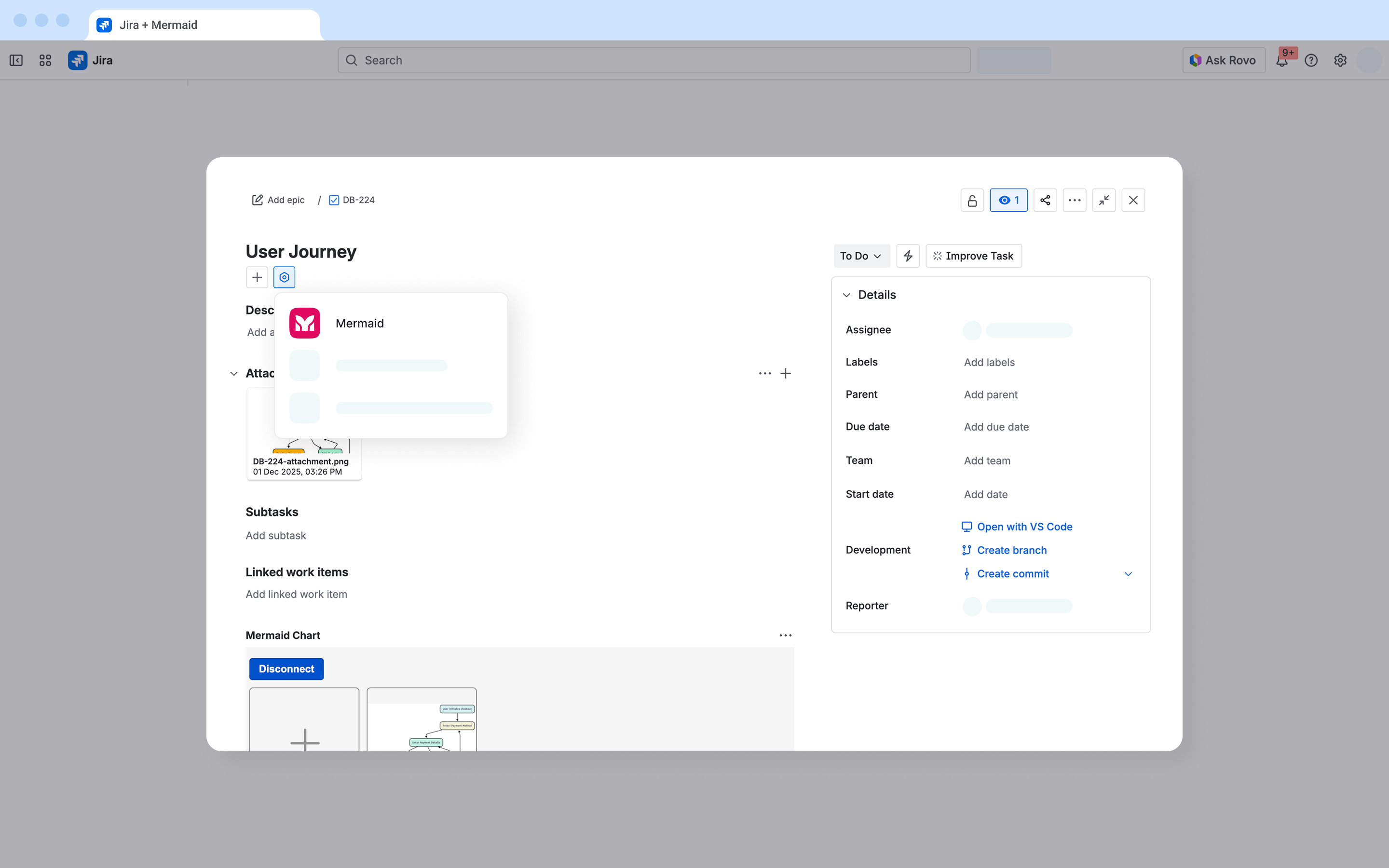
Meet teams where they are
Embed diagrams directly into project tools that your clients and stakeholders already use – Confluence, Notion, Slack, and more.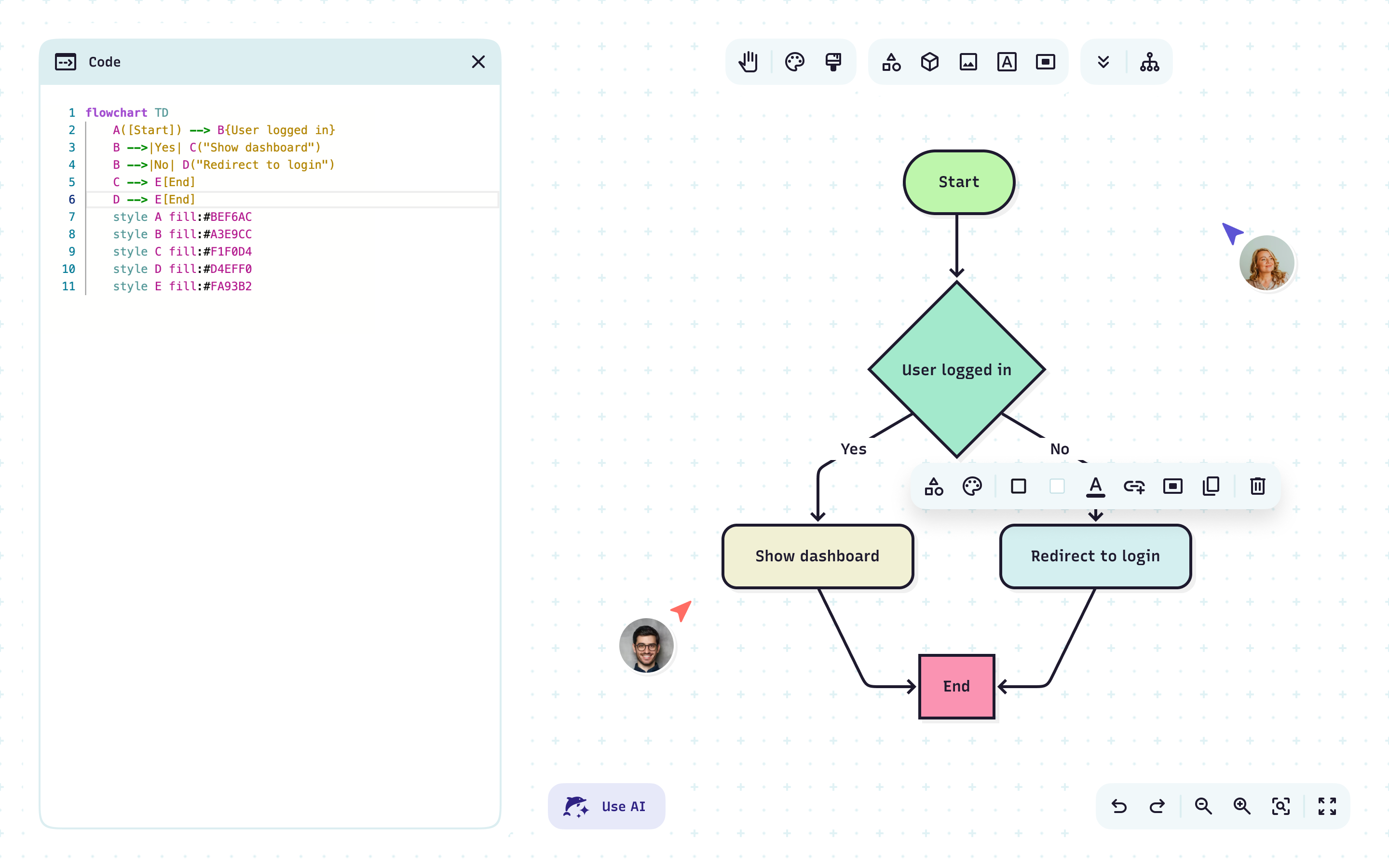
Collaborate with anyone, from anywhere
Host live workshops or collect asynchronous diagram feedback from clients and internal teams across time zones.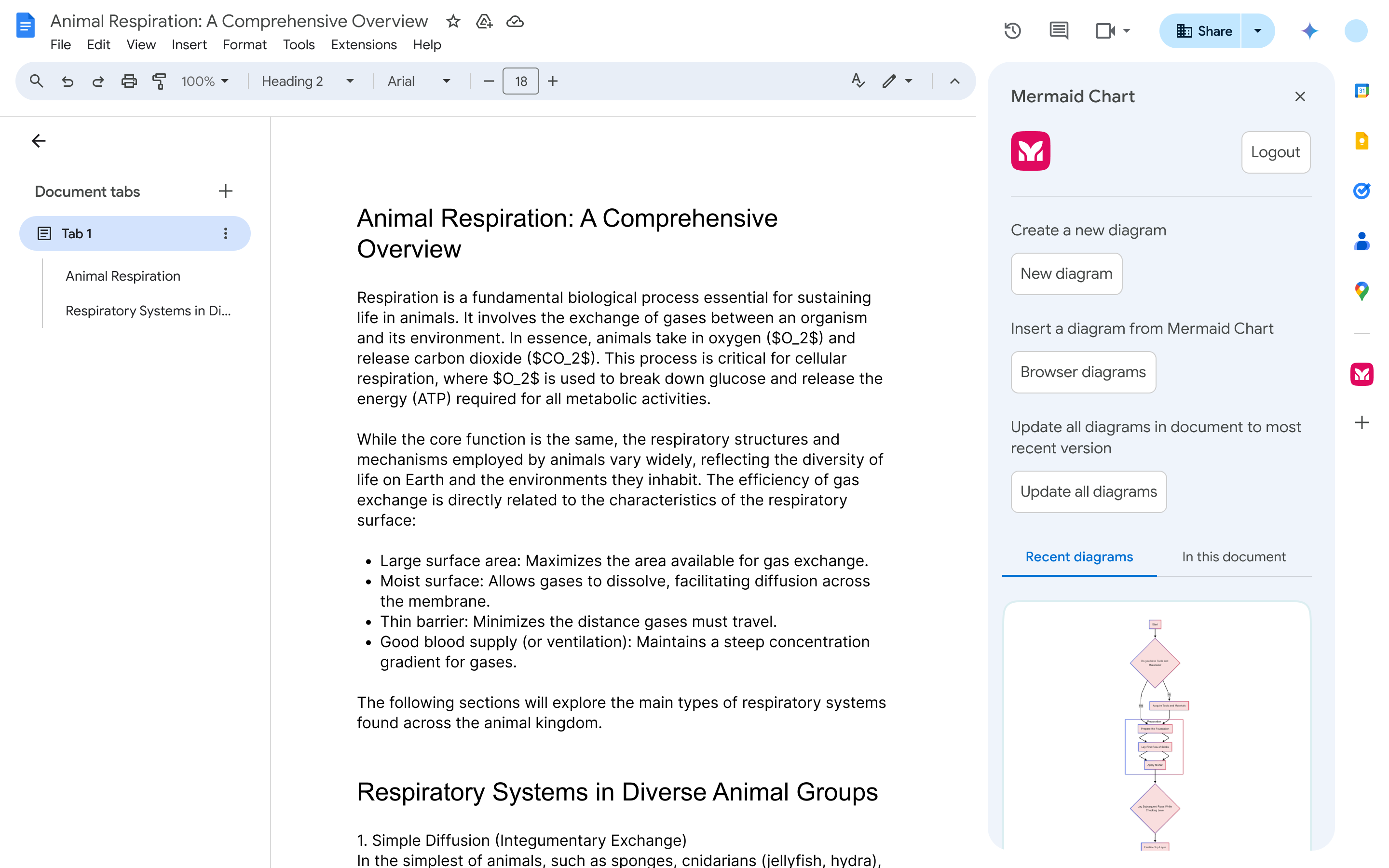
Turn docs into do-ables
Attach visuals directly to reports, wikis, and playbooks so operations stay transparent, repeatable, and easy to hand off.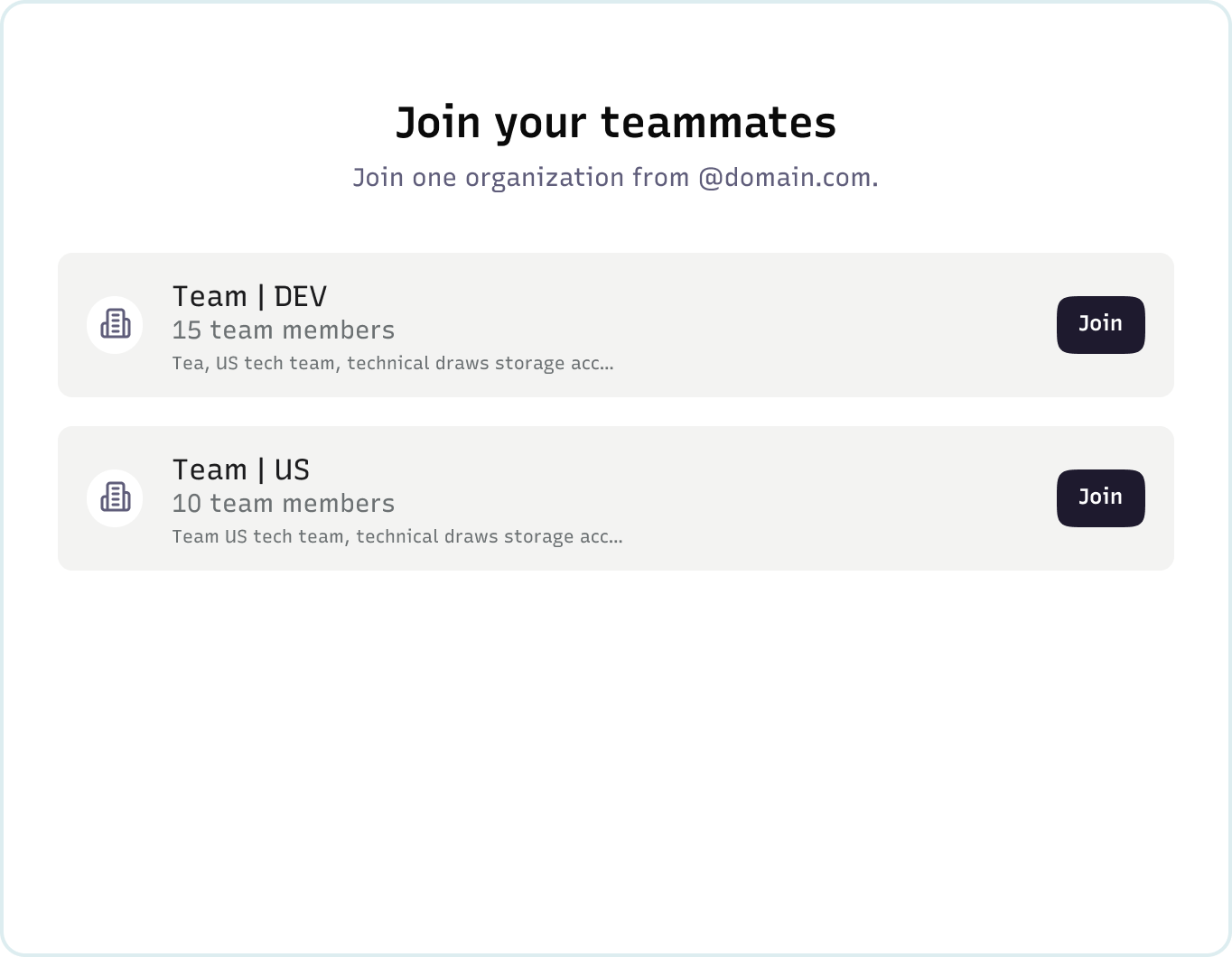
Protect client data with confidence
Secure sensitive information, client information, and internal processes with SSO and enterprise-grade controls.The diagrams consultants and ops managers rely on
From discovery to delivery – diagrams that bring structure to the bigger picture.
Flowcharts
Map processes, handoffs, and decision paths so nothing falls through the cracks.
Mermaid recommends:
Use flowcharts for onboarding, billing, or escalation paths.
Roadmaps and gantt charts
Plan initiatives, milestones, and releases with a shared view everyone can reference.
Mermaid recommends:
Show quarterly priorities or project timelines with roadmaps and Gantt charts.
Org charts
Visualize teams, roles, and career paths.
Mermaid recommends:
Create org charts to align leadership and HR on reporting structures.
Strategy maps
Turn frameworks into visuals that clarify responsibilities, goals, and dependencies.
Mermaid recommends:
Use OST or RACI diagrams to make strategies actionable.
Customer journeys
Walk through client or customer experiences step by step – from first touchpoint to renewal.
Mermaid recommends:
Map pre-sales to onboarding journeys to highlight opportunities and gaps.
Process maps
Standardize and document repeatable workflows so operations scale without losing consistency.
Mermaid recommends:
Use process maps to ensure operations like vendor onboarding or quarterly reviews run smoothly.
“Mermaid cuts my diagramming time in half and lets me explain complex ideas to non-technical stakeholders faster, so I can spend less time drawing and more time coding.”
“I do high-velocity consulting, and my clients love how simple the visuals are — and I love that I can produce them in seconds.”
“The biggest change has been clarity: gaps and priorities surface quickly, which saves time and mental energy. I used Mermaid to visualize my company’s consulting framework so clients align faster.”
“Mermaid turns live conversations into a shared source of truth in minutes, keeping product, engineering, and external partners aligned.”
“The biggest change has been speed and alignment: my favorite use case is live sketching with clients — building the flow in real time as they describe it so we end the meeting fully aligned.”
“Mermaid helps me communicate architecture, system interactions, and service flows to both engineers and executive stakeholders. It changed my pace: I can create version-controlled design artifacts in minutes instead of days.”

Thomas Flock
Director & Principal Consultant, Vantage ForwardLess time syncing, more time building
One shared canvas for mapping ideas, collaborating live, and keeping teams on the same page, literally.