Mermaid for
Software Engineers
Diagrams that ship with your code.
Document systems, map logic, and keep your team aligned – without leaving your workflow.
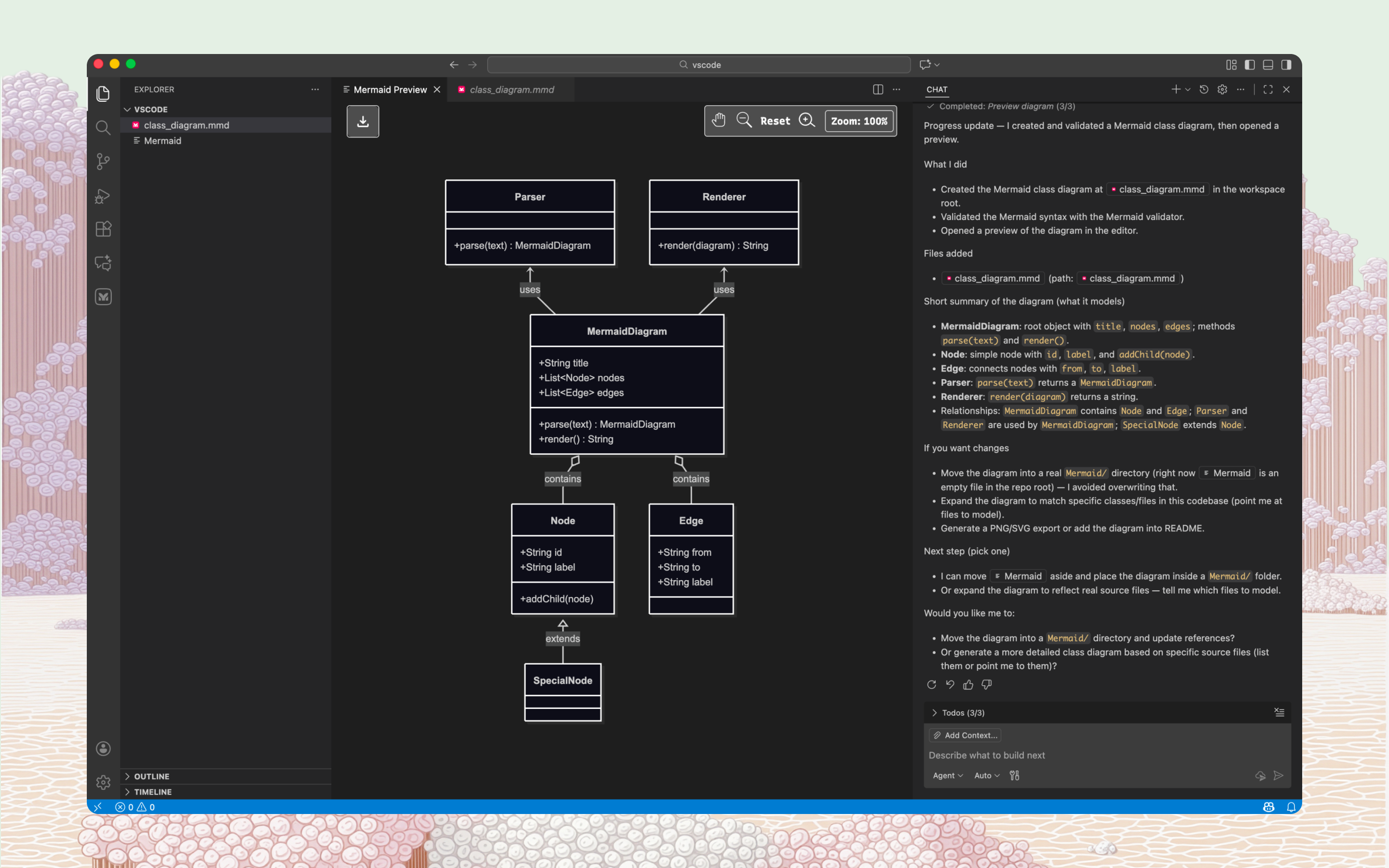
Map your system in seconds
Start from text to diagram instantly. No design tools, no drag-and-drop.
Stay in your ecosystem
Bring diagrams into the tools you already use – GitHub, VS Code, Confluence, Notion.
Text in, diagram out
Describe a flow or system in plain language and let Mermaid AI generate the diagram.
Collaboration without friction
Review and edit diagrams live or async, right where your team already works.
Keep docs in sync with code
Attach diagrams to repos, embed them in READMEs, and update them as your codebase evolves. No more stale architecture docs.
Secure at any scale
Keep diagrams as secure as your codebase with SSO and enterprise-grade access controls.
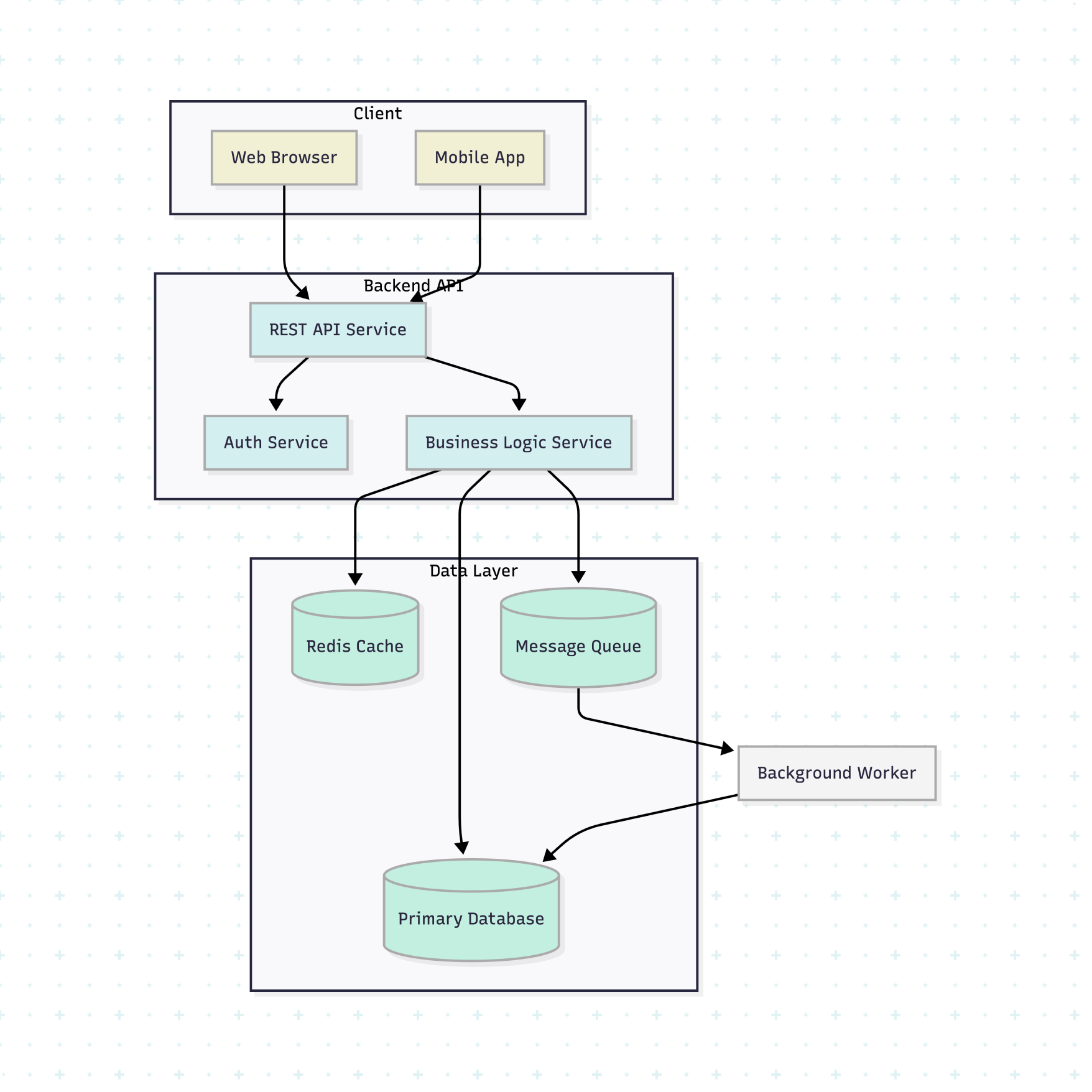
Map your system in seconds
Start from text to diagram instantly. No design tools, no drag-and-drop.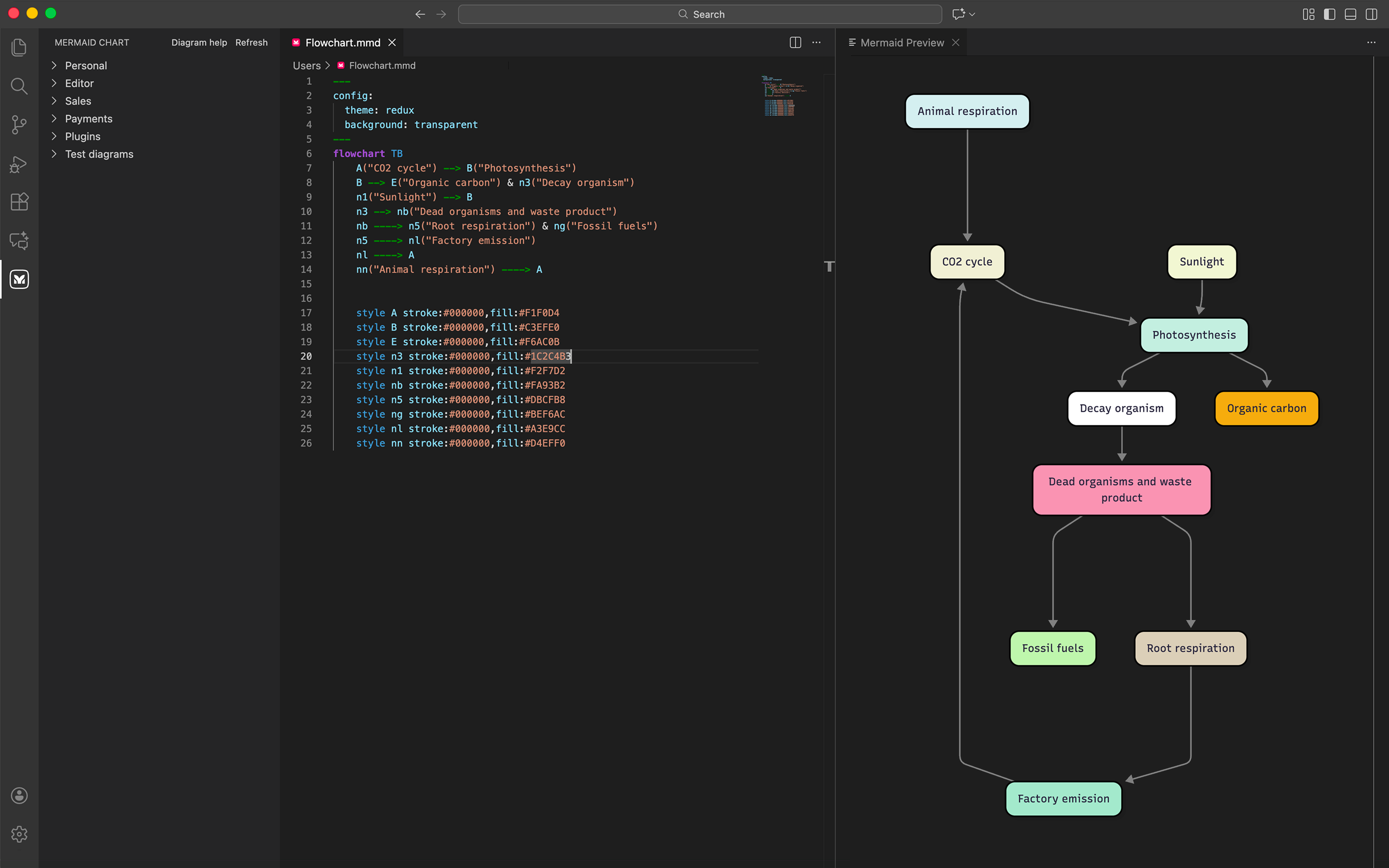
Stay in your ecosystem
Bring diagrams into the tools you already use – GitHub, VS Code, Confluence, Notion.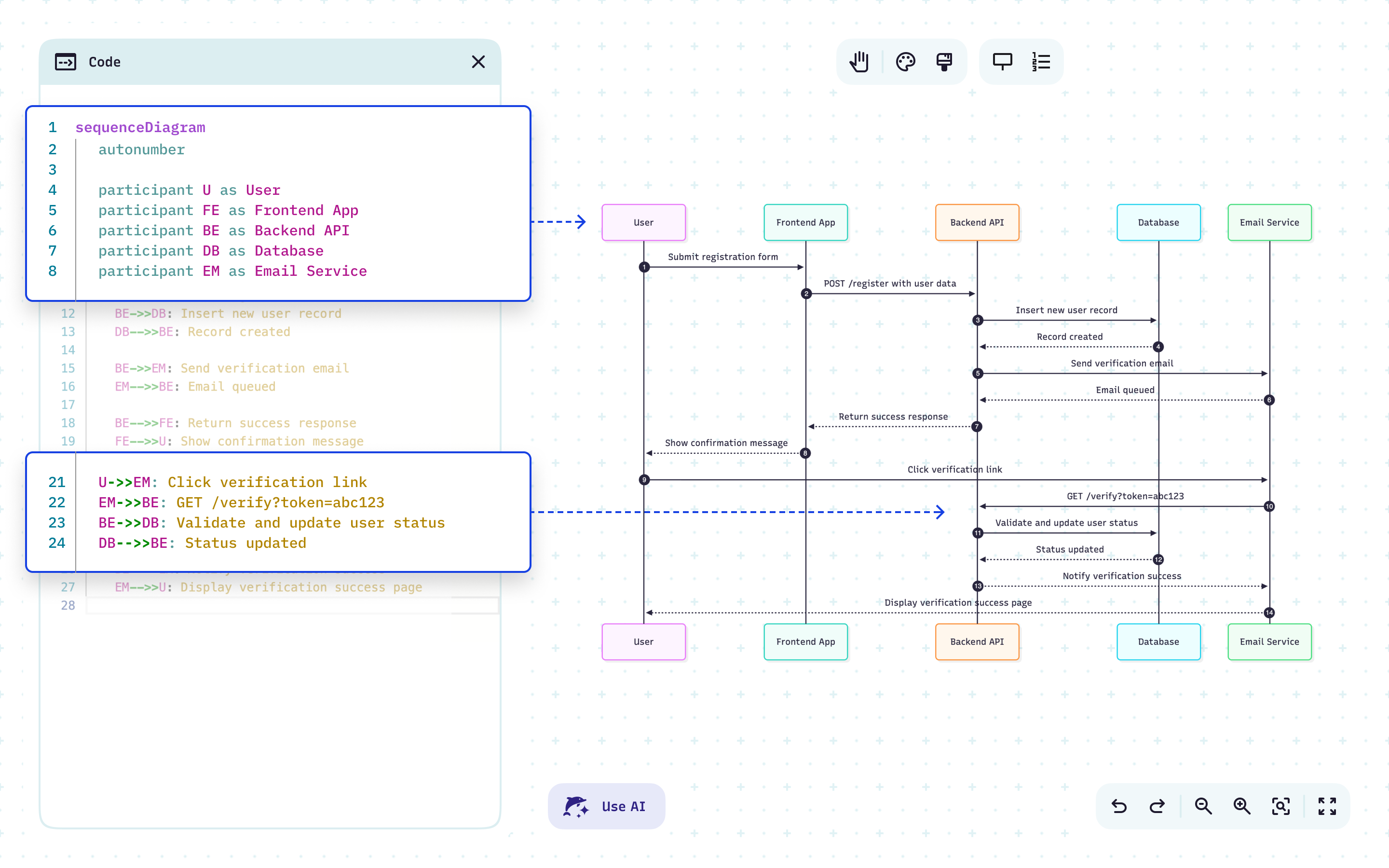
Text in, diagram out
Describe a flow or system in plain language and let Mermaid AI generate the diagram.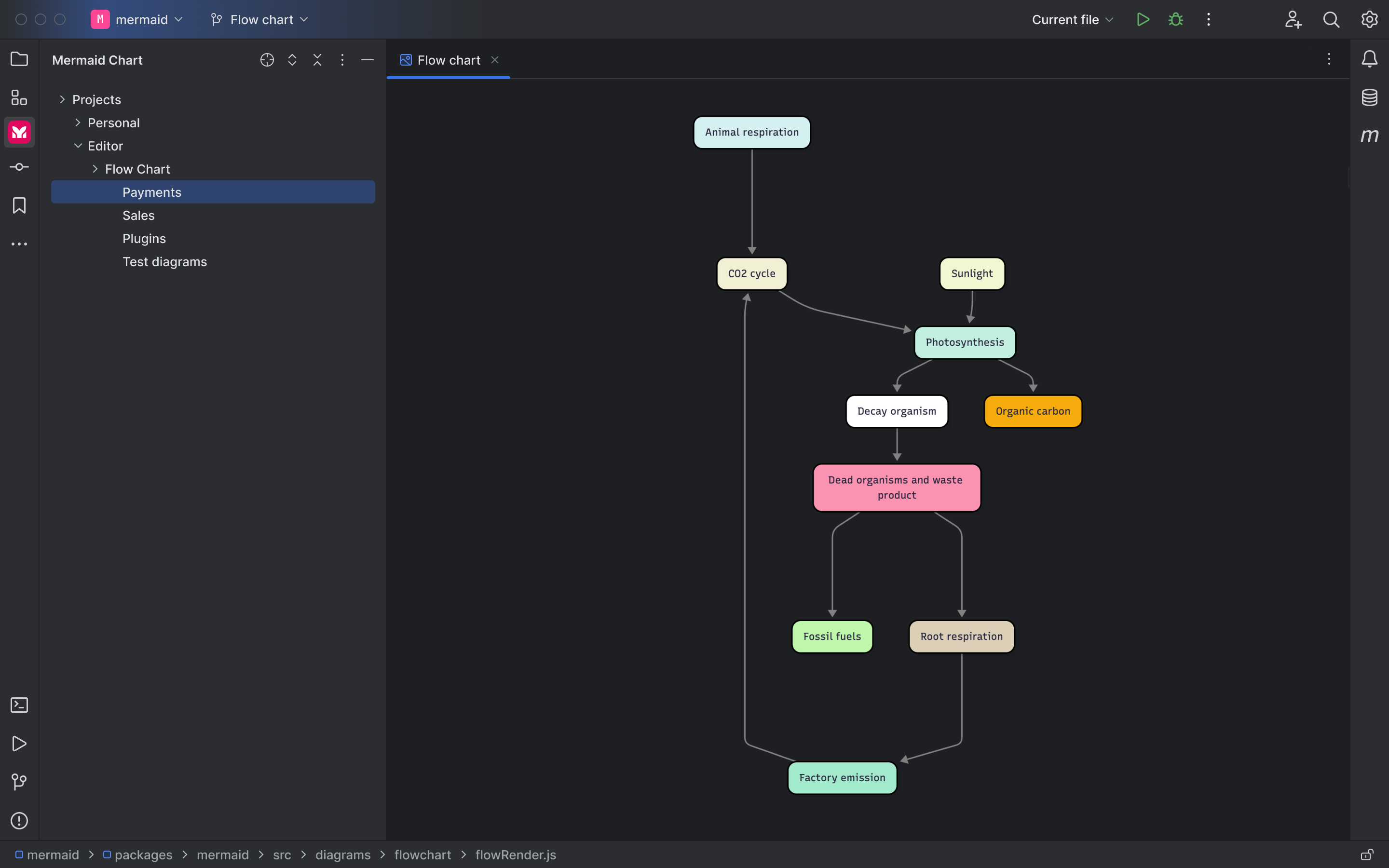
Collaboration without friction
Review and edit diagrams live or async, right where your team already works.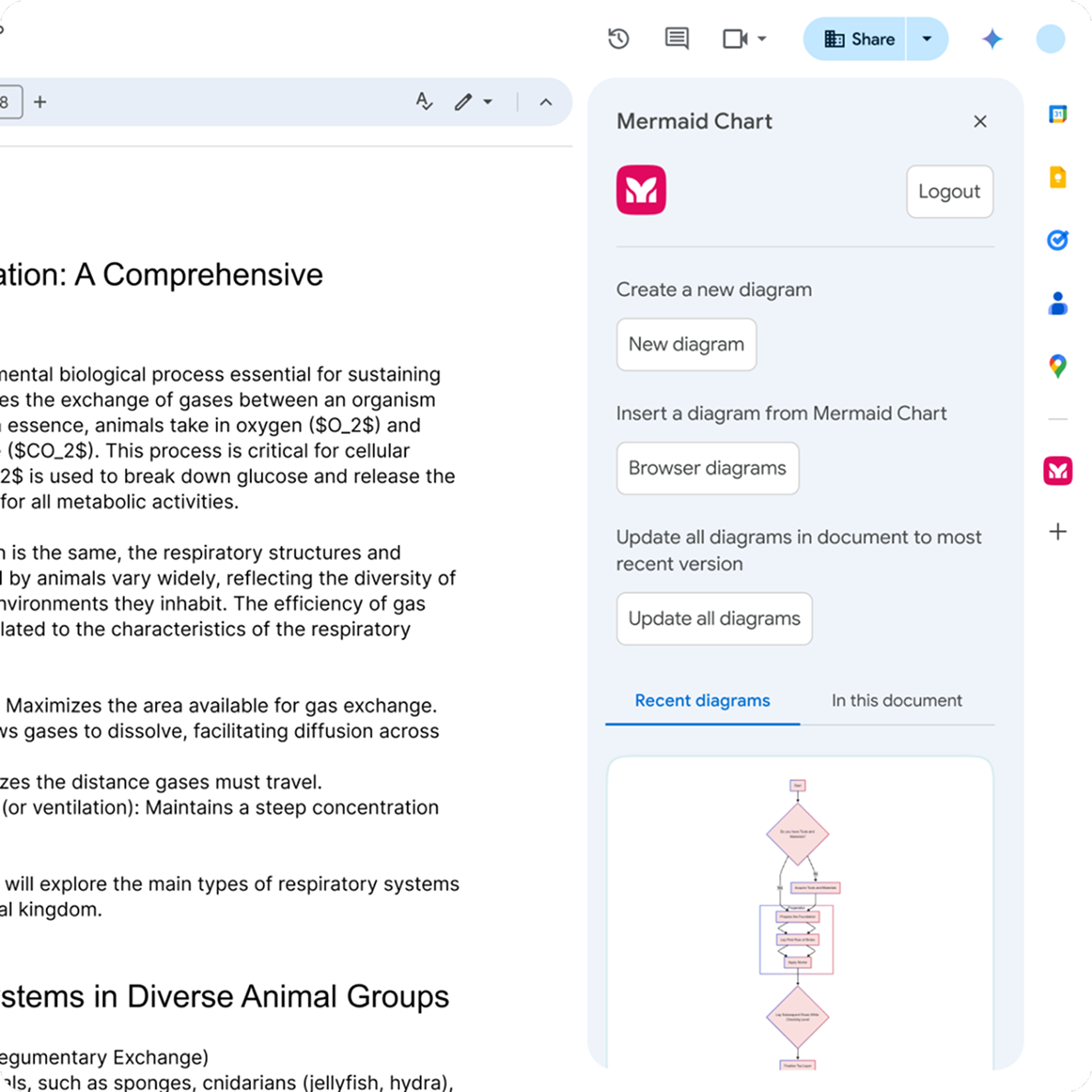
Keep docs in sync with code
Attach diagrams to repos, embed them in READMEs, and update them as your codebase evolves. No more stale architecture docs.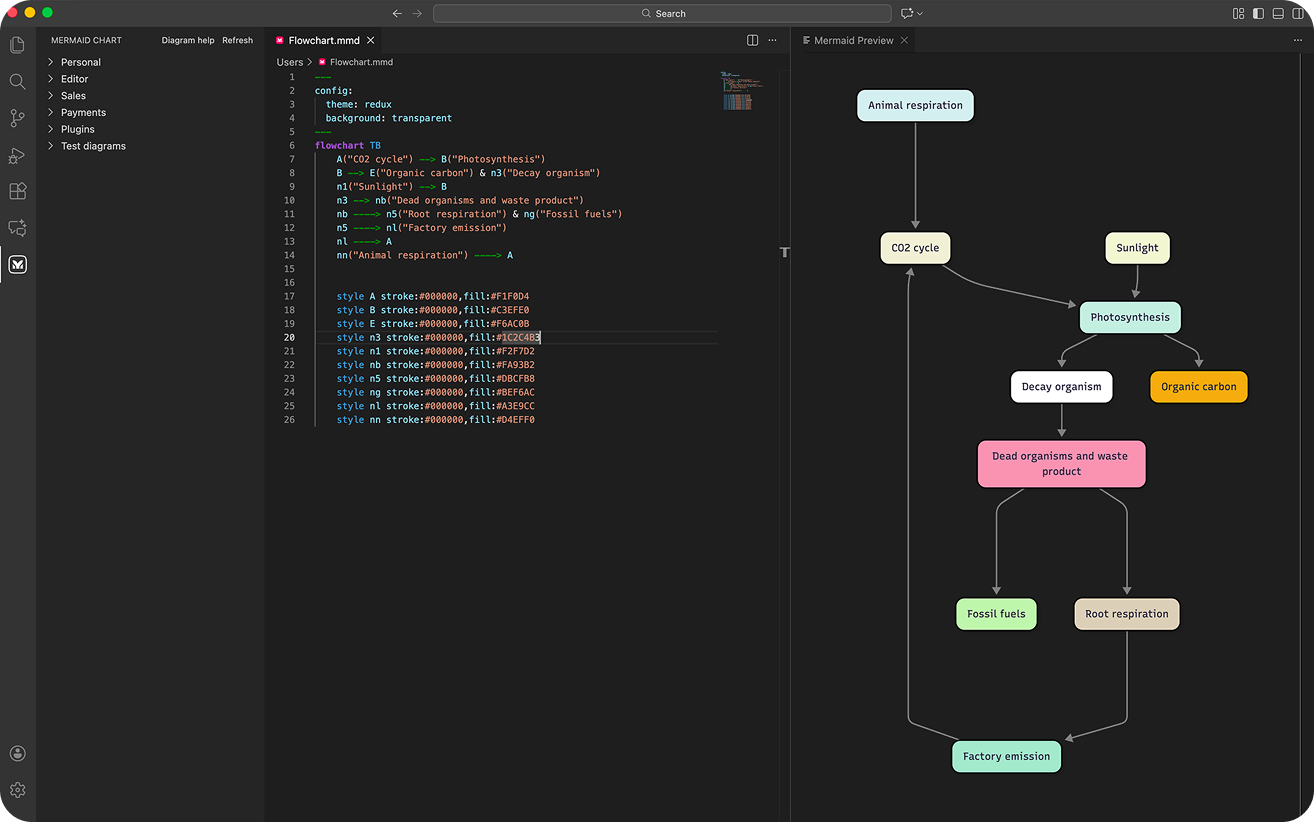
Secure at any scale
Keep diagrams as secure as your codebase with SSO and enterprise-grade access controls.The diagrams software engineers rely on
Visualize your systems, map your workflows, and transform docs into dynamic resources.
Sequence diagrams
Illustrate how services, APIs, and components interact over time — login flows, checkout, async events.
Mermaid recommends:
Generate from an AI prompt, then refine in code or the Visual Editor.
Flowcharts
Break down logic, decision trees, and processes like CI/CD pipelines or incident response runbooks.
Mermaid recommends:
Start with plain text ("build → test → deploy") and let Mermaid AI generate the flow.
ER diagrams
Visualize data models and relationships so the whole team understands how things connect.
Mermaid recommends:
Build directly from schema text and keep synced with your documentation.
State diagrams
Model how your application moves through states — order lifecycles, auth flows, connection handling.
Mermaid recommends:
Use state diagrams to catch logic gaps before they reach production.
Git graphs
Show branching strategies, merge flows, and release histories directly in your repo.
Mermaid recommends:
Embed Git graphs in README files to keep contributors oriented.
Architecture diagrams
Document service boundaries, dependencies, and system structure at any level of abstraction.
Mermaid recommends:
Version architecture diagrams in Git alongside your code.
“Mermaid keeps infra and architecture work aligned — fast diagrams for APIs, Terraform, Vault, and Kubernetes.”
“Because Mermaid is text-based, diagrams stay close to the code. And it really shines during refactors: evolving the diagram step-by-step tells the story of the change.”
“Mermaid changed my pace, creating version-controlled design artifacts in minutes instead of days. We even shipped an MVP of a hotel management portal and more in 3.5 months.”
“Mermaid removes friction between thinking, documenting, and communicating system design. It forces clarity, which is exactly what engineering teams need.”
“Mermaid solved portability — diagrams behave like code across platforms, and AI helps us visualize complex logic instantly.”
“Mermaid changed how I approach technical writing by letting diagrams live alongside prose — and letting me iterate on both in real time.”

Elijah Snyder
Principal Architect & Consultant, Next OrbitLess time syncing, more time building
One shared canvas for mapping ideas, collaborating live, and keeping teams on the same page, literally.