Visual Editor
Design it, discuss it, refine it – all in one place.
Customize a diagram, collaborate live, or leave feedback async. The Visual Editor keeps the whole conversation on one canvas.
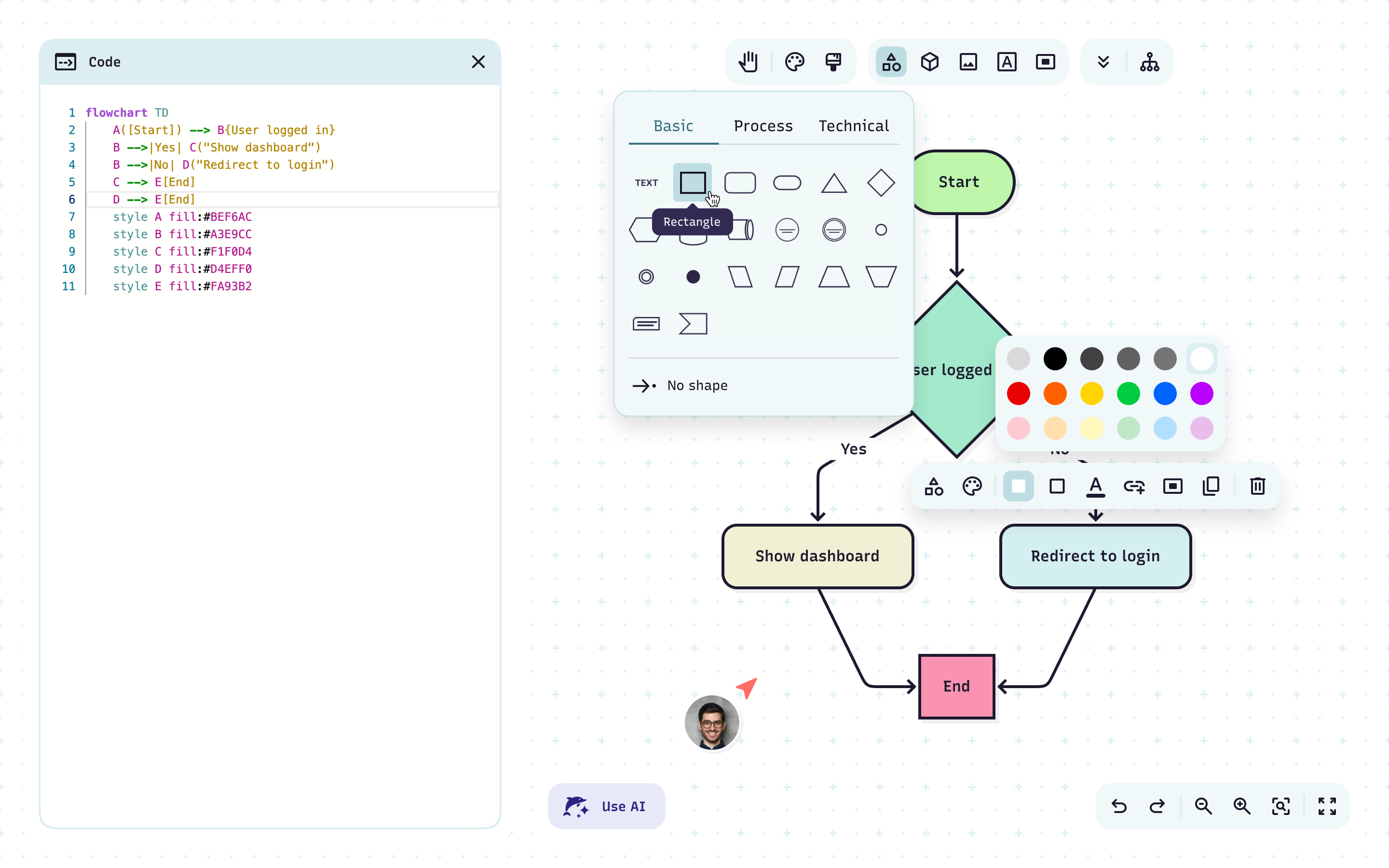
Prompt right on the canvas
Describe a change right inside the editor and watch the diagram update around you.
Customize in clicks
Adjust edges, labels, colors, and shapes instantly.
Always know where you are
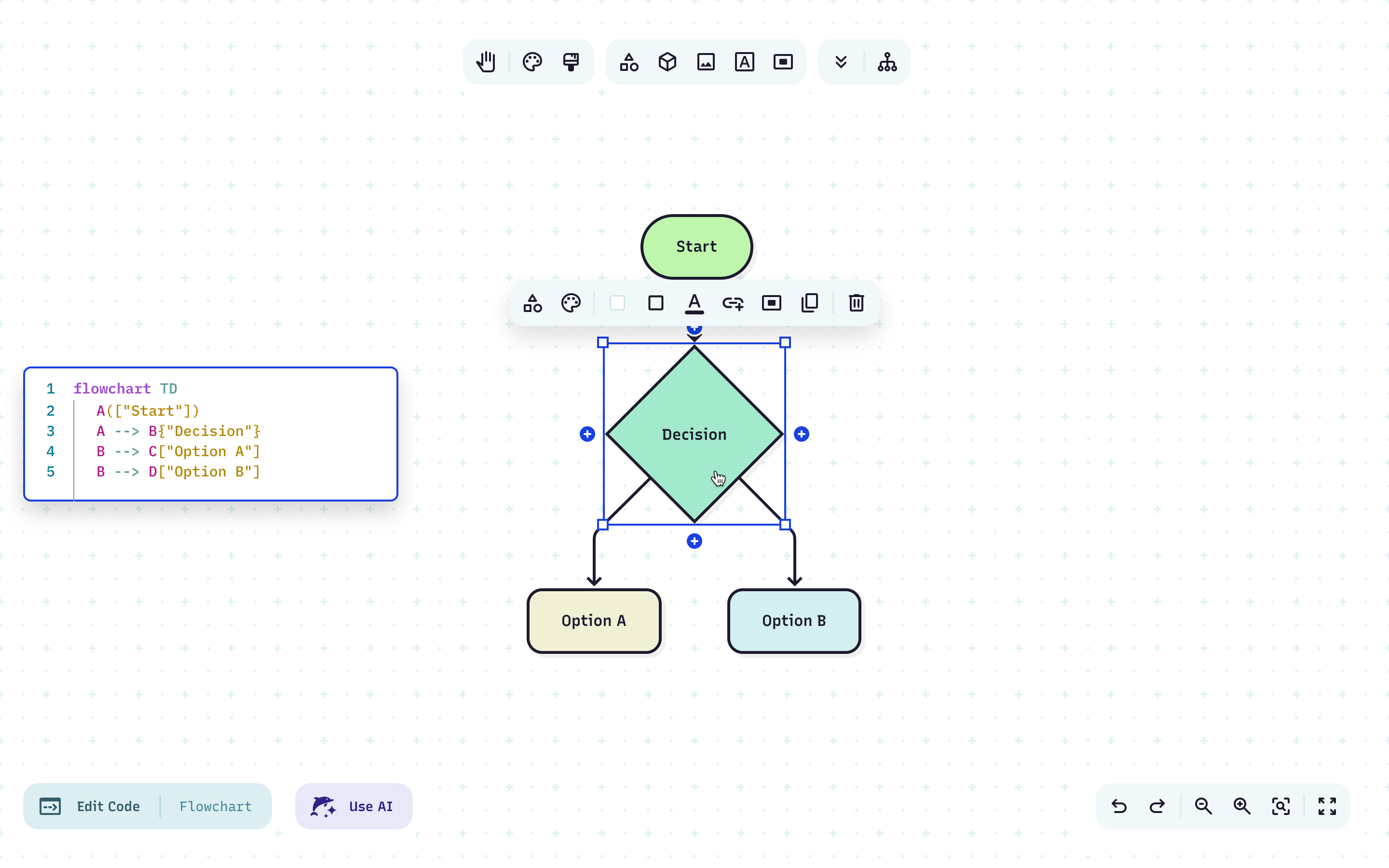
Click any node or edge to highlight the matching code and vice versa. Visual and syntax stay perfectly in sync.
Skip the syntax
Drag to design while Mermaid writes the code — or blend AI, clicks, and code however you like.
Snap layouts into shape
Node alignment, movable edges, and easier shape discovery make cleanup fast.
Turn scattered notes into one visual
Pull fragmented docs into a single editable diagram.
Design together, move faster
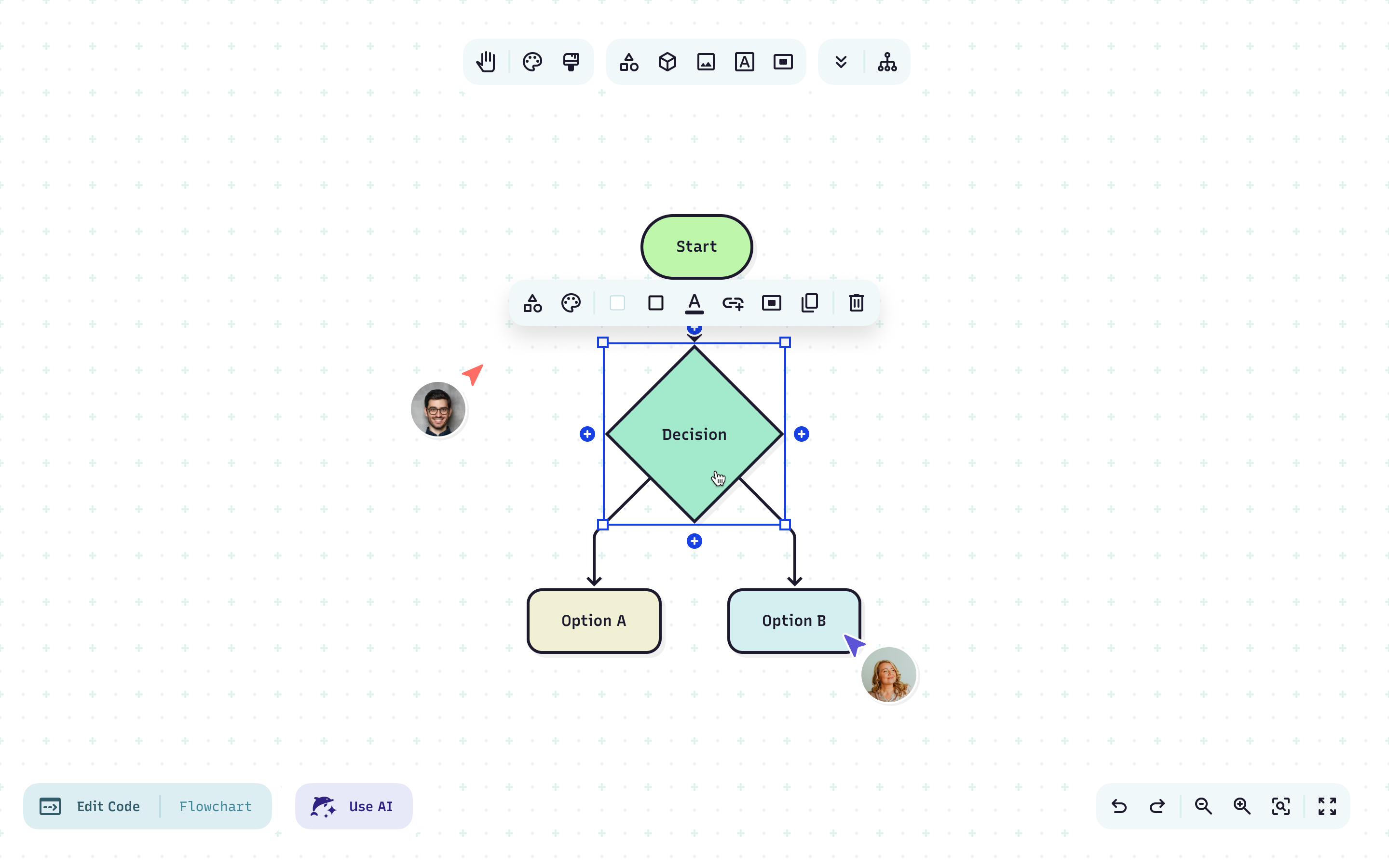
Co-create diagrams live on a shared canvas.
Built for async, too
Share feedback and updates visually, so projects keep flowing across time zones.
How to build a diagram
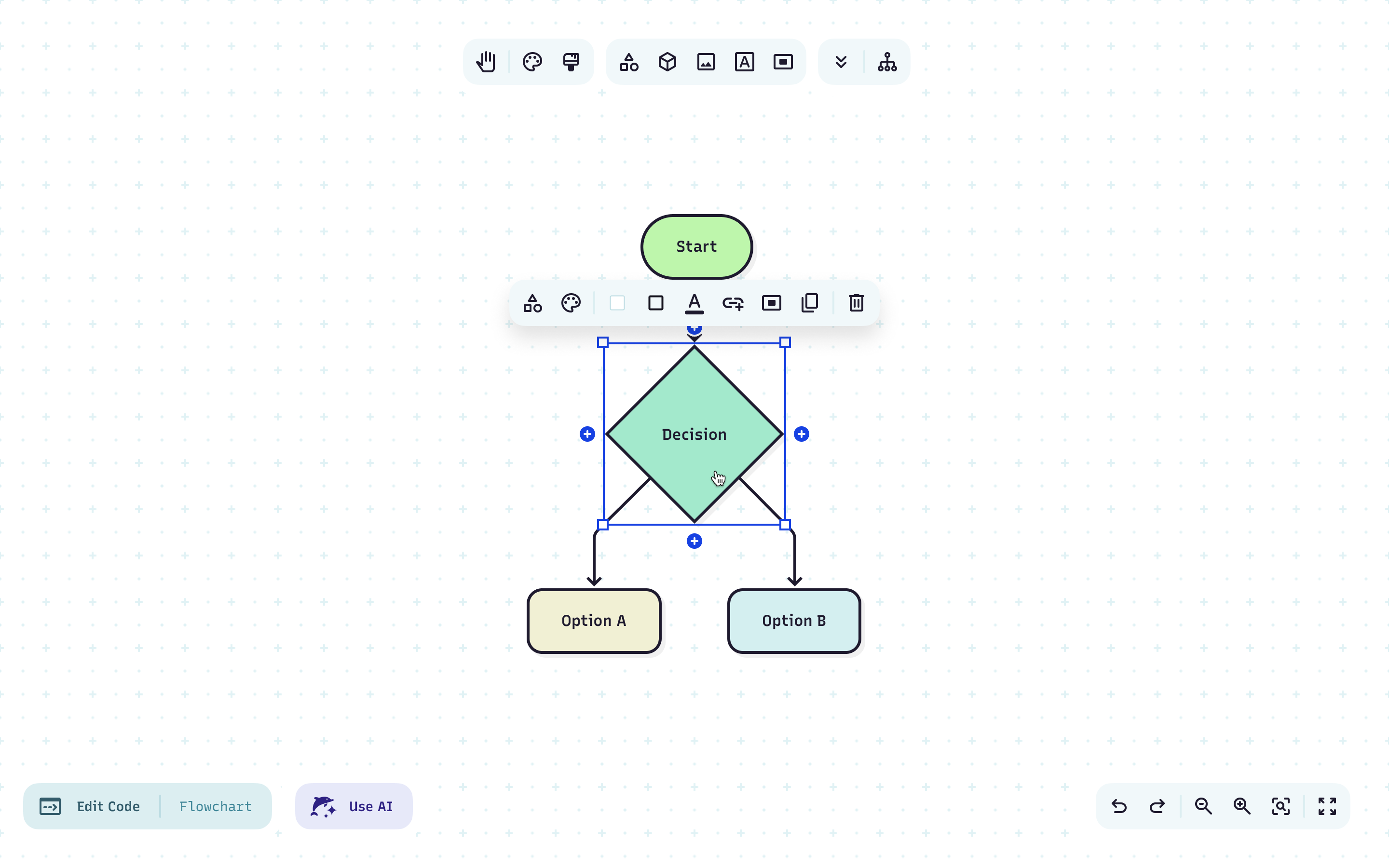
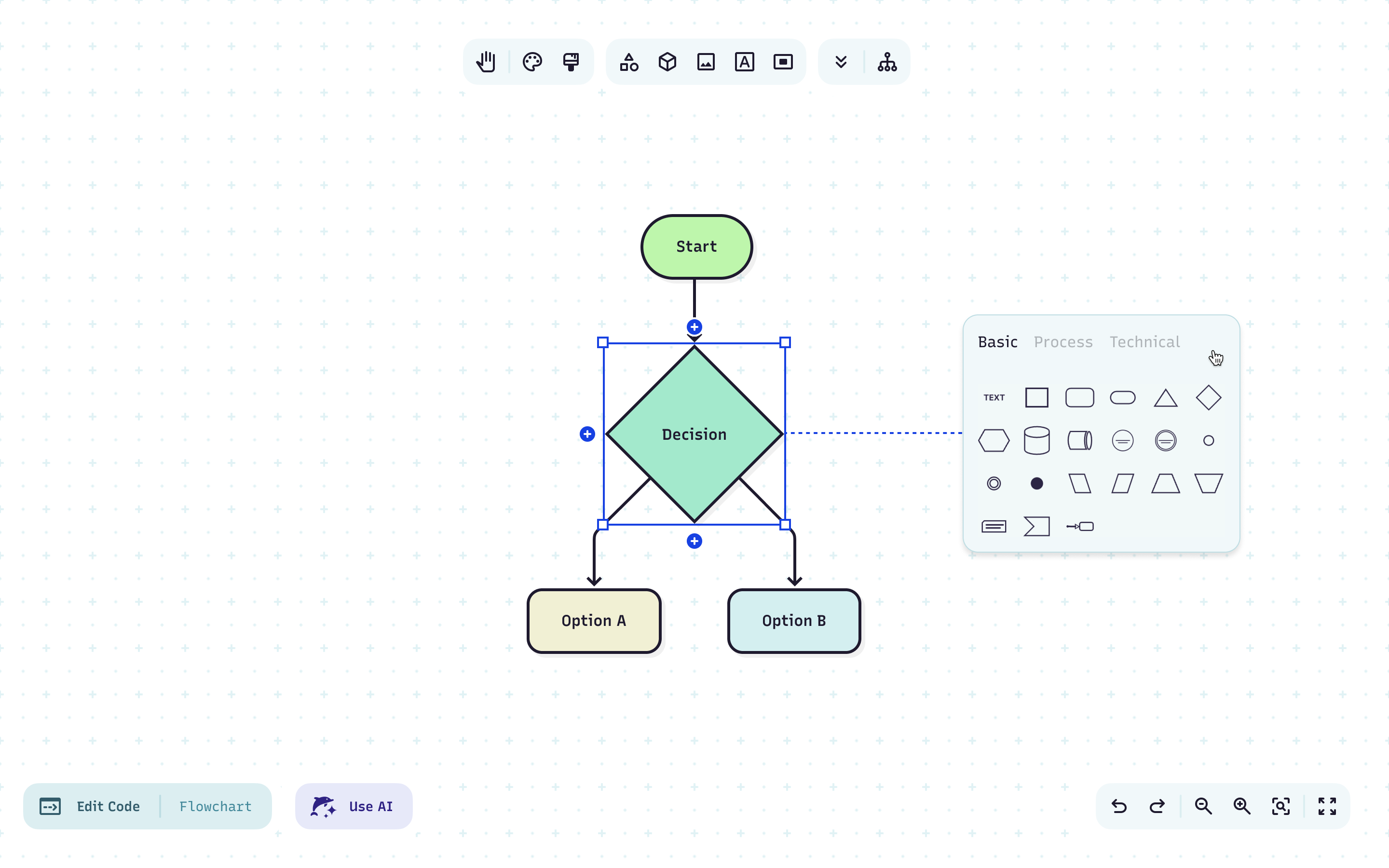
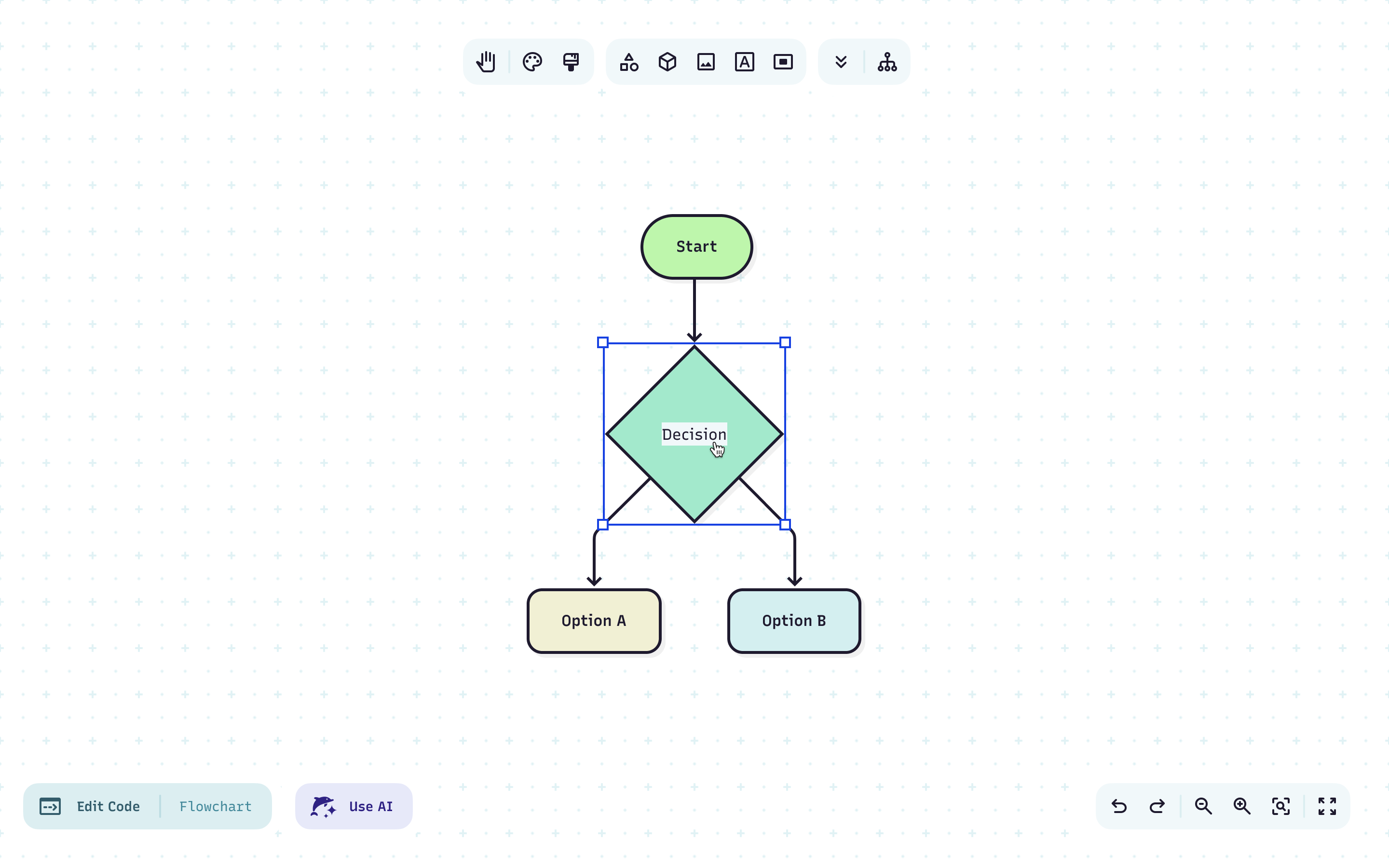
Click nodes or edges to resize and reshape them
Drag into empty space to create new nodes
Double-click any label to edit text
Watch the code update automatically with every change
Collaborate live or async with automatic updates across teammates
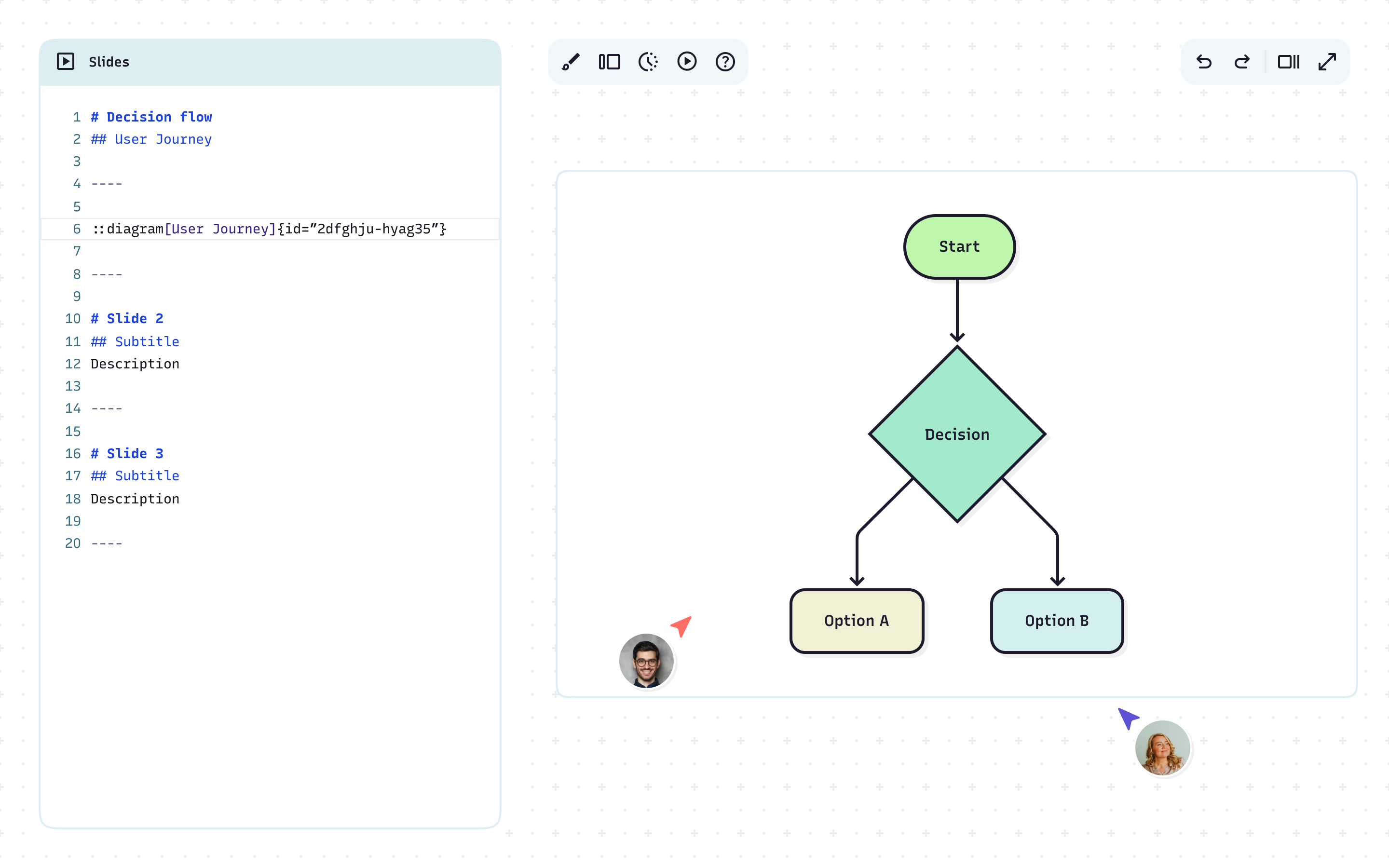
Share or present whenever you’re ready
Less time syncing, more time building
One shared canvas for mapping ideas, collaborating live, and keeping teams on the same page, literally.
FAQ
Have questions about the Visual Editor? These should help.