Mermaid GPT Is Now Available In the GPT Store
• 3 mins
Mermaid Chart’s GPT plugin is now available in the GPT Store, making it easier than ever to create text-based diagrams. Learn more about how this plugin combines generative AI and smart diagramming.
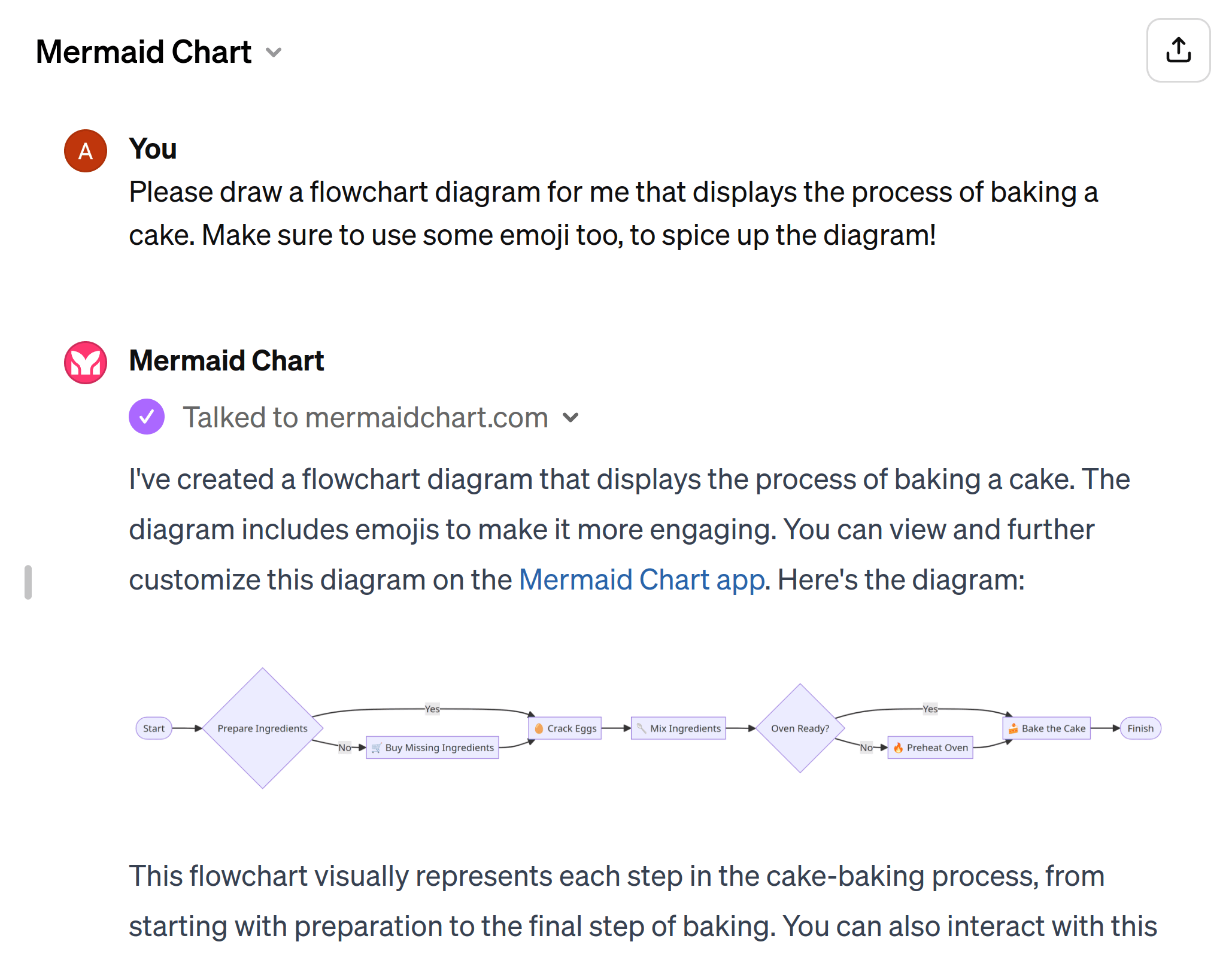
At Mermaid, we’re all about making diagramming as easy and accessible as possible.
That’s why we’ve created the (Mermaid GPT) — a custom version of ChatGPT that combines the power of generative AI with the smart diagramming features native to Mermaid.
The Mermaid official GPT is now available in the (GPT store) for users of ChatGPT Plus, Premium, and Enterprise.
Benefits of using Mermaid GPT
If you’re thinking to yourself: that sounds cool, but why would I need it? Here’s your answer:
Start smarter: Sometimes, you just need a kickstart. Generative AI is usually (a great tool) to help you get to a first draft, and the Mermaid GPT is no different. The GPT will give you a starting point for the syntax of your diagram and will pull information from the web to start populating the content of your diagram, too.
Tinker less: If you could produce the same (or better) result with fewer clicks, wouldn’t you? That’s the thinking behind our custom GPT. You’ll spend less time clicking or coding, and more time making sure your diagram efficiently communicates the right information for your use case.
Fine-tune and finalize in Mermaid: The custom GPT makes it easy to jump right into the Mermaid platform. There’s no need to export your visual or try to replicate it; you’ll be able to start immediately from whatever ChatGPT produces. This gives you the chance to put your personal stamp on the syntax, design, and content of your visual.
How to get started with Mermaid GPT
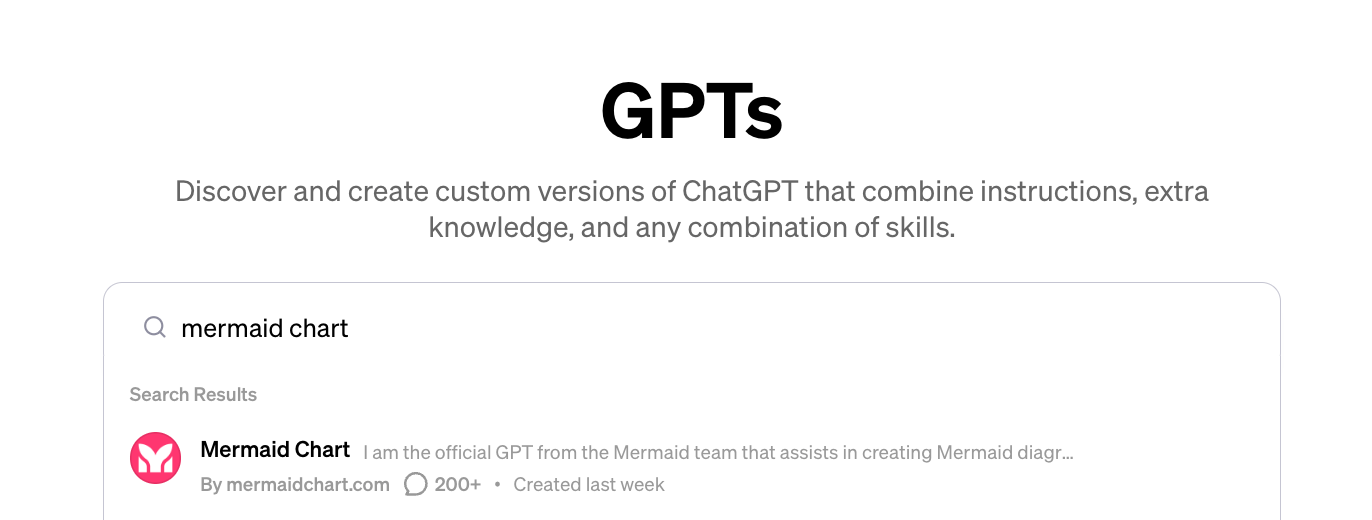
Using the Mermaid GPT is easy:
1. Locate the Mermaid GPT
Click (this link) to head straight to the Mermaid GPT.
Alternatively, you can head on over to the (GPT search) screen within ChatGPT. This is where you can find various custom versions of ChatGPT. Type “Mermaid” in the search bar and select it from the dropdown menu.
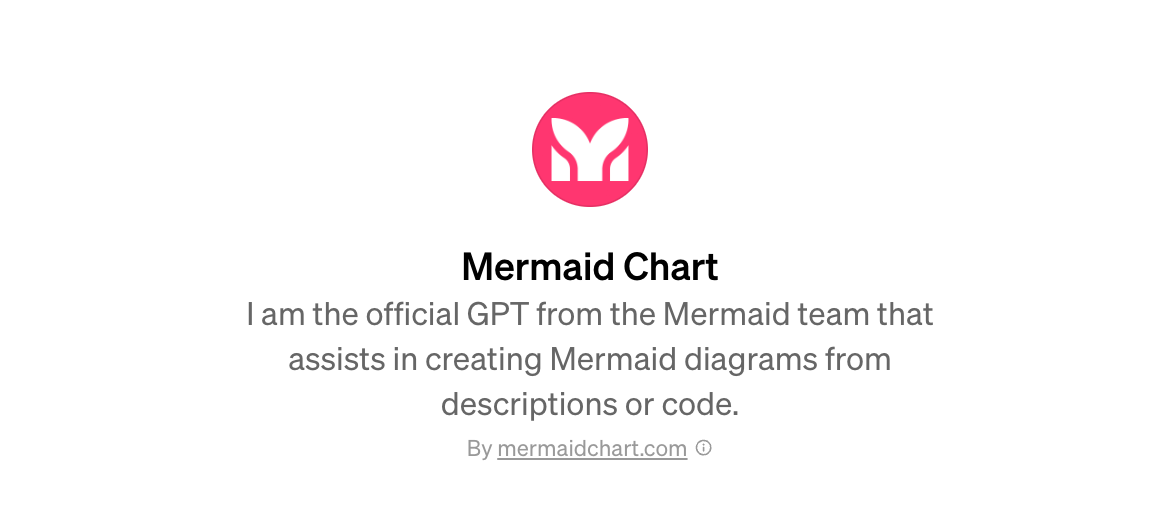
2. Install the GPT
Click “Install.” Now you’re ready to start integrating Mermaid within your ChatGPT environment and using the (power of AI).
3. Harness the power of Mermaid GPT
To start using the feature, simply incorporate prompts into your ChatGPT conversations to generate Mermaid diagrams. For example, you can ask ChatGPT to “Create a State diagram showing the states of a radio,” or “Draw a flowchart explaining the process of making a chocolate cake.”
ChatGPT will quickly generate a diagram. In many cases, this represents a great starting point; you’ll continue refining your visual within the Mermaid platform. You can quickly jump back into our diagramming editor to fine-tune and finalize.
Sometimes, the hardest part of building a diagram is getting started. Mermaid’s custom GPT helps remove this layer to give you more time to focus on important work.
Start diagramming dynamically with the Mermaid
Mermaid’s GPT helps you wield the power of Generative AI in your diagram-making workflows.
To get started, create your free Basic account, which lets you build up to three diagrams with limited AI and one team & project creation. And if you want to truly harness the power of Mermaid, our Plus plan starts at $10 per user/month (billed annually). With Plus, you’ll get unlimited diagrams, limitless diagram size, 300 AI credits per year, and view & comment collaboration.
It’s time to stop stressing over diagrams and design details. Check out Mermaid to re-discover the fun of diagramming.