Plugins / VS Code
Diagram directly in VS Code
Keep your code and visuals side by side — build flowcharts, sequence diagrams, Gantt charts, and more right in your editor.
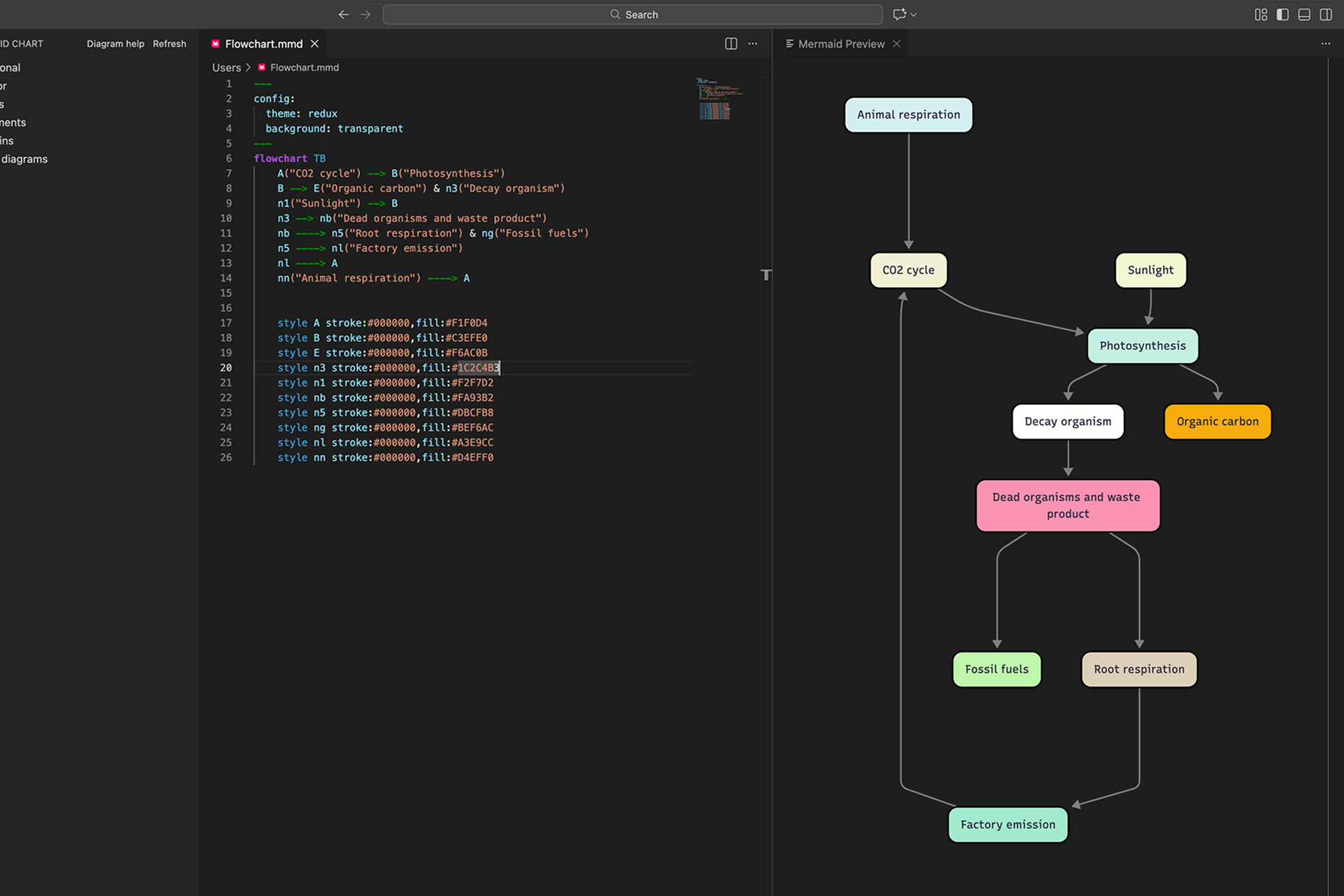
VS Code and Mermaid work better together
Quickly turn text or code into diagrams without switching tools.
Stay in your flow
Create diagrams directly in your editor without breaking your development rhythm.
Live preview while you work
Watch your diagrams render in real-time as you write Mermaid syntax.
Build faster with AI
Generate diagrams from natural language or code, instantly.
Version control built in
Store diagrams as .mmd files in your repo – track changes, review in PRs, and keep docs with code.
Export from your editor
Embed in docs or generate presentation-ready diagrams without leaving VS Code.
Keep code and diagrams in sync
Link visuals to your codebase so they’re always discoverable for you and your team.
Get started in minutes
Add the plugin to VS Code in five easy steps.
01.
Open VS Code
02.
Go to Extensions
(Ctrl+Shift+X)
03.
Search for "Mermaid Chart"
04.
Click Install
05.
Start typing your diagram in a .mmd file
Data meets structure right here
Choose a chart to learn more or see how developers use the Mermaid VS Code plugin.
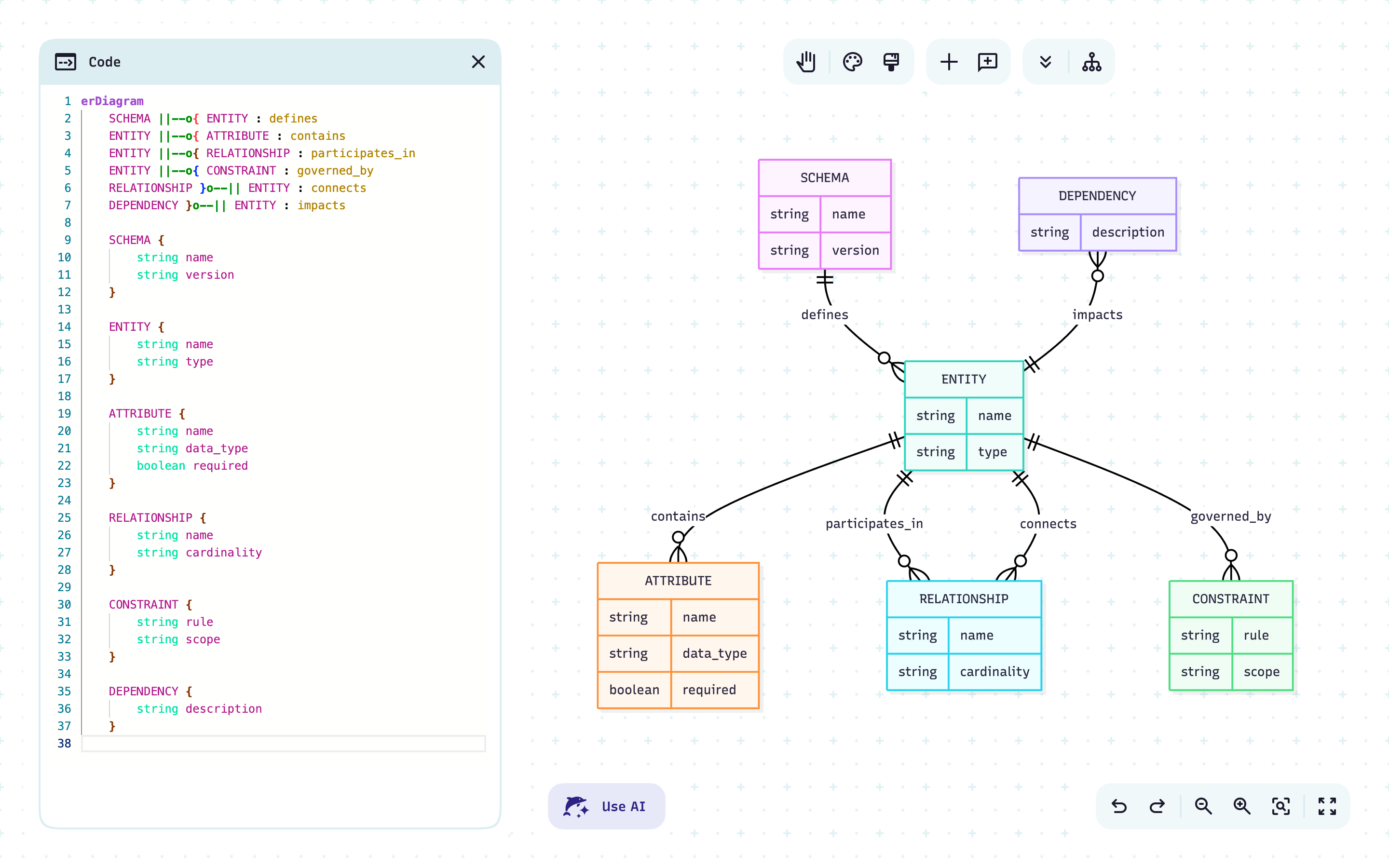
Visualize your data model with an Entity Relationship diagram
Document database designs
Understand data relationships
Quickly onboard new team members
Map your containers with an architecture diagram
Visualize containerized services and how they connect
Spot dependencies and scaling needs before deployment
Share clear infrastructure maps with your team and streamline collaboration
Track code ownership with Git-based diagrams
Identify maintainers for each file or package
Reveal knowledge gaps and balance workload
SRoute code reviews to the right people and speed up PRs
Visualize your data model with an Entity Relationship diagram
Document database designs
Understand data relationships
Quickly onboard new team members
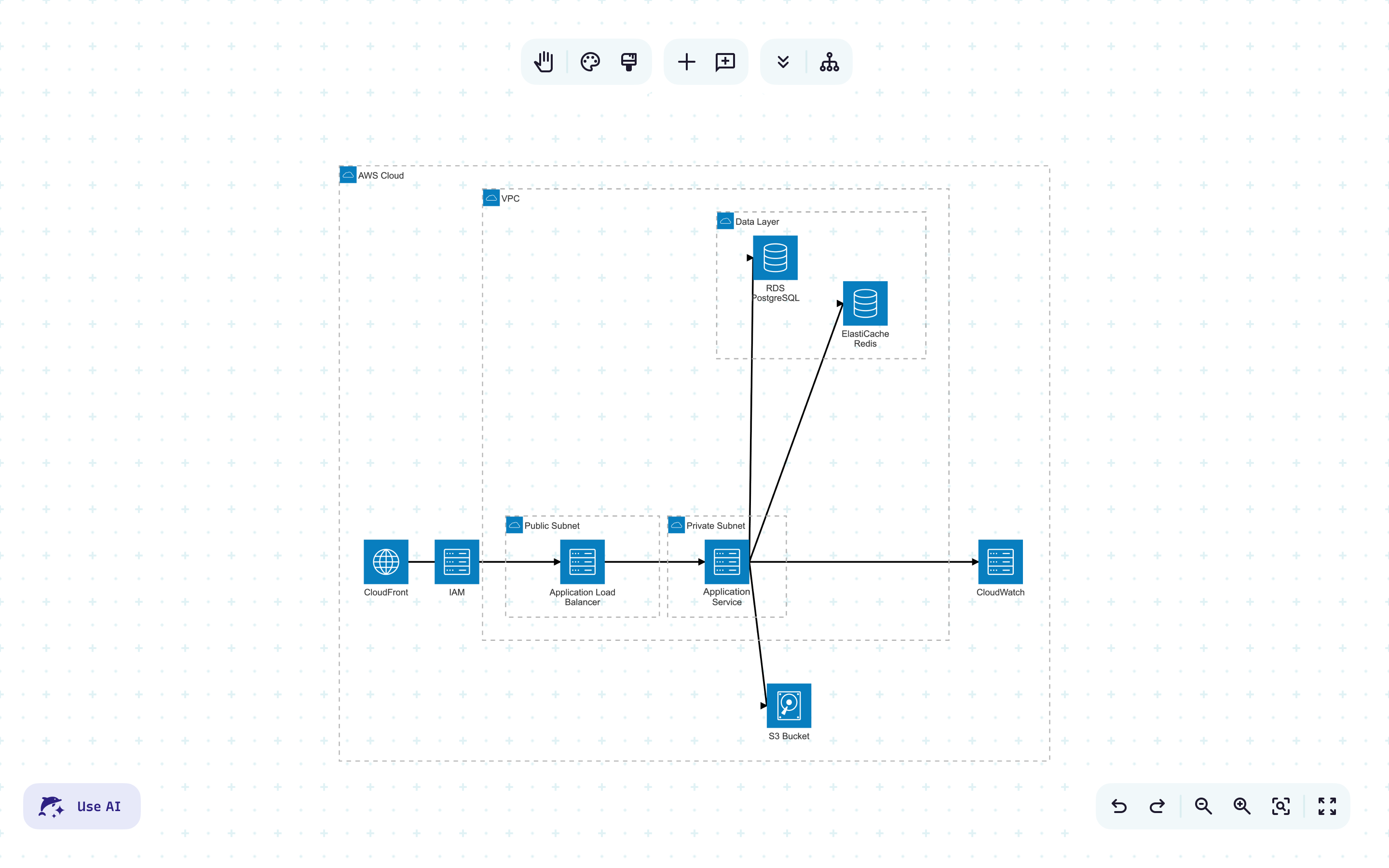
Map your containers with an architecture diagram
Visualize containerized services and how they connect
Spot dependencies and scaling needs before deployment
Share clear infrastructure maps with your team and streamline collaboration
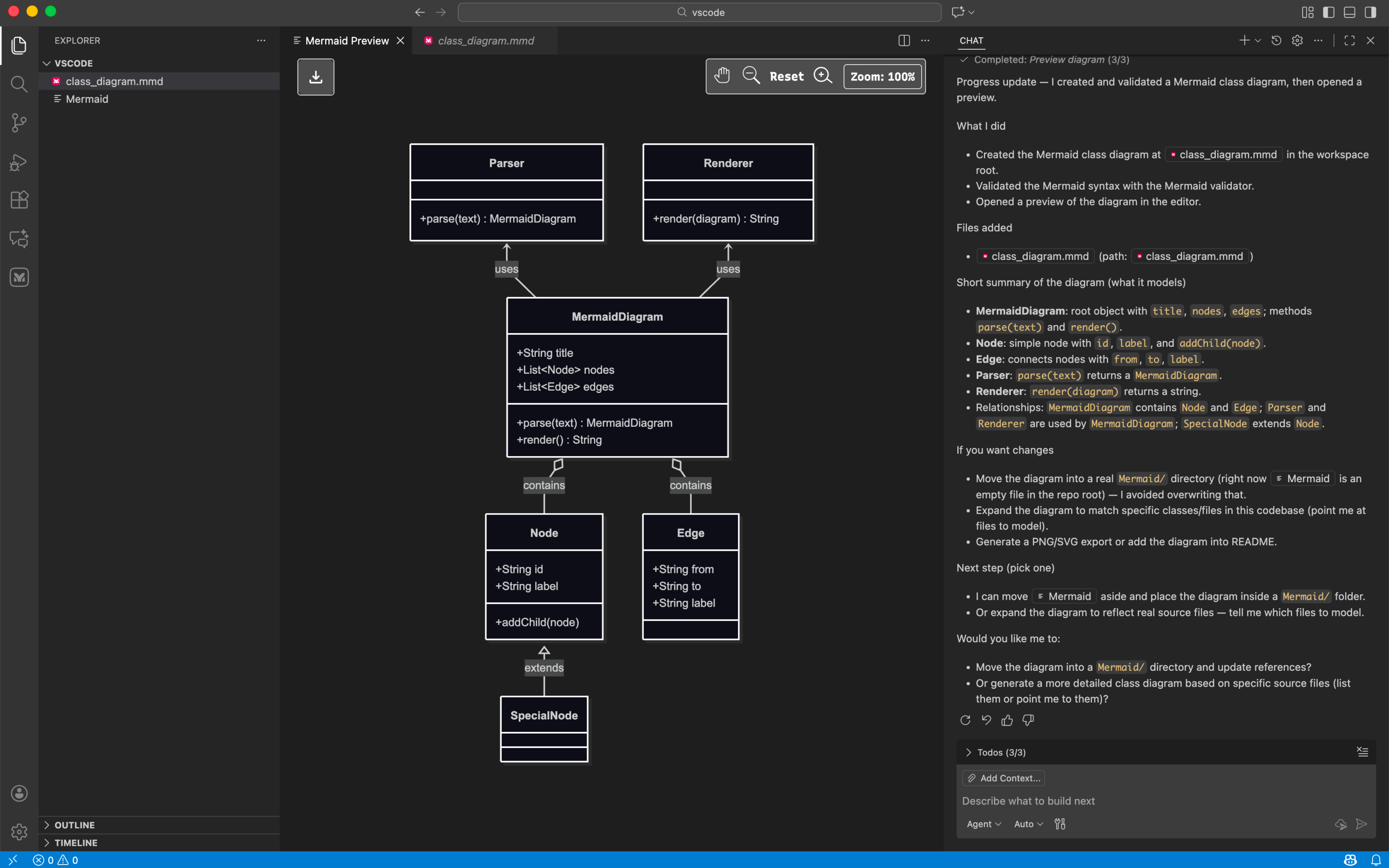
Track code ownership with Git-based diagrams
Identify maintainers for each file or package
Reveal knowledge gaps and balance workload
SRoute code reviews to the right people and speed up PRs
Fast, accurate, editable, and actionable
Describe your idea and get a diagram you can refine, then share with your team instantly.
FAQ
Have questions about the VS Code plugin? These should help.
